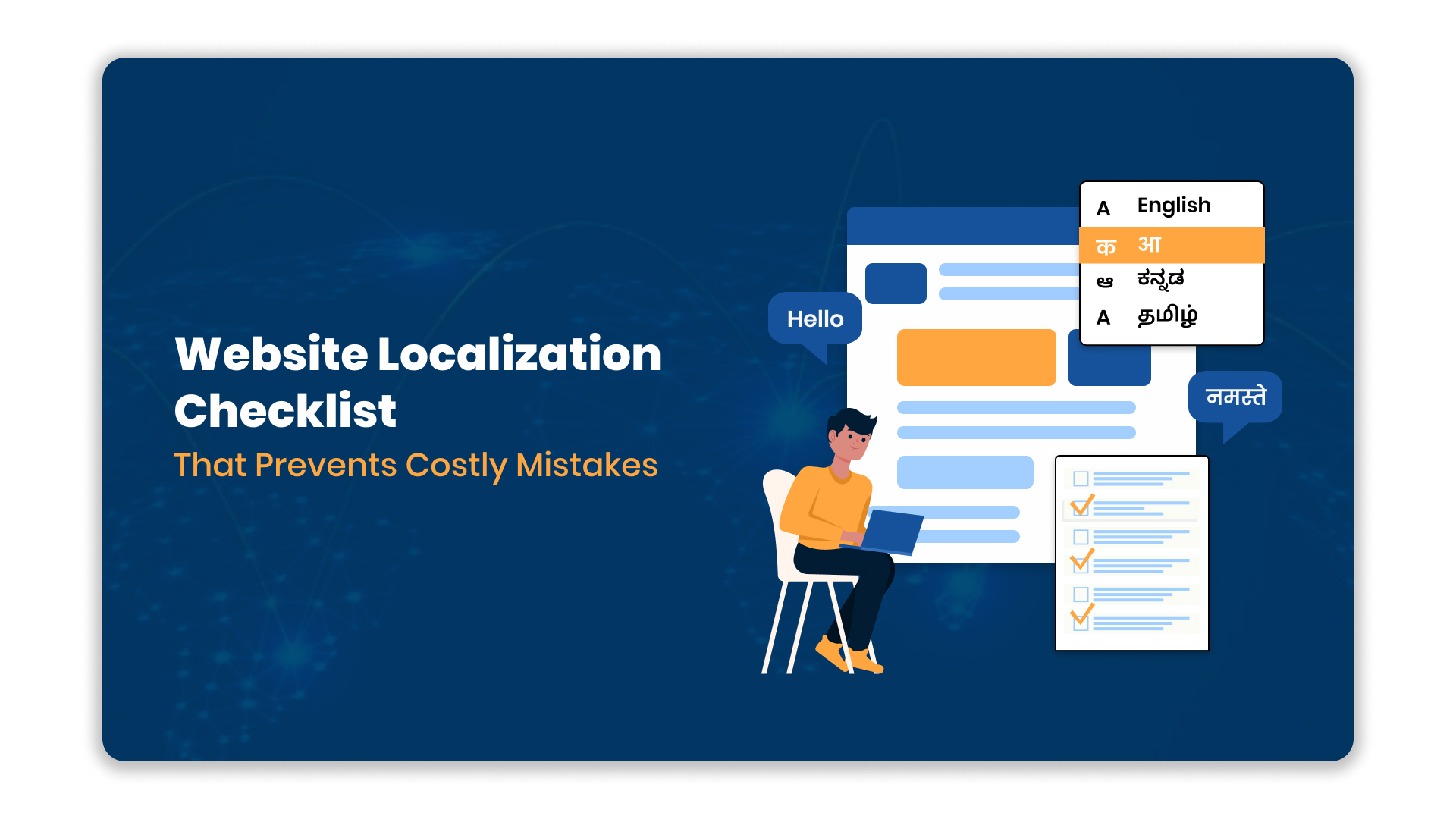
Launching a website in a new language often feels like high-stakes gambling for enterprises. There are over 7,000 spoken languages worldwide, but nearly 49.2% of web content is written in English.
This gap creates a significant opportunity, and risk. One mistranslated phrase or broken design element can alienate a specific regional audience instantly. Many businesses rush this process, leading to poor user experiences and wasted resources.
To succeed, you need a structured approach that goes beyond simple word-for-word translation. A comprehensive strategy ensures your digital presence resonates authentically with local users. It also maintains technical integrity and brand consistency across all markets.
This guide provides a detailed website localization checklist to secure your expansion efforts. You will find actionable steps to manage content, design, and technical requirements effectively. Follow this phased framework to mitigate risk and ensure a successful multilingual launch.
Quick Look
- There are over 7,000 spoken languages worldwide, but nearly 49.2% of web content is written in English.
- Define your target locales and technical requirements before touching the code or content.
- Mere translation fails without cultural nuance; prioritize transcreation for marketing copy.
- Build UI layouts that accommodate text expansion common in Indian languages.
- Functional QA must cover currency, dates, and character rendering across devices.
- Implement correct hreflang tags to ensure search engines serve the right language.
What is a Website Localization Checklist?
This website localization checklist helps enterprises avoid missed steps across content, design, engineering, and SEO.
A website localization checklist is a systematic roadmap covering linguistic, technical, and cultural requirements for adapting digital properties. It ensures your platform functions correctly for specific regional markets.
This document bridges the gap between simple translation and a fully functional, user-friendly regional interface. By following a checklist, teams prevent critical omissions that typically delay launches or degrade the final user experience.
Moving from definition to strategy, let’s explore why this document determines your project’s outcome.
Also Read: E-commerce Localisation: A Comprehensive Guide for Seamless Expansion
Why a Checklist is Critical for Your Localization Success
Ad-hoc translation efforts often lead to fragmented user experiences and inflated budgets. A structured checklist aligns your IT, marketing, and product teams toward a unified goal.
It turns a chaotic process into a predictable workflow. This is why a checklist is critical for your localization success:
1. Prevents Budget Overruns
Fixing errors after launch costs significantly more than addressing them during development. A checklist identifies potential pitfalls early, keeping your financial resources focused on growth rather than repair.
- Impact: Reduces post-launch rework costs and preserves your localization budget.
2. Ensures Cultural Compliance
Language is deeply tied to culture, and direct translation often misses the mark. A checklist ensures you review images, colors, and idioms for cultural appropriateness.
- Impact: Protects brand reputation by avoiding offensive or confusing regional content.
3. Streamlines Technical Integration
Localization involves complex backend changes, from character encoding to API connections. A checklist verifies that your architecture supports multilingual data without crashing.
- Impact: Prevents code conflicts and ensures platform stability during high-traffic periods.
With the importance clear, we must now lay the groundwork before execution begins.
The Pre-Launch Planning Checklist
Successful localization starts long before the first word is translated. This phase involves auditing your current assets and defining the scope of your multilingual expansion.
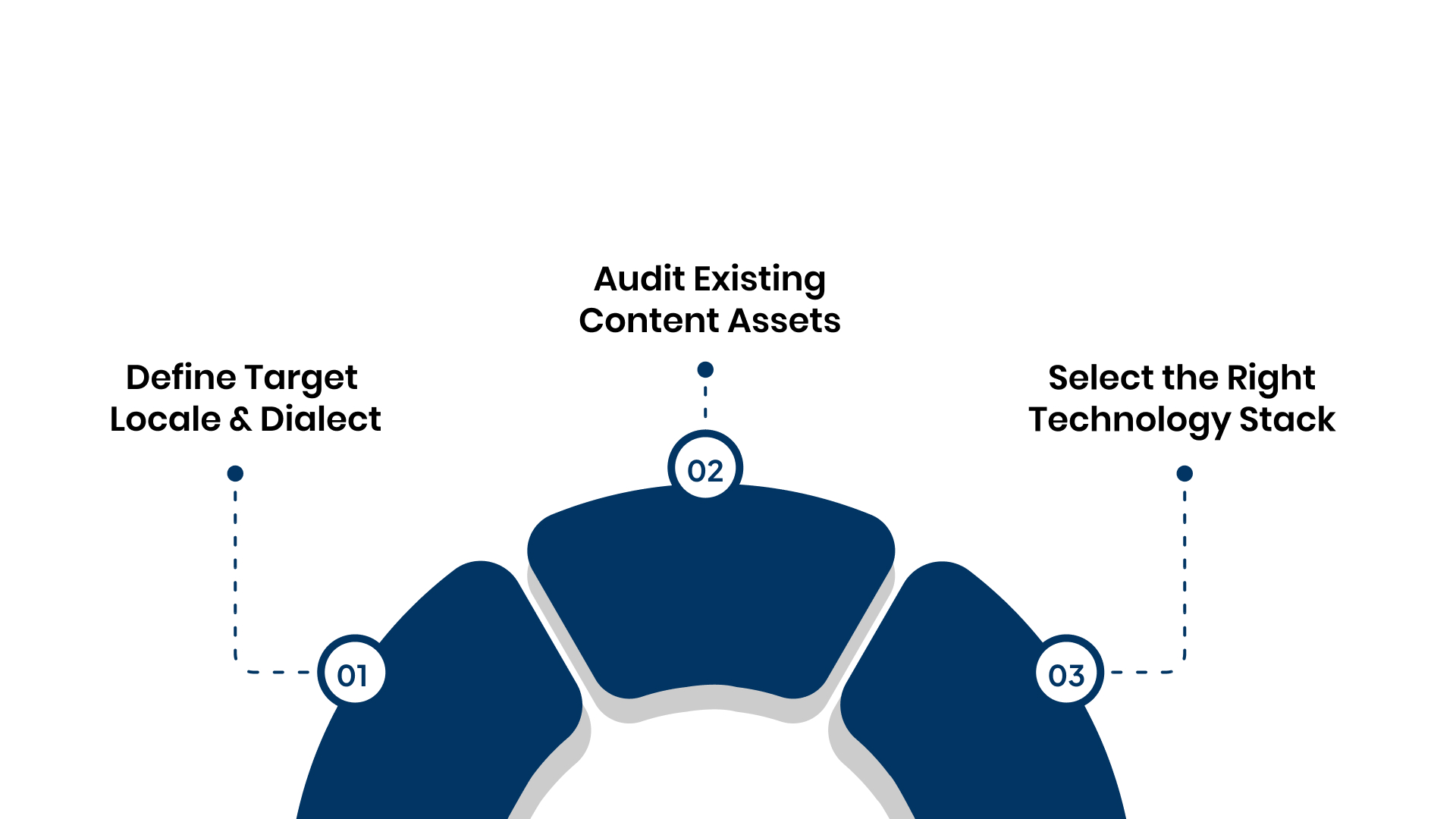
1. Define Target Locale and Dialect
You must identify not just the language, but the specific regional dialect and script required. This precision prevents alienating users who speak a variation of the target language.
- Action Steps:
- Research Demographics: Identify the primary languages spoken by your ideal customer profile.
- Select Scripts: Confirm if the language requires specific scripts (e.g., Devanagari for Hindi).
- Set Scope: Decide if you are localizing the entire site or specific high-impact pages.
2. Audit Existing Content Assets
Review your current English content to ensure it is ready for translation. Complex sentence structures or colloquialisms can confuse translators and increase costs.
- Action Steps:
- Simplify Text: Rewrite source content to be neutral and easy to translate.
- Isolate Text: Separate text from images to allow for easier localized replacement.
- Create Glossary: Develop a list of key terms that must remain consistent (brand names, product terms).
3. Select the Right Technology Stack
Your content management system (CMS) must support multilingual architecture. Choosing the right tools now prevents manual data entry bottlenecks later.
- Action Steps:
- Check Compatibility: Ensure your CMS supports UTF-8 encoding for diverse scripts.
- Evaluate Tools: Look for platforms that offer API connectors for automated content fetch.
- Plan Structure: Decide between subdomains or subdirectories.
Once the strategy is set, you are ready to move into the actual adaptation phase.
Also Read: 5 Inspiring Website Localisation Examples That Transformed User Engagement
The Core Localization Execution Checklist
This phase focuses on the actual adaptation of text and visual elements. It ensures that the localized version communicates the same message and value as the original.
1. Translate and Transcreate Text
Standard translation works for instructions, but marketing copy requires creative adaptation (transcreation). This ensures the emotional impact remains intact for the local reader.
- Action Steps:
- Assign Teams: Use native linguistic experts for marketing and legal content.
- Contextualize: Provide translators with screenshots so they see where text appears.
- Maintain Voice: Ensure the translated tone aligns with your brand guidelines.
2. Adapt Visuals and Multimedia
Images and videos must reflect the local context to build trust. A user in rural India may not relate to imagery depicting Western urban settings.
- Action Steps:
- Localize Images: Replace stock photos with culturally relevant visuals.
- Edit Subtitles: Add accurate subtitles or voiceovers for all video content.
- Check Icons: Ensure icons and symbols do not have negative cultural connotations.
3. Optimize UI for Text Expansion
Indian languages often take up more horizontal or vertical space than English. Your interface must adapt dynamically without breaking the layout.
- Action Steps:
- Review Spacing: Leave extra white space in buttons and menus for longer text.
- Test Fonts: Use fonts that support all required character sets clearly.
- Adjust Elements: Ensure navigation bars can wrap or expand gracefully.
Content is ready, but the platform must now undergo rigorous testing.
Need a deeper dive into content and design adaptation? Contact us to learn more about our advanced Website Localisation tool.
Technical & Functional Quality Assurance Checklist
A translated site must function as smoothly as the original version. This stage verifies that the localized content plays well with your backend systems.
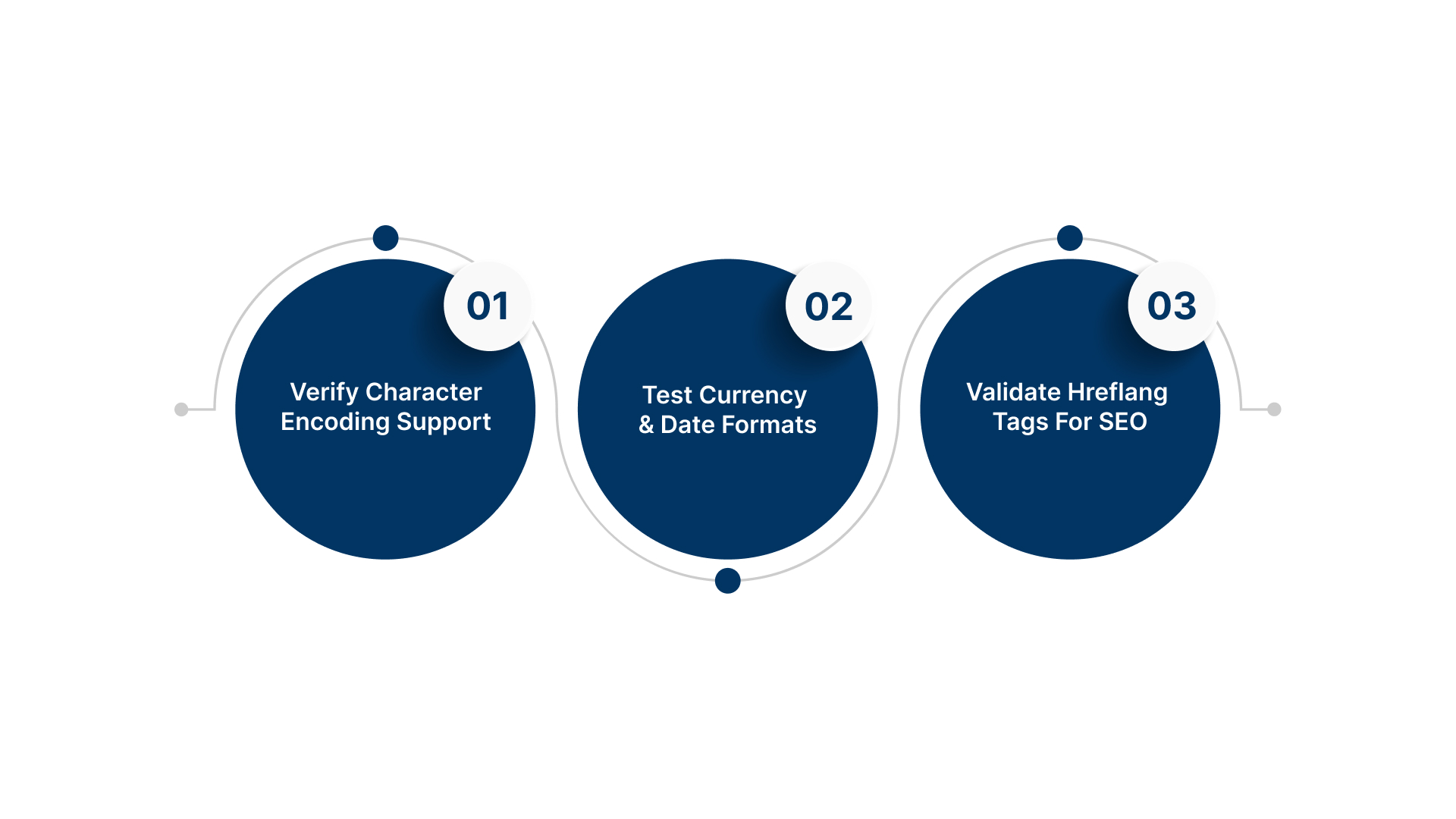
1. Verify Character Encoding Support
If your site does not support UTF-8, regional characters will appear as “tofu” boxes or question marks. This renders the content unreadable and unprofessional.
- Action Steps:
- Inspect Code: Check page headers to ensure proper character encoding declarations.
- Test Rendering: View pages on different browsers to confirm text clarity.
- Check Input: Verify that search bars and forms accept regional language input.
2. Test Currency and Date Formats
Numbers, dates, and currencies vary significantly across regions. Getting this wrong can confuse customers during checkout or scheduling.
- Action Steps:
- Format Dates: Switch between DD/MM/YYYY or other formats based on the region.
- Update Currency: Ensure prices display the correct symbol and numeric formatting.
- Check Addresses: Adapt form fields to accommodate local address structures.
3. Validate Hreflang Tags for SEO
Search engines need signals to know which language version to show users. Missing hreflang tags can lead to duplicate content penalties.
- Action Steps:
- Implement Tags: Add hreflang attributes to the header of every localized page.
- Map URLs: Ensure each tag points to the correct corresponding URL.
- Audit Sitemap: specific language URLs should be included in your XML sitemap.
Launch is a milestone, not the finish line. Maintenance is key.
Also Read: How to Plan Your Website Localisation & How to Localise a Website?
Post-Launch: Monitoring & Optimization Checklist
Localization is an ongoing process, not a one-time project completion. You must monitor performance and keep content synchronized.
1. Monitor User Feedback Loops
Local users will spot errors that your QA team might have missed. Provide an easy way for them to report linguistic or functional issues.
- Action Steps:
- Add Feedback Buttons: Place “Report Translation Error” links in footers.
- Review Tickets: Analyze support queries for recurring language-related confusion.
- Survey Users: Periodically ask local customers about their site experience.
2. Track Regional SEO Performance
Analyze how well your localized pages rank for local keywords. This data helps you refine your content strategy for better visibility.
- Action Steps:
- Check Analytics: Filter traffic by region to assess engagement rates.
- Monitor Keywords: Track rankings for local language search terms.
- Audit Speed: Ensure localized pages load quickly in regions with lower bandwidth.
3. Schedule Regular Content Updates
Your original site changes constantly, and localized versions must keep up. Outdated regional content creates a disconnect for users.
- Action Steps:
- Sync Updates: Establish a workflow to trigger translations when English content changes.
- Refresh Banners: Update promotional graphics simultaneously across languages.
- Audit Periodically: Conduct quarterly reviews of all localized assets.
Implementing these steps manually is difficult, but specialized tools can assist.
While post-launch checks ensure ongoing stability, you must also be aware of the common errors that sabotage even well-planned projects.
Looking to expand beyond websites? Contact us to learn how Anuvadak supports end-to-end App Localisation.
5 Common Localization Mistakes to Exclude from Your Plan
Even with a detailed checklist, certain recurring errors often derail localization projects. Identifying these pitfalls allows your team to proactively structure your processes and avoid unnecessary setbacks.
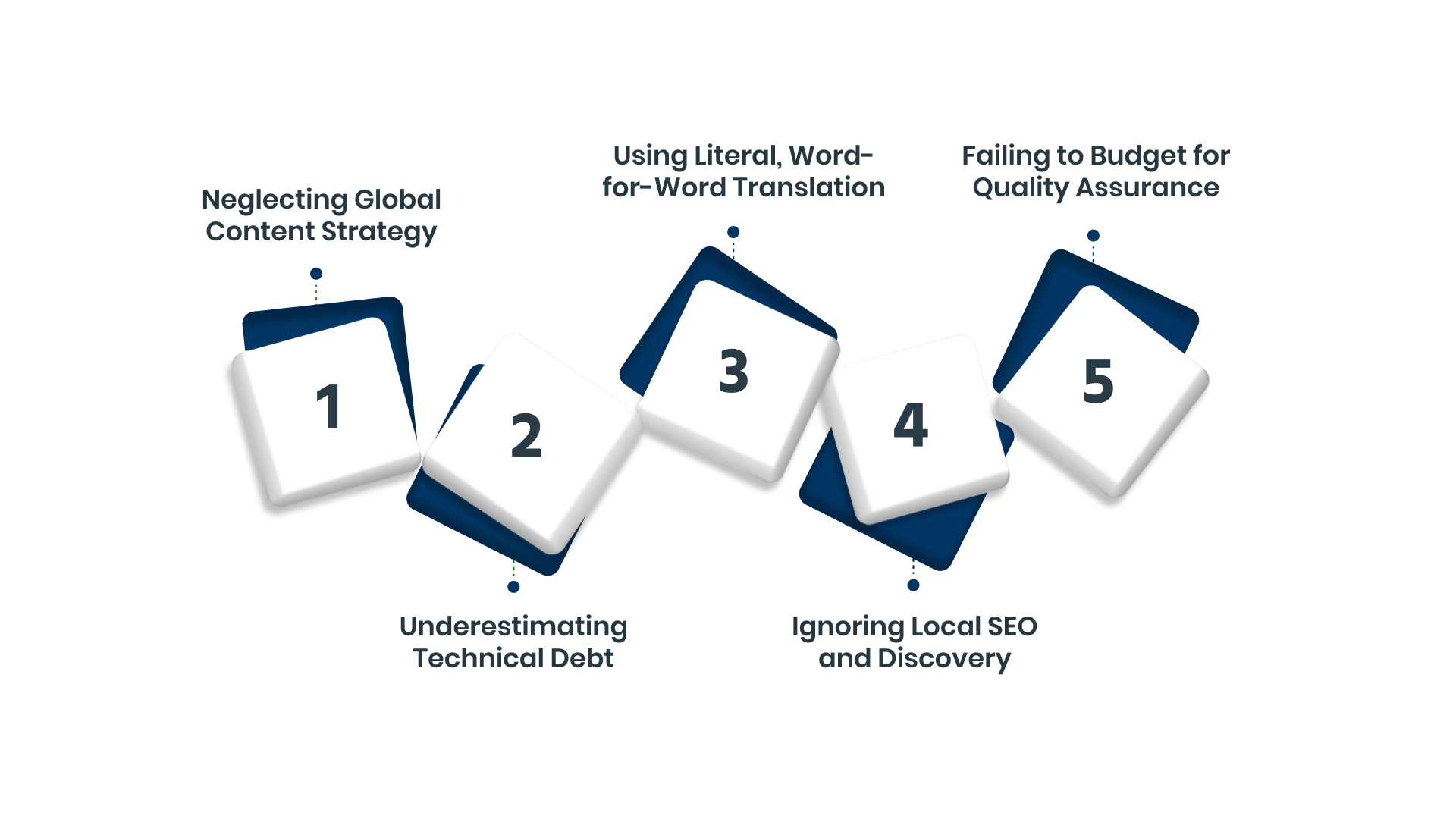
1. Neglecting Global Content Strategy
Many teams localize in isolation, without planning how the localized content will be maintained alongside the source. This leads to fractured content, poor consistency, and inefficient maintenance workflows.
- Tip: Establish a “source-first” content creation model where the English source is always updated before triggering translation.
2. Underestimating Technical Debt
Relying on manual file transfers or basic spreadsheet management scales poorly and introduces errors. This manual approach becomes unsustainable as your content volume and language count grow.
- Tip: Integrate your CMS directly with an automated localization platform like Anuvadak using APIs to manage content flow centrally.
3. Using Literal, Word-for-Word Translation
Direct translation often misses cultural context and can sound awkward, unnatural, or even nonsensical to a native speaker. This breaks trust and compromises your brand voice.
- Tip: Always use native in-country reviewers and allow for transcreation of marketing materials to ensure cultural resonance.
4. Ignoring Local SEO and Discovery
Launching a localized site without optimizing for local keywords and search practices means the site remains undiscoverable in that market. You lose out on organic traffic and regional visibility.
- Tip: Conduct in-language keyword research and correctly implement language-specific metadata and the crucial hreflang tags before launch.
Failing to Budget for Quality Assurance
Treating QA as an afterthought means errors are caught by users, not your team. This includes functional errors, display issues, and linguistic inaccuracies.
- Tip: Allocate significant time and budget for end-to-end, in-context functional and linguistic testing on various regional devices.
Simplify Your Workflow with Anuvadak
Managing multilingual content via spreadsheets and disjointed tools creates chaos for enterprise teams. You face version control issues, slow turnaround times, and the constant risk of publishing outdated information.
Anuvadak centralizes this complexity into one automated, intelligent platform. It serves as a comprehensive Website Localization solution designed for the Indian context.
Key capabilities include:
- CMS Integration: Connects directly to your existing systems for easy content extraction.
- Context-Aware AI: Delivers translations that respect industry terminology and cultural nuance.
- Scalable Management: Allows you to handle multiple languages from a single dashboard.
- SEO Automation: Automatically manages SEO meta-tags and hreflang attributes for regional visibility.
Anuvadak simplifies how you manage multilingual digital ecosystems, ensuring accuracy and speed.
Also Read: Anuvadak – Website Localisation and Translation Tool
Conclusion
A detailed website localization checklist is your best defence against costly errors and project failure. It provides a strategic framework covering planning, execution, QA, and ongoing management.
Following this structured approach ensures brand consistency, technical reliability, and measurable ROI. This discipline is crucial for successful expansion into multilingual markets like India.
Anuvadak is built to power this exact checklist-driven methodology at scale. Our platform automates the workflows that ensure checklist compliance and quality. We provide the tools for continuous localisation and performance monitoring post-launch. This allows your team to focus on strategy rather than manual process management.
Contact our team today to see how Anuvadak can automate your website localization checklist.
FAQs
Q. What are the first three items on a basic website localization checklist?
First, define your target markets and business goals for each region. Second, audit and prepare all your source website content for translation. Third, create a centralised glossary of key brand and product terminology.
Q. How does a localization checklist differ from a translation checklist?
A translation checklist only covers the conversion of text from one language to another. A localization checklist includes cultural adaptation, technical testing, legal review, and ongoing content management for the entire user experience.
Q. Who should be involved in creating a website localization checklist?
The core team should include a project manager, a marketing lead, a product or IT representative, and a representative from legal or compliance. For regulated industries, include a local market expert.
Q. What is the most commonly missed item in website localization?
Technical SEO implementation, specifically hreflang tags and local meta descriptions, is often overlooked. This mistake can significantly reduce organic traffic from the new market.
Q. How long does it take to complete a website localization checklist?
Timelines vary by website size and complexity. A small site may take 6-8 weeks, while a large enterprise platform could require 4-6 months for the initial launch, excluding ongoing updates.

