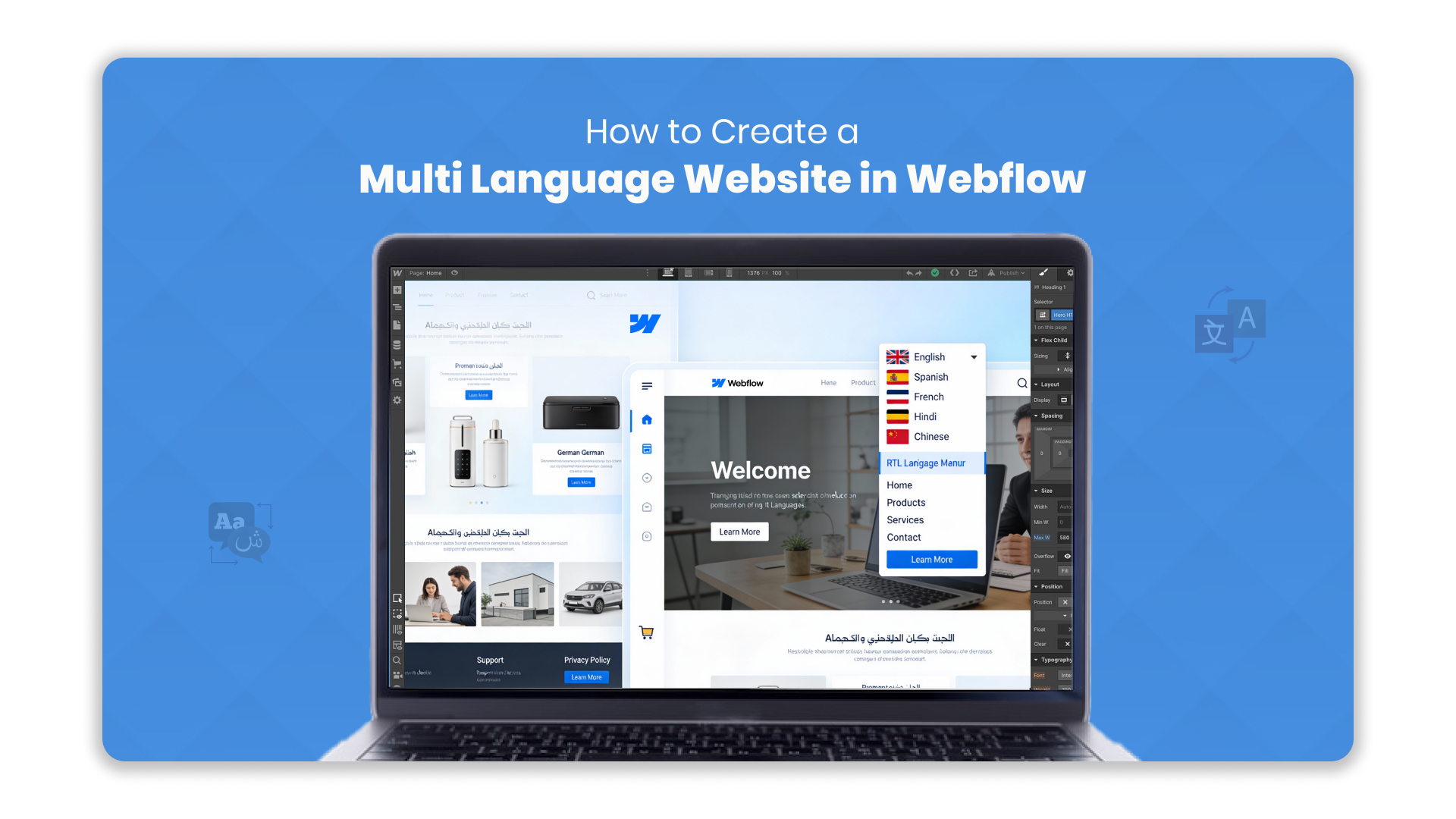
With India’s linguistic diversity, platforms need to cater to users in multiple languages to improve engagement and accessibility.
A Webflow multi-language website enables businesses to deliver scalable, inclusive, and culturally relevant digital experiences across regions.
This guide will walk you through the step-by-step process of building a Webflow multilingual website while integrating best practices for scalability and localisation.
Key Takeaways
- A Webflow multi language website boosts reach, engagement, and accessibility.
- Plan languages, content structure, and navigation first.
- Use Webflow CMS and a language switcher for efficient management.
- Integrate Anuvadak for accurate, scalable translations.
- Optimise SEO and maintain content with regular updates and cultural reviews.
Why You Need a Multilingual Website
In today’s global and diverse digital landscape, a single-language website can limit your reach.
Offering content in multiple languages allows businesses to connect authentically with audiences, improve engagement, and ensure accessibility for all users.
A Webflow multi-language website isn’t just about translation: it’s about creating an inclusive experience that resonates with every visitor, no matter their language.
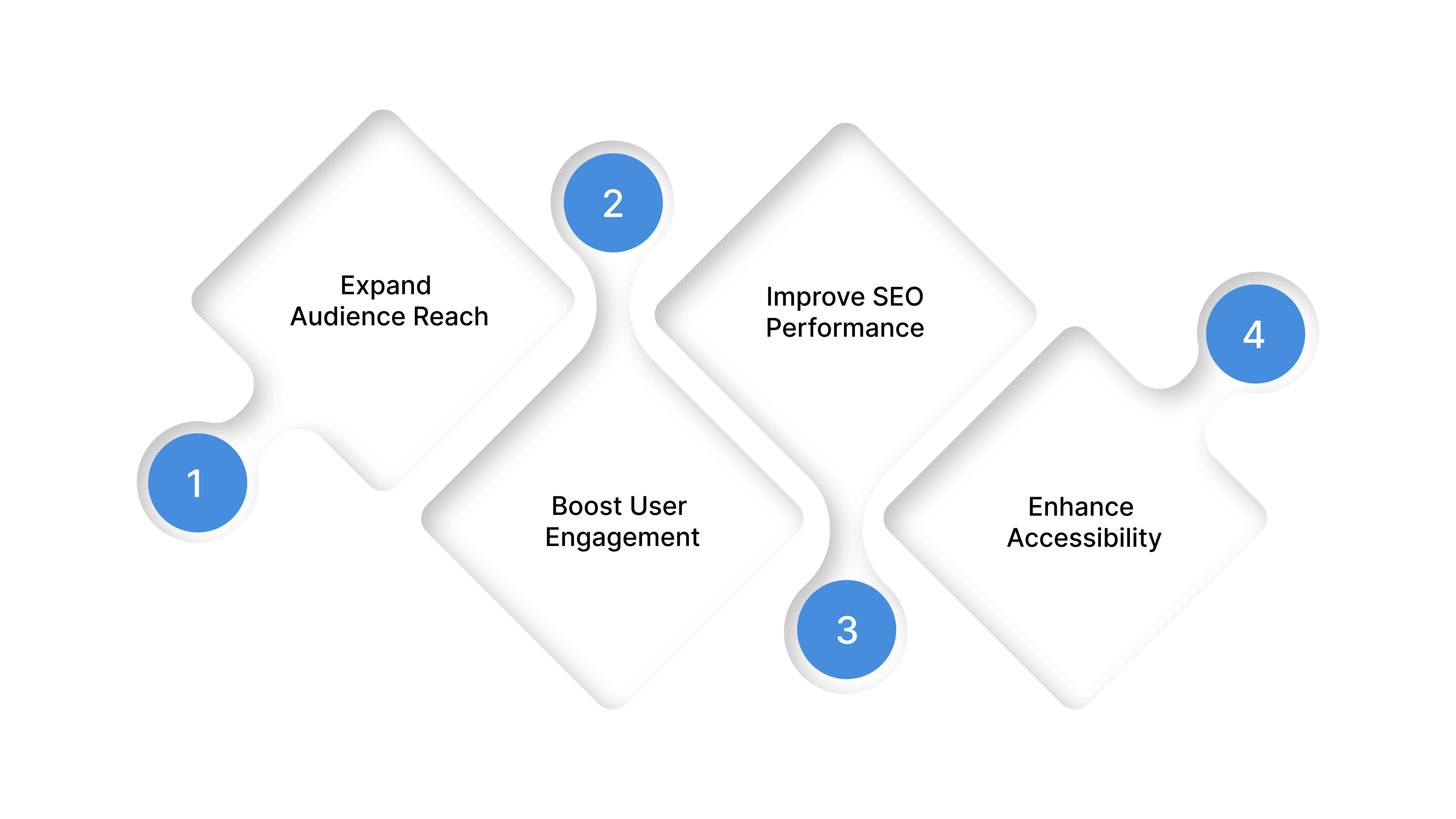
- Expand Audience Reach: India alone has over 22 officially recognised languages, and catering to them can increase your market penetration.
- Boost User Engagement: Visitors are more likely to engage with content in their native language.
- Improve SEO Performance: Multilingual content improves search visibility for local queries.
- Enhance Accessibility: Inclusive design ensures that everyone, including differently-abled users, can navigate your site effectively.
With the growing need to expand reach through multilingual websites, selecting the right platform becomes crucial for success.
Also Read: Multilingual Customer Support: Methods and Strategies
Understanding Webflow for Multilingual Websites
Webflow offers the flexibility and control required to create scalable multilingual experiences without heavy development effort. A Webflow multi-language setup allows teams to manage content, design, and localisation workflows in a structured way.
With CMS-driven pages and seamless integrations, Webflow makes it easier to deliver consistent, high-quality experiences across multiple languages. It is a powerful CMS and website builder that allows for flexible, customisable designs without heavy coding.
For multi language websites, Webflow provides:
- Customisable CMS Collections: Manage content for each language independently.
- Dynamic Pages: Automatically generate pages for different languages.
- Seamless Integrations: Compatible with third-party translation tools and APIs.
- Responsive Design: Ensures your site looks great on all devices, regardless of language.
Before you begin, ensure you have a clear localisation strategy that defines language priorities, content mapping, and design considerations for regional scripts.
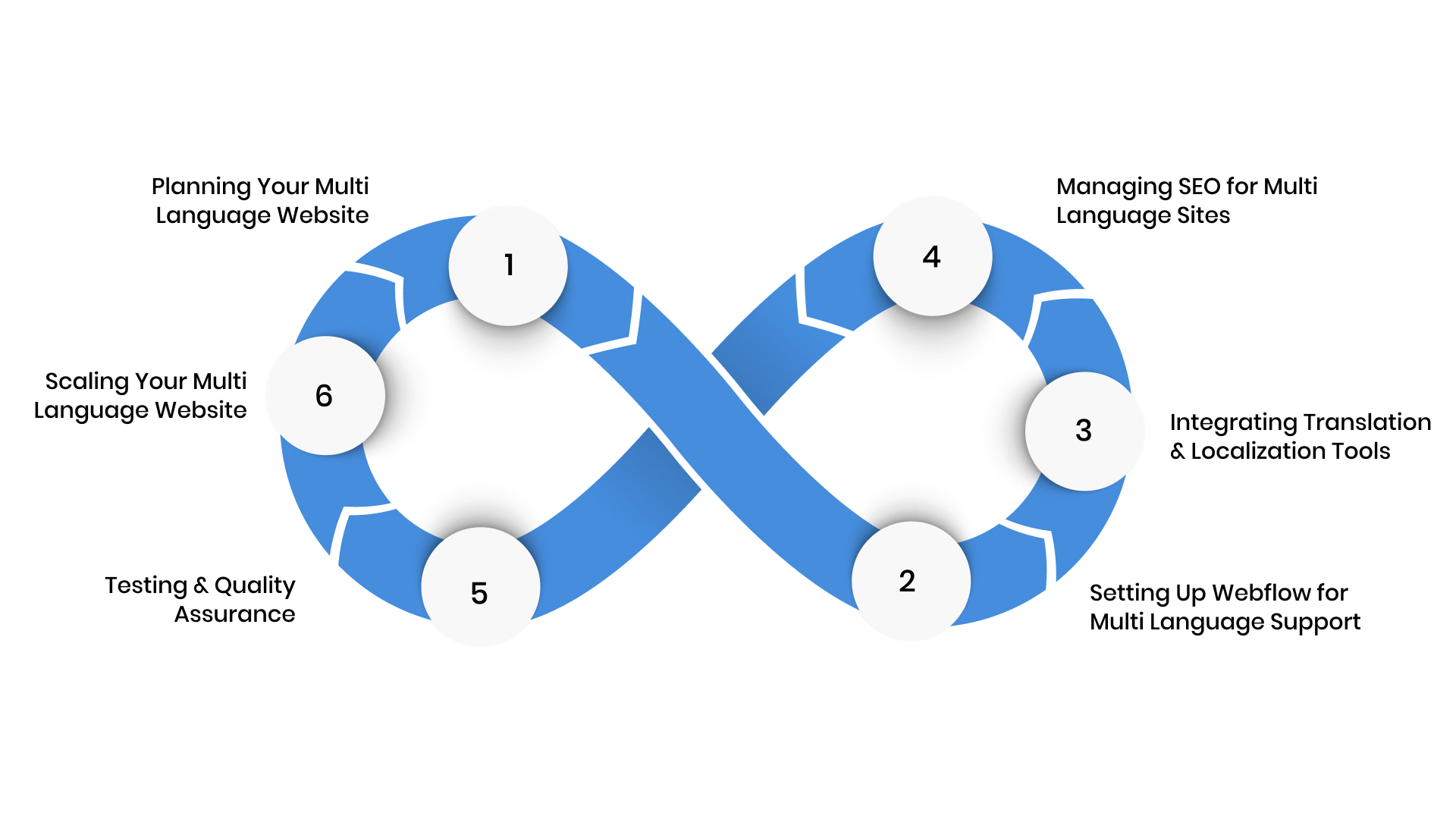
Step 1: Planning Your Multi Language Website
A successful multi language website starts long before content is translated.
Careful planning helps define language priorities, content structure, localisation goals, and market demographics, ensuring the website meets user needs and enhances engagement from the outset.
Identify Target Languages
Start by defining your primary and secondary languages. Consider:
- Website traffic analytics to identify user language preferences.
- Market research to evaluate the potential audience in different regions.
- Legal or accessibility requirements in your sector.
Map Your Website Structure
Decide how you want your language versions structured:
- Subdomains (en.example.com, hi.example.com)
- Subdirectories (example.com/en, example.com/hi)
- Language switcher toggle for easy navigation
Planning these details early ensures your Webflow setup remains structured, scalable, and easy to manage as more languages are added.
Step 2: Setting Up Webflow for Multi Language Support
Once your plan is in place, the focus shifts to implementation. Setting up Webflow correctly is crucial for efficiently managing multilingual content without adding unnecessary complexity.
Webflow has recently introduced built-in localisation features (in Beta), but many enterprises still rely on CMS collections and third-party integrations for full flexibility and Indian language compatibility.
Let’s explore how to do this effectively.
Careful planning and a structured Webflow multi language setup together ensure scalability, consistency, and a seamless user experience as your site grows.
Use CMS Collections for Each Language
CMS Collections in Webflow allow you to manage content efficiently. For a multi language site:
- Create a collection for each page type (e.g., blog posts, product pages).
- Add language-specific fields such as title, meta description, and body text.
- Maintain a consistent URL structure across languages to aid SEO.
Implement a Language Switcher
A clear language switcher improves user experience. Tips:
- Place it in a prominent location like the header or top-right corner.
- Use country flags or text labels for clarity.
- Ensure switching languages retains user context on the current page.
Step 3: Integrating Translation and Localization Tools
With your Webflow structure in place, the next step is enabling accurate and scalable localisation.
Integrating translation and localisation tools like Anuvadak ensures your content stays consistent, culturally relevant, and easily manageable across languages. Tools like Google Translate API or DeepL can also streamline your workflows.
For a Webflow multi language website, this step is critical to maintaining quality while scaling multilingual content efficiently.
Automated Translation via APIs
For enterprise-grade efficiency, integrate translation APIs like Anuvadak. Benefits include:
- Real-time website translation with AI-driven accuracy
- Centralized content management for updates across languages
- Cultural and contextual relevance, ensuring content resonates locally
Explore Anuvadak’s website localization platform to automate translations for your Webflow site.
Manual Post-Editing for Accuracy
Even with AI translation, a review process is essential:
- Check for grammar, tone, and regional expressions.
- Validate numbers, dates, and units for local contexts.
- Collaborate with native speakers when possible.
Step 4: Managing SEO for Multi Language Sites
Creating multilingual content is only effective if users can find it.
Managing SEO for a multi language website ensures search engines correctly index and serve the right language pages to the right audiences. For a Webflow multi language site, proper SEO setup improves visibility, supports regional search intent, and maximises the impact of your localisation efforts.
- Use hreflang Tags: Signal the target language and region for each page.
- Localise Meta Tags: Translate titles, descriptions, and keywords.
- Optimise URLs: Use consistent, language-specific slugs (e.g., /en/contact).
- Sitemap Updates: Include all language pages in your XML sitemap.
Also Read: Website Localisation Strategies and Key Benefits
Step 5: Testing and Quality Assurance
Before launching your multi language website, thorough testing is essential.
Quality assurance ensures that translations are accurate, layouts remain intact across languages, and users experience consistent performance.
This step helps prevent errors that could affect usability, credibility, or accessibility across regions.
Before launch, ensure your multi language site functions perfectly:
- Test all pages for broken links, layout issues, and loading speed.
- Verify translations for accuracy and tone.
- Check language switcher behaviour across devices.
- Ensure accessibility compliance, including screen reader support.
Also, conduct mobile and cross-browser testing to ensure consistent rendering and responsive layouts across languages.
Step 6: Scaling Your Multi Language Website
As your digital footprint expands, managing multiple languages manually becomes unsustainable.
Scaling a Webflow multi language website requires structured workflows, centralised content control, and automation that keeps translations consistent across regions.
This step focuses on building a system that supports growth without compromising accuracy, security, or user experience.
- Content Automation: Use platforms like Anuvadak to automatically push synchronised updates across all language versions through its central dashboard.
- Monitor Analytics: Track user engagement per language to identify improvement areas.
- Continuous Localization: Regularly update content, modals, and forms for cultural relevance.
While Webflow provides the foundation for building multilingual websites, long-term success depends on how well those language versions are managed over time.
Also Read: How to Create a Multi-Language Website in HTML (Step-by-Step)
Tips for Maintaining Your Multi Language Website
Launching a multilingual website is only the first milestone.
Ongoing governance ensures your content remains accurate, relevant, and aligned with user expectations in every region.
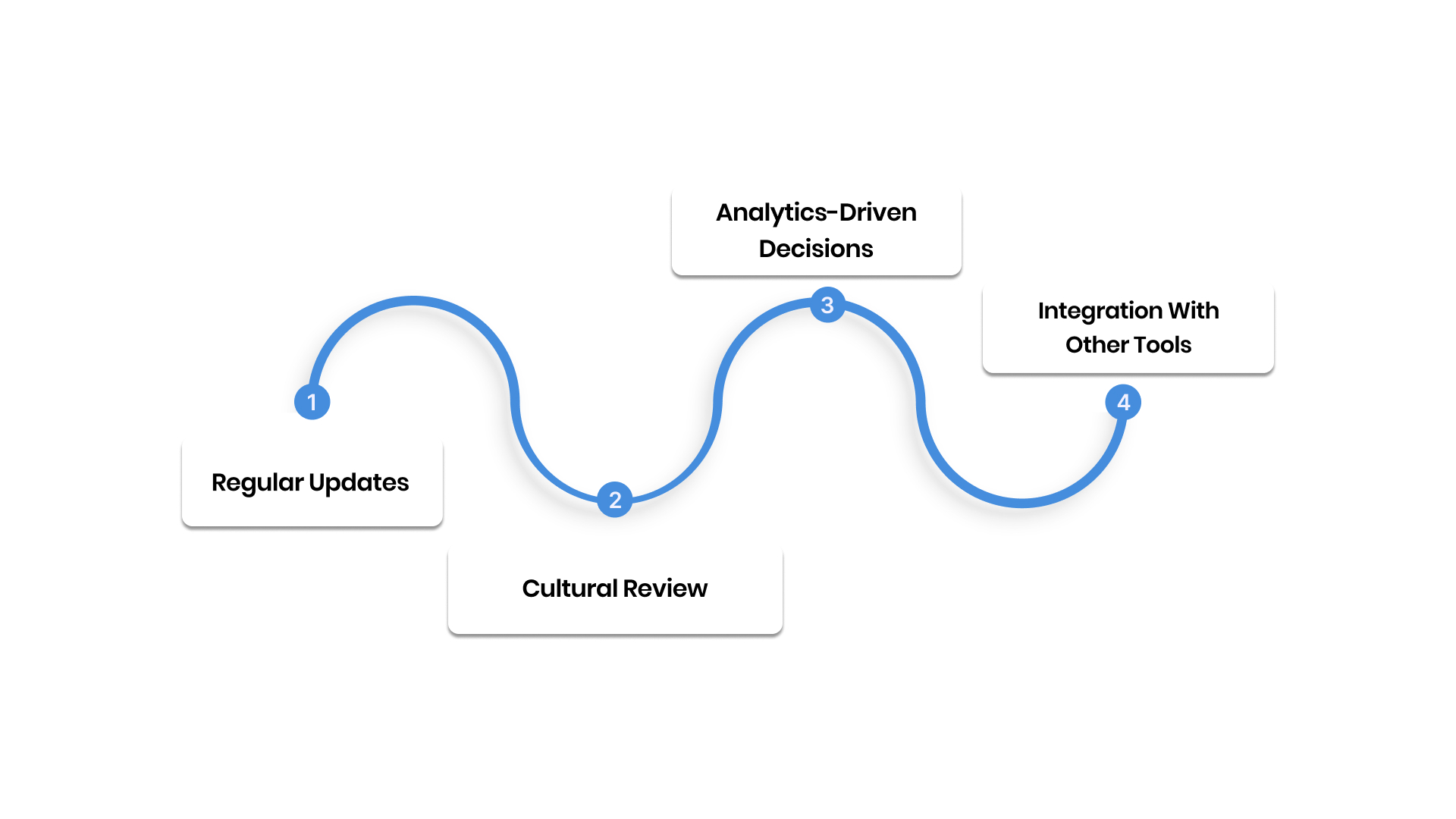
Regular Updates:
As new pages, features, or campaigns are introduced, translations must be synchronised without delay.
Maintaining alignment across all language versions prevents content gaps and ensures users receive the same information, regardless of language.
Cultural Review:
Language is closely tied to culture.
Periodic reviews help ensure terminology, visuals, and messaging remain appropriate for regional audiences.
This is especially important for regulated industries such as BFSI, healthcare, and government services.
Analytics-Driven Decisions:
Monitor traffic, engagement, and conversion metrics for each language version.
Understanding how users interact with content across regions helps prioritise updates, refine messaging, and improve overall performance.
Integration With Other Tools:
Multilingual websites increasingly extend beyond static content.
Integrating with chatbots, IVR systems, and voice interfaces ensures a consistent multilingual experience across digital touchpoints.
Managing these ongoing requirements manually can quickly become complex as languages and content volumes increase.
This is where a dedicated localisation platform plays a critical role.
Why Choose Anuvadak for Webflow Multi Language Websites
Enterprises need control, accuracy, security, and the ability to update content across languages without friction.
This is where Anuvadak adds real value to a Webflow multi language strategy.
Anuvadak is built to support structured localisation workflows that go beyond basic language conversion. It enables organisations to manage multilingual content centrally, ensuring consistency across pages, updates, and regions while reducing manual effort.
Key advantages of using Anuvadak with Webflow include:
Centralised Translation Management:
Manage all language versions from a single dashboard, making updates faster and easier across your Webflow site.
Context-Aware AI Translation:
Translations are guided by context, industry terminology, and language nuances, helping content feel natural and locally relevant.
Enterprise-Grade Security:
Built on secure cloud infrastructure with strong data management practices that comply with enterprise and government standards, supporting all major Indian languages.
API-Driven Scalability:
Anuvadak’s APIs integrate effectively with Webflow and other CMS platforms through compatible workflows, enabling automated updates and continuous localisation.
Consistency Across Digital Touchpoints:
Maintain uniform terminology and messaging across websites, apps, and user interfaces without duplication or rework.
For organisations expanding into multilingual markets, Anuvadak ensures your Webflow website remains accurate, inclusive, and scalable without adding operational complexity.
Choosing the right localisation partner is crucial for not only enabling multiple languages but ensuring long-term accuracy, scalability, and governance.
Start your multilingual journey with Anuvadak today and transform how users experience your digital platforms.
Conclusion
Building a Webflow multi language website is more than just translating content. It helps businesses reach more people, improve user experience, and make sure information is clear and accessible in every language.
Managing multiple languages manually can quickly become confusing. Updates can be missed, content can become inconsistent, and users may see outdated or incorrect information.
This is where Anuvadak makes a difference. With its centralised platform, context-aware translations, and secure workflows, it helps businesses manage all languages easily and accurately. Teams can focus on creating great content while Anuvadak handles the complexity of localisation.
For companies and government platforms serving users in multiple languages, a Webflow multi language website supported by Anuvadak ensures everyone sees accurate, consistent, and culturally relevant information.
Empower your enterprise to reach India’s linguistic diversity with confidence. Start your multilingual journey with Anuvadak today and transform how users experience your digital platforms.
FAQs
1. What is a Webflow multi language website?
A Webflow multilingual website is a site that supports multiple languages, allowing businesses to reach diverse audiences and deliver content in the languages users prefer.
2. How do I manage multiple languages efficiently in Webflow?
Using a localisation platform like Anuvadak centralises translations, maintains consistency, and automates updates across all languages, making management easier at scale.
3. How can I maintain SEO on a multilingual website?
Use hreflang tags, translate meta titles and descriptions, optimise URLs, and include all language pages in your sitemap. This ensures search engines serve the correct language to users.
4. What is the difference between translation and localisation?
Translation converts content into another language, while localisation ensures it is culturally and contextually accurate, making it feel natural to the target audience.
5. Can Anuvadak help with Webflow multi-language websites?
Yes. Anuvadak provides AI-driven, context-aware translation, centralised management, and seamless integration with Webflow to make scaling multilingual websites efficient and straightforward.

