Did you know that 48% of APAC enterprises struggle to utilise voice data due to limited language coverage and real-time processing? In India, voice inputs from apps, IVR systems, and web platforms often remain inaccessible, while multiple languages, dialects, and Hindi–English code-switching make transcription unreliable.
Capturing and processing this multilingual voice data accurately is critical, yet conventional browser-based tools often fail at scale. Developers face challenges integrating voice input into web applications while maintaining context, clarity, and responsiveness across enterprise workflows.
In this blog, you’ll discover how react-speech-recognition can help implement voice input in React apps, and where enterprise-grade solutions are needed for Indian languages.
At a Glance
- Voice Input for React Applications: Adds real-time speech input to React web apps with minimal engineering overhead.
- Powered by Browser Speech Engines: Uses the Web Speech API and browser-native ASR, not enterprise speech infrastructure.
- Limited Accuracy for Indian Languages: Browser engines struggle with Indian phonetics, dialects, and code-switching.
- Built for UI, Not Business Operations: Designed for interface-level voice interaction, not production workflows.
- Enterprise Scale Requires Backend STT: High-volume, multilingual systems require dedicated Speech-to-Text APIs.
What is React-Speech-Recognition?
React-Speech-Recognition is an open-source React hook library that allows developers to integrate browser-based speech recognition into React applications. Built on top of the Web Speech API, it abstracts the complexities of voice input handling, providing an intuitive interface for capturing, controlling, and transcribing speech in real time.
Unlike traditional voice-to-text solutions, React-Speech-Recognition is lightweight, client-side, and developer-friendly, enabling B2B teams to integrate voice capabilities without heavy backend infrastructure. It supports key functions such as continuous listening, interim transcription, command detection, and browser-level speech events, making it ideal for applications that require real-time interactivity.
To understand its operational boundaries, we must examine how it actually processes speech.
Why Companies Should Use React-Speech-Recognition?
For Indian enterprises building digital platforms, React-Speech-Recognition provides a fast path to introducing voice interaction into web interfaces.
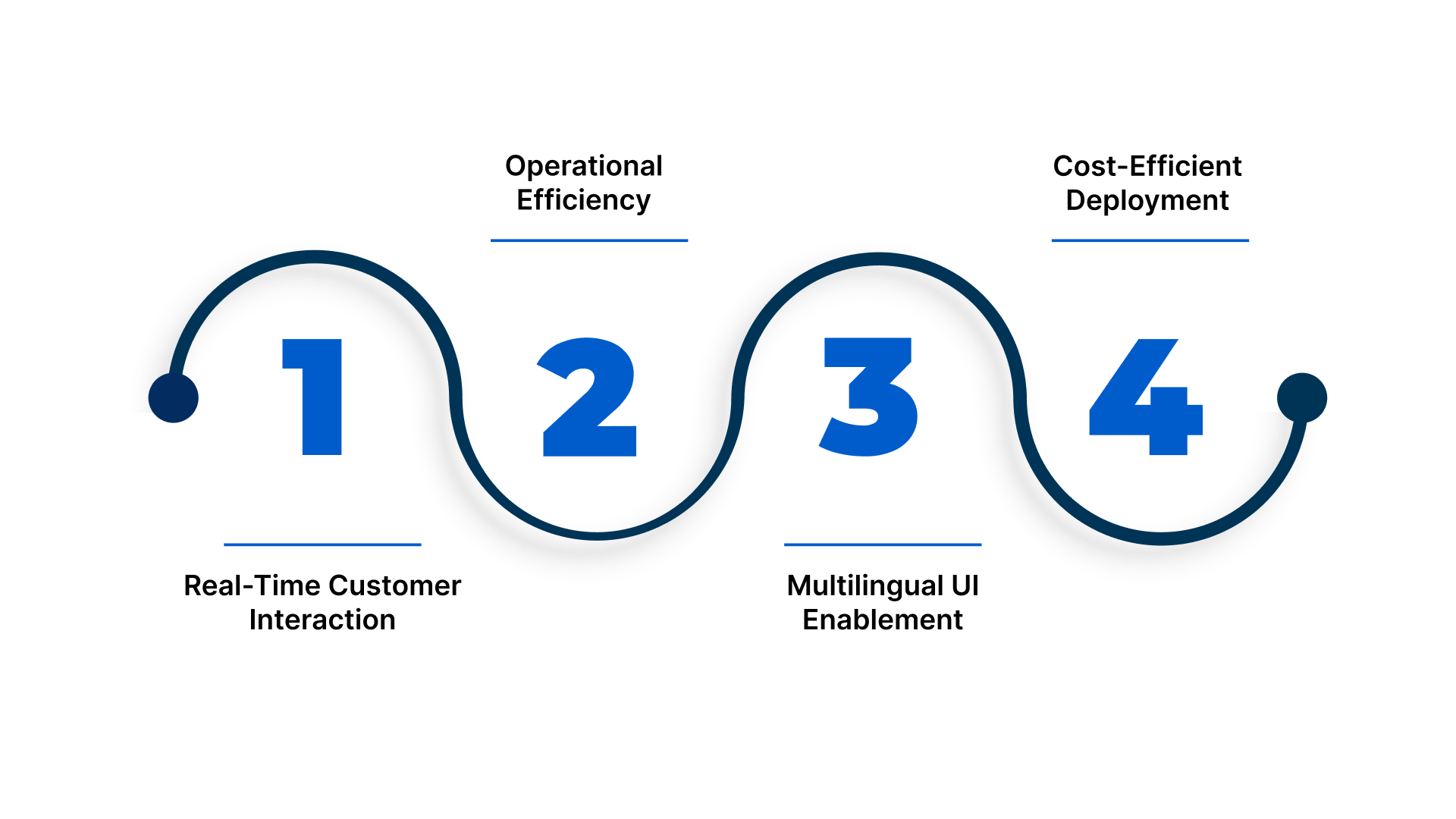
- Real-Time Customer Interaction: Enables voice-based search, form completion, chatbot input, and navigation inside customer-facing portals without deploying backend speech infrastructure.
- Operational Efficiency: Enables voice-triggered workflow execution, including CRM logging, ticket creation, inventory updates, and dashboard control.
- Multilingual UI Enablement: Supports browser-level Indian language input via locale configuration (hi-IN, ta-IN, bn-IN, te-IN), enabling regional user accessibility.
- Cost-Efficient Deployment: Executes entirely inside the browser runtime, eliminating ASR infrastructure costs, audio storage, and speech compute pipelines.
Add Accurate Speech Input to React Workflows
Reduce dev time by up to 97% using Reverie’s Speech-to-Text APIs.
Also Read: How Reverie’s Speech-to-Text API is Reshaping Businesses in India
With a clear understanding of what React Speech Recognition is and why it matters for B2B workflows, the next question is how it works under the hood to enable real-time voice applications.
How React-Speech-Recognition Works?
React-Speech-Recognition utilises the Web Speech API to capture audio from the user’s device, process it using the browser’s speech recognition engine, and return transcription results to the React component. Here’s the step-by-step mechanism:
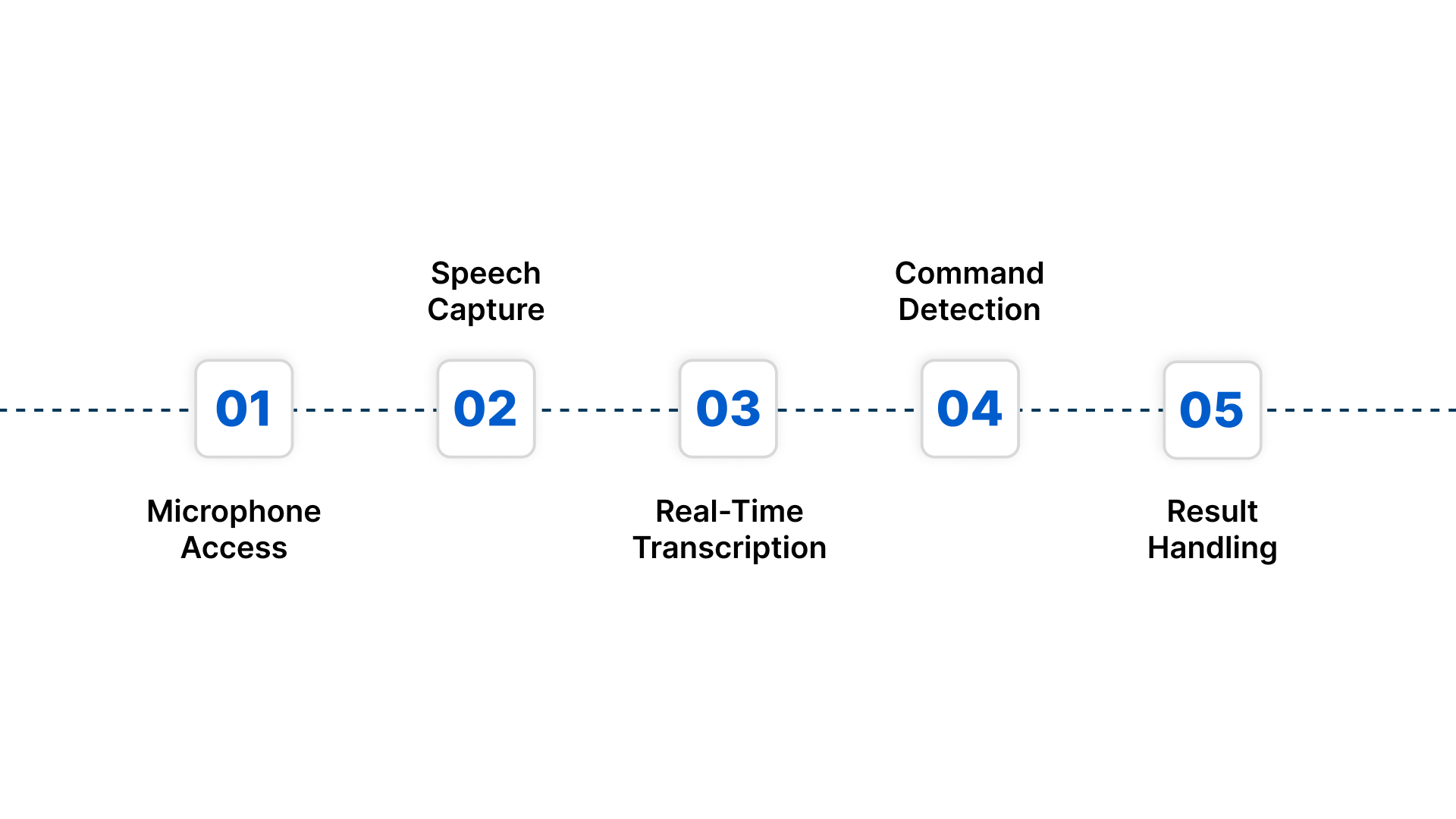
- Microphone Access: The library requests permission to access the user’s microphone via the browser.
- Speech Capture: Once granted, audio streams are captured and sent to the browser’s recognition engine.
- Real-Time Transcription: The API processes audio in real time, generating interim results as the user speaks.
- Command Detection: Developers can define keywords or commands to trigger specific app functionalities.
- Result Handling: Finalised text or command events are sent back to React state variables, making it easy to update the UI or trigger business logic.
Code Example:
import React from 'react';
import SpeechRecognition, { useSpeechRecognition } from 'react-speech-recognition';

function VoiceSearch() {
  const { transcript, listening, resetTranscript, browserSupportsSpeechRecognition } = useSpeechRecognition();

  if (!browserSupportsSpeechRecognition) {
    return <span>Your browser does not support speech recognition.</span>;
  }

  return (
    <div>
      <button onClick={SpeechRecognition.startListening}>Start</button>
      <button onClick={SpeechRecognition.stopListening}>Stop</button>
      <button onClick={resetTranscript}>Reset</button>
      <p>Listening: {listening ? 'Yes' : 'No'}</p>
      <p>Transcript: {transcript}</p>
    </div>
  );
}

export default VoiceSearch;
Annotated Explanation:
- startListening / stopListening control the microphone state.
- transcript stores live text, updating as the user speaks.
- resetTranscript clears the current transcript and prepares it for new input.
- listening is a boolean reflecting whether audio capture is active.
To make informed decisions, enterprises must understand the capabilities and limitations of React-Speech-Recognition in real-world workflows.
Evaluating React-Speech-Recognition for Enterprise Use
Before deploying voice interfaces, enterprises should assess scale, language support, and compliance. React-Speech-Recognition enables quick voice input in web apps suitable for development and testing, but it is not robust enough for full-scale production use. The sections below show where it fits and where enterprise Speech-to-Text is needed.
When React‑Speech‑Recognition is Suitable
React-Speech-Recognition is appropriate when speech is required as a user interface enhancement, not as a business-critical processing system. Here are a few suitable use cases:
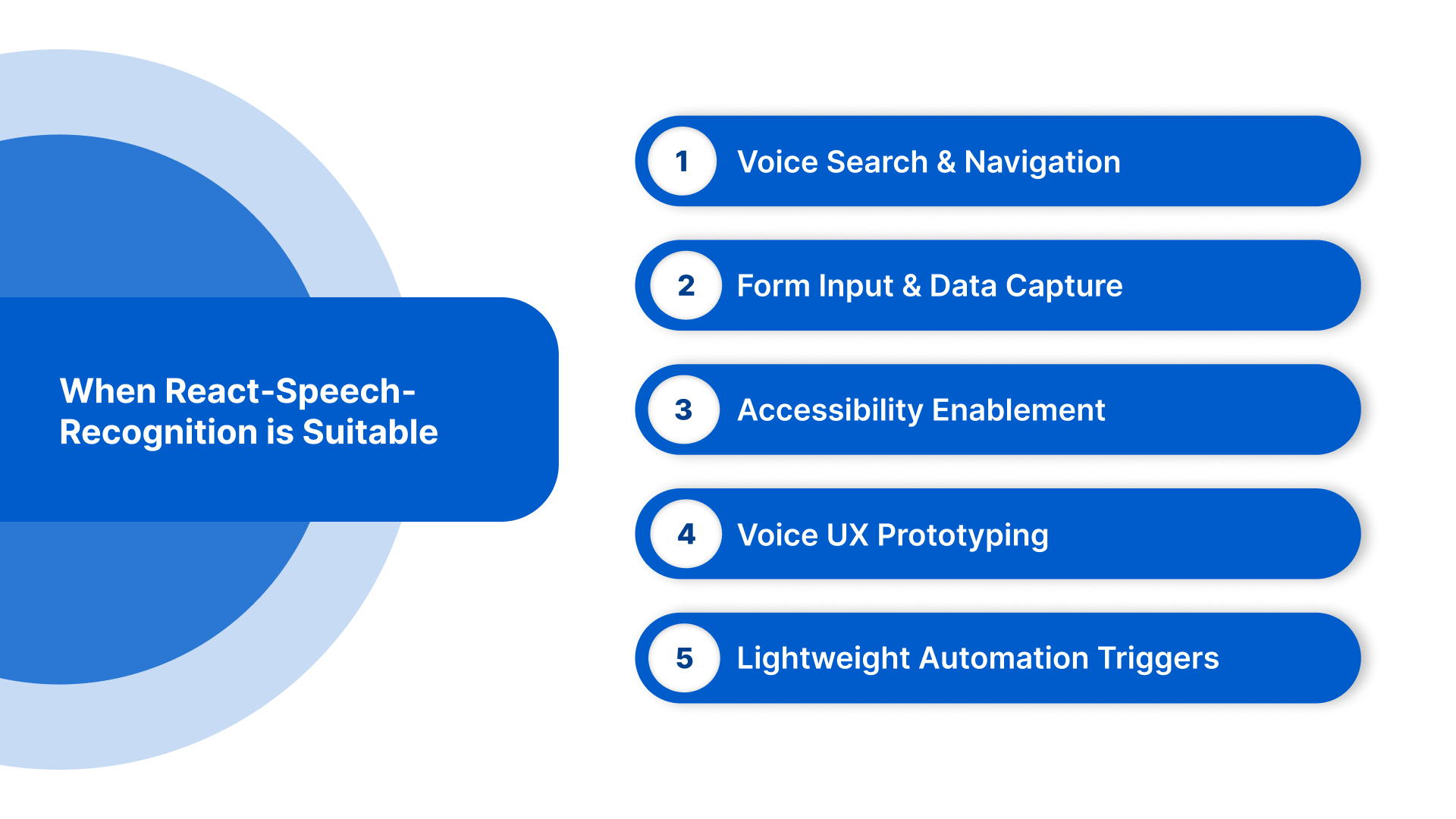
- Voice Search & Navigation: Add hands-free search and command-based navigation in web portals and internal dashboards.
- Form Input & Data Capture: Enable speech-driven form filling for CRM, service, and operational platforms.
- Accessibility Enablement: Support hands-free interaction for compliance and inclusive design.
- Voice UX Prototyping: Rapidly validate voice-enabled workflows without backend speech infrastructure.
- Lightweight Automation Triggers: Trigger simple UI actions such as report generation or workflow navigation.
When React-Speech-Recognition Is Not the Right Fit
While React-Speech-Recognition is ideal for UI-level voice interaction, it is not suitable for production-critical or enterprise-scale speech workflows. Its browser-based architecture introduces several limitations:
- Limited Language Accuracy: Browser Automated Speech Recognition (ASR) struggles with Indian languages, regional dialects, and mixing Hindi and English languages (known as code-switching), leading to inconsistent transcription.
- No Domain Vocabulary Support: It cannot be trained for specialised terminology such as medical, legal, or technical language.
- Single-User, UI-Focused: Not designed for multi-speaker environments, IVR systems, or call-centre transcription.
- Browser Dependency: Works primarily in Chrome and compatible browsers, limiting accessibility across enterprise devices.
- Lack of Compliance Features: Does not provide encrypted storage, audit trails, or regulatory-grade processing required for sensitive enterprise data.
Upgrade to Enterprise-Grade Speech-to-Text with Reverie
Handle Indian languages, multi-speaker audio, and improve CSAT by up to 52%.
Also Read: Power of Speech to Text API: A Game Changer for Content Creation
To achieve reliable and scalable voice input, it’s essential to follow a structured, step-by-step implementation approach in your React applications.
Integrating Speech Recognition in React Apps: 4 Key Steps
Implementing voice input in your React application involves a step-by-step approach to ensure accuracy, reliability, and a smooth user experience, especially for Indian multilingual users. Following a structured setup helps developers capture voice data efficiently and integrate it into enterprise workflows.
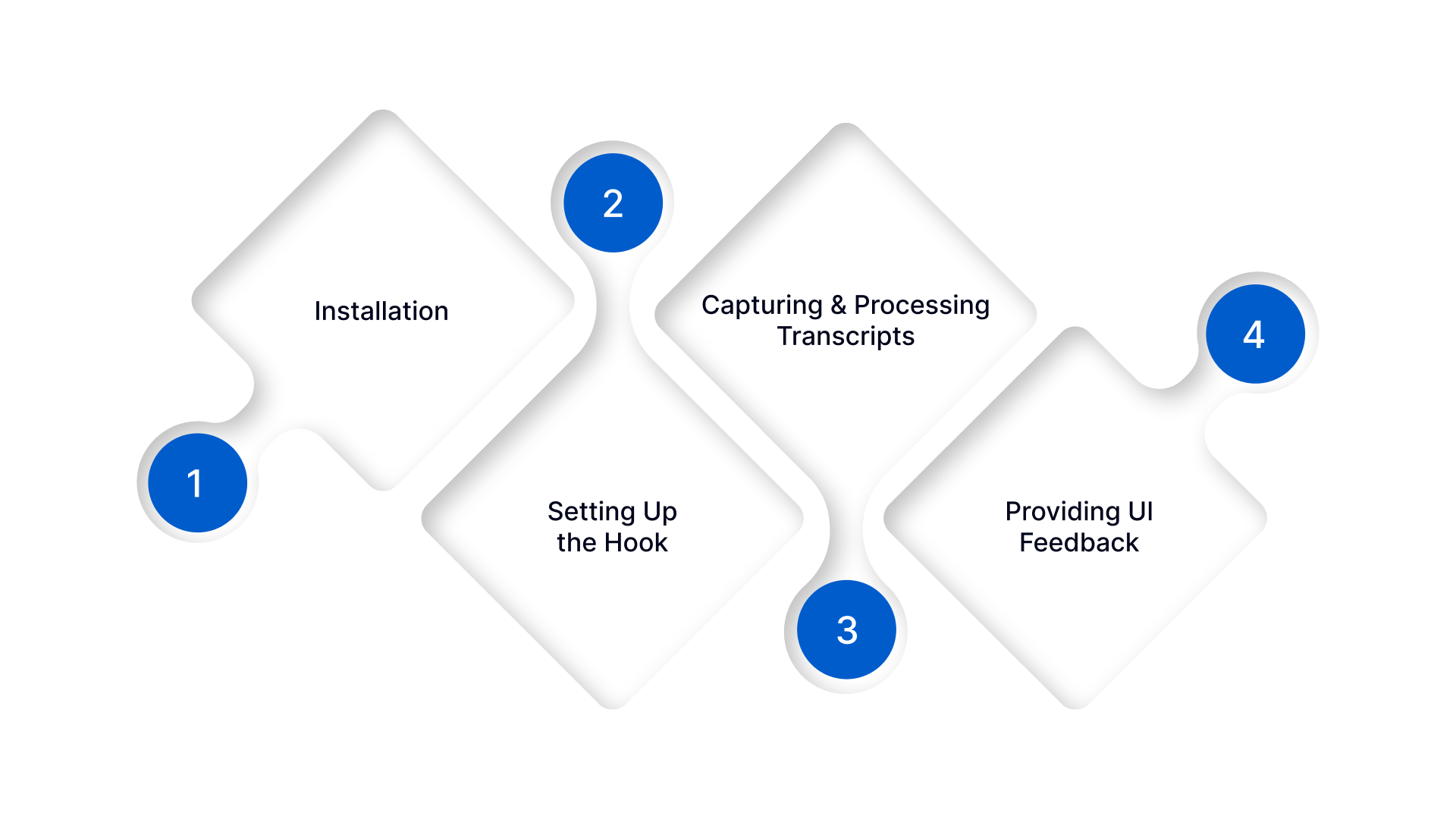
Step 1: Installation
Install the react-speech-recognition package and import the useSpeechRecognition hook, ensuring browser compatibility. In e-commerce apps, this enables customers to search and interact using voice in multiple regional languages.
Step 2: Setting Up the Hook
Initialise the hook with appropriate language settings and manage start, stop, and reset events. Healthcare platforms can accurately capture doctor–patient conversations, even when code-switching between Hindi and English.
Step 3: Capturing and Processing Transcripts
Store transcripts in state variables and forward them to analytics, CRM, or backend STT services with error handling and logging. Automotive applications can process in-vehicle commands in real time, improving safety and responsiveness.
Step 4: Providing UI Feedback
Show clear visual cues such as microphone status, transcript progress, and error messages. Education platforms can display live multilingual lecture transcripts, while legal firms can transcribe client calls or proceedings in real time.
Want accurate, multilingual voice transcription for your enterprise apps? Reverie’s Speech-to-Text API converts audio into text in 11 Indian languages, delivering real-time insights and smooth workflow integration. Contact us today!
Now, let’s understand the best practices for using react-speech-recognition effectively in enterprise-grade applications.
Best Practices for Enterprise-Grade React-Speech-Recognition
Once the basic setup is complete, enterprises must ensure reliability, accuracy, and multilingual readiness for real-world workflows. These best practices help maintain enterprise-grade quality at scale:
1. Initialise and Configure Correctly: Fine-tune the useSpeechRecognition hook for your application context, handling start, stop, and reset events reliably. This ensures accurate interim and final transcripts, particularly for Indian-language inputs.
2. Handle Browser Limitations and Fallbacks: React-Speech-Recognition works best in Chrome, so provide polyfills or alternative flows for unsupported browsers. Clear guidance on microphone access maintains a smooth user experience.
3. Optimise for Multilingual and Mixed-Language Inputs: Sending complex voice inputs to backend Speech-to-Text (STT) services improves reliability and ensures transcripts that can be effectively used in enterprise workflows and business processes.
4. Integrate with Enterprise Workflows: Ensure transcripts flow seamlessly into analytics, CRM, or IVR systems. Proper state management, logging, and error handling maintain workflow continuity.
5. Test and Monitor for Accuracy: Regularly monitor transcription accuracy, speaker differentiation, and latency across devices. Dashboards or automated scripts help detect errors and maintain enterprise-grade quality.
To scale beyond browser transcription, enterprises can use Reverie’s Speech-to-Text API to accurately capture speech, handle code-switching, and integrate seamlessly into workflows, turning calls, meetings, and podcasts into actionable text. Sign up now to get started!
By following these best practices, businesses can integrate a reliable, scalable, and user-friendly voice recognition system.
Conclusion
Enterprises in India continue to face challenges in accurately capturing and processing multilingual voice data. React-Speech-Recognition makes it easier to implement voice input in web applications, but handling code-switching, regional dialects, and integrating with enterprise workflows still requires thoughtful planning and adherence to best practices.
For organisations looking to scale beyond browser-based transcription, Reverie’s Speech-to-Text API offers enterprise-grade, Indian-language-first solutions that integrate seamlessly with apps, IVR systems, and backend workflows. It ensures high accuracy, supports multiple dialects, and delivers actionable insights from voice data.
Ready to enhance your React apps with accurate voice input? Contact us to implement scalable, multilingual enterprise-grade speech recognition.
FAQs
1. Can React-Speech-Recognition handle multiple users speaking simultaneously in Indian languages?
React-Speech-Recognition is primarily single-user and browser-based, so it struggles with overlapping speech. In multi-speaker environments, enterprises should use backend Speech-to-Text APIs with speaker diarisation to ensure accurate separation and transcription of concurrent speech.
2. How can Indian enterprises secure sensitive voice data when using React-Speech-Recognition?
Since React-Speech-Recognition runs in the browser, voice data may traverse client devices. Enterprises should enforce HTTPS, restrict access to authorised users, and consider backend STT pipelines for encrypted storage and compliance with data protection regulations, such as India’s PDP bill.
3. Is it possible to extend React-Speech-Recognition for domain-specific vocabulary?
Browser-based React-Speech-Recognition cannot natively train on custom vocabulary. To support medical, legal, or technical terminology, enterprises should integrate backend STT models that allow domain-specific tuning, ensuring accurate recognition of specialised words.
4. How reliable is React-Speech-Recognition for regional Indian dialects?
Accuracy depends on browser speech engines, which handle major Indian languages moderately but often fail with less common dialects. Enterprises requiring reliable regional transcription should combine React-Speech-Recognition for UI interaction with enterprise STT for backend processing.
5. Can React-Speech-Recognition be used offline in Indian enterprise apps?
No, it relies on the browser’s online Web Speech API. For offline or low-connectivity environments, enterprises should implement offline-capable STT engines or hybrid approaches that fall back to local processing for uninterrupted voice input.

