
Did you know that standard speech recognition systems correctly transcribe only about 62% of words in noisy, real-world environments? Accuracy drops even further in multilingual, code-switched scenarios common in India.
For enterprises, this makes converting voice data from calls, meetings, and mobile apps into actionable text a persistent challenge. React Native provides a powerful platform to address this gap, enabling developers to build cross-platform apps that capture, process, and integrate voice data seamlessly.
In this blog, we’ll explore how React Native Speech-to-Text can help Indian businesses overcome language diversity, transcription challenges, and integration hurdles to create accurate, scalable, and real-time voice experiences.
Key Takeaways
- Cross-Platform Voice Experiences: React Native speech-to-text enables real-time, multilingual voice interactions across Android and iOS from a single codebase.
- Built for India’s Linguistic Diversity: Indian enterprises benefit from regional-language and code-switched speech recognition that reflects how users actually speak.
- Enterprise Workflow Enablement: Enterprise ASR engines support IVR, calls, meetings, and mobile workflows across customer support and operations.
- Industry-Specific Accuracy: Domain-trained models improve transcription accuracy in BFSI, healthcare, legal, and automotive environments.
- Secure and Scalable Voice Infrastructure: Secure, scalable APIs convert voice data into usable intelligence for analytics and workflow automation.
What is React Native Speech-to-Text?
React Native speech-to-text refers to integrating automatic speech recognition (ASR) into a React Native application, allowing spoken audio to be converted into written text in real time or from recorded files. This enables apps to capture voice input directly from users, making interactions faster and more natural.
Beyond basic transcription, enterprise-grade speech-to-text in React Native focuses on accuracy, scalability, multilingual support, and seamless integration across digital workflows. It forms the foundation for features such as voice-enabled navigation, meeting and call transcription, conversational interfaces in apps, bots, IVRs, and analytics for spoken interactions.
Now that we understand what React Native speech-to-text is, it’s important to see why enterprises are increasingly integrating it into their apps to improve engagement, efficiency, and accessibility.
Why Enterprises Are Adopting Speech-to-Text in React Native
React Native speech-to-text enables businesses to capture voice interactions efficiently, improving the user experience and streamlining workflows. Enterprises can leverage this technology in several ways:
- Enhance User Engagement Across Vernacular Markets: Allow users to interact naturally in Hindi, Tamil, Bengali, or other regional languages.
- Improve Data Capture And User Satisfaction: Automatically transcribe calls, meetings, and customer support interactions for better insights.
- Reduce Friction In Forms And Support Workflows: Provide hands-free navigation and voice-enabled commands to enhance the user experience.
- Enable Accessibility For All Users: Support non-typing interactions to make apps usable for everyone, including users with different abilities.
React Native’s cross-platform support enables efficient deployment on Android and iOS. Coupled with multilingual speech-to-text, enterprises can transform voice interactions into actionable insights.
Integrate Speech-to-Text Seamlessly in React Native Apps
Reduce dev time by up to 97% with Reverie’s enterprise Speech-to-Text.
Given these drivers, the central question becomes how speech-to-text actually works in a React Native environment and what architectures make sense for enterprise scenarios.
How React Native Speech-to-Text Works: 3 Key Steps
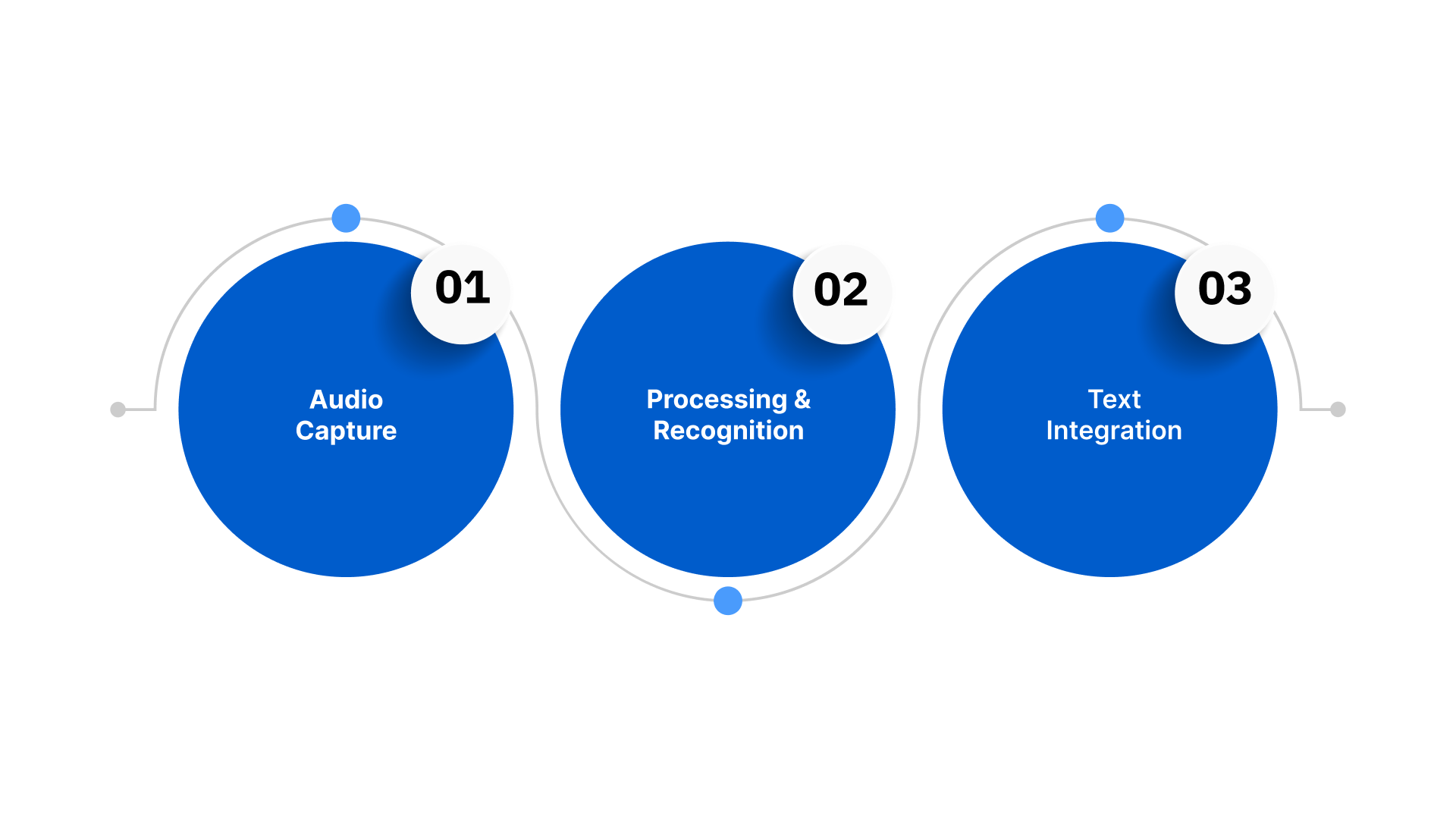
React Native speech-to-text uses ASR to convert spoken audio into written text within the app. It supports real-time streaming for live interactions and batch processing for recorded files, making it suitable for a wide range of enterprise workflows. The process generally follows three key steps:
1. Audio Capture
This step involves recording the user’s voice on the device and preparing it for accurate recognition by the speech-to-text engine.
- Device Microphone Access: React Native provides cross-platform APIs to access the device microphone, ensuring consistent audio quality on both Android and iOS.
- Noise Management: Enterprise apps often include preprocessing steps, such as noise suppression and gain control, to handle varied acoustic environments.
- Flexible Input Sources: Supports live voice, uploaded recordings, and even telephony or IVR streams.
2. Processing & Recognition
Here, the captured audio is analysed and converted into text using advanced speech recognition algorithms and language models.
- On-Device vs Cloud Processing: On-device recognition reduces latency and protects privacy, while cloud processing offers higher accuracy and supports complex language models.
- Multilingual & Code-Switch Handling: Advanced ASR engines can process mixed-language speech (e.g., Hinglish) and regional dialects common in India.
- Domain-Specific Accuracy: Enterprise implementations often utilise industry-specific vocabularies in healthcare, legal, automotive, and BFSI to improve transcription precision.
3. Text Integration
The resulting text is delivered to the app, where it can be used for search, commands, analytics, or workflow automation.
- Immediate App Usage: Transcribed text can instantly populate search results, chatbots, forms, or voice commands.
- Analytics & Insights: Enterprises can feed transcripts into analytics platforms to extract trends, sentiment, and key customer insights.
- Workflow Automation: Voice-to-text data can trigger automated processes, summaries, or notifications in CRM, ERP, or support systems.
Build multilingual, real-time speech-to-text into your React Native applications with Reverie’s enterprise-grade ASR platform, purpose-built for Indian languages and code-switched speech. Start your integration today using Reverie’s developer-ready APIs and free trial credits on RevUp.
By combining React Native’s cross-platform flexibility with enterprise-grade speech-to-text engines, businesses can deliver accurate, real-time, multilingual voice experiences, reduce workflow friction, and improve engagement across apps.
Next, let’s examine what enterprises should evaluate when selecting a speech-to-text API for React Native applications.
What to Look for in a React Native speech-to-text API
Choosing the right speech-to-text API for your React Native app is critical for delivering reliable, scalable voice experiences. Here are five key capabilities enterprises should prioritise:
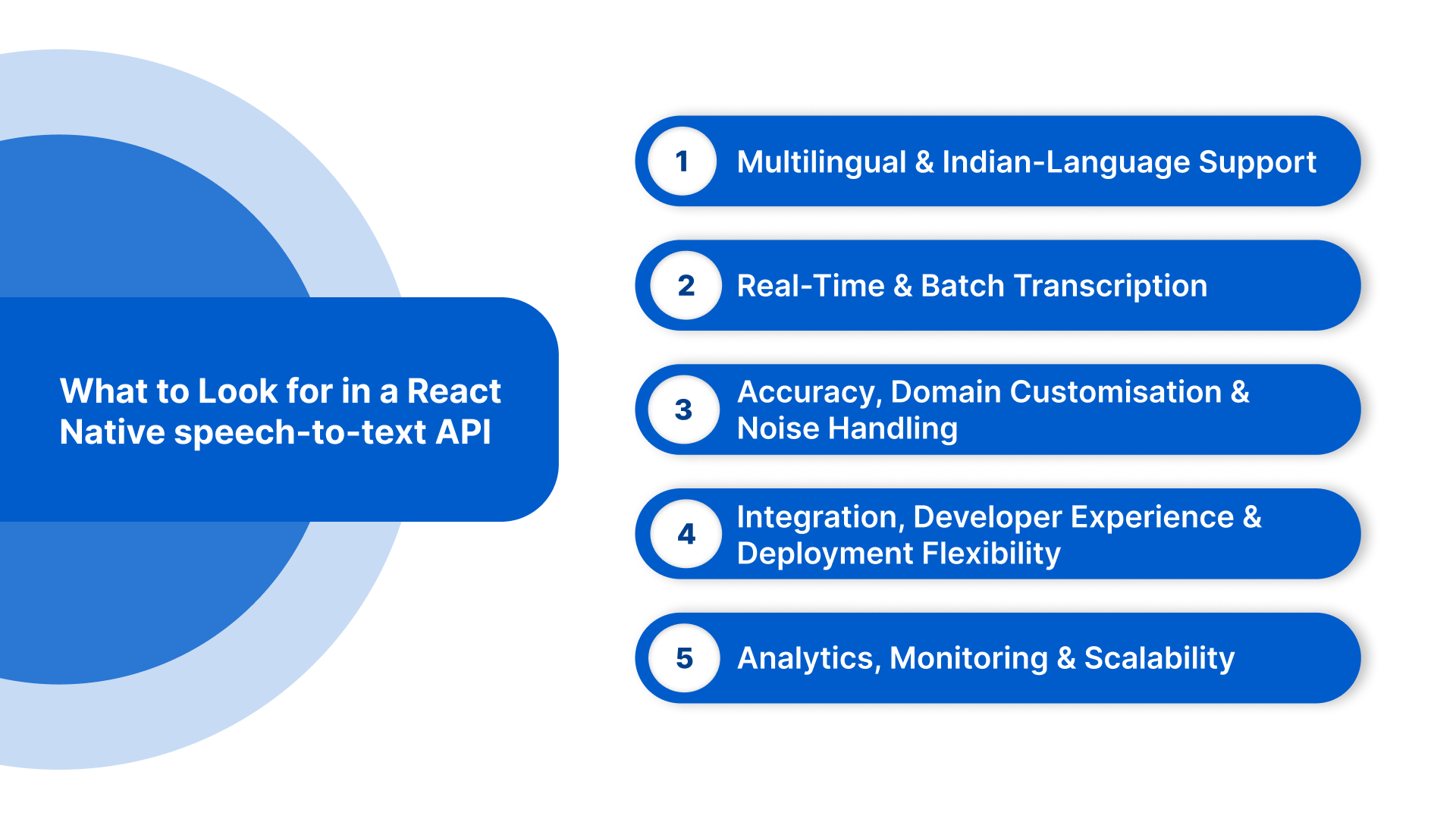
- Multilingual and Indian-Language Support: Support for Hindi, Tamil, Telugu, Marathi, Bengali, Gujarati, Kannada, Malayalam, Punjabi, Odia, Assamese, English, and code-switched speech. Dialect sensitivity ensures accurate transcription across regional pronunciations.
- Real-Time and Batch Transcription: Enable both live streaming for in-app voice commands and batch/file uploads for post-event analysis or large recordings. Partial and final transcript delivery ensures responsive UI feedback.
- Accuracy, Domain Customisation & Noise Handling: Custom vocabularies and domain-specific models improve transcription in BFSI, healthcare, legal, and automotive sectors. Reliable handling of background noise and low-quality audio enhances transcription accuracy.
- Integration, Developer Experience & Deployment Flexibility: Offer SDKs for React Native, Android, iOS, and REST/streaming APIs. Cloud, on-premise, or hybrid deployment options ensure compliance with security and regulatory requirements. Clear documentation speeds up development.
- Analytics, Monitoring & Scalability: Provide usage dashboards, performance metrics, and exportable logs. Transparent pricing and auto-scaling support allow enterprises to handle growing voice workloads efficiently.
Enable Real-Time Voice Input Across Indian Languages
Improve CSAT by up to 52% with Reverie’s multilingual Speech-to-Text.
Evaluating these criteria helps ensure your React Native speech-to-text implementation delivers reliable, scalable, and business-ready voice capabilities. With the right API in place, implementation quality becomes the key determinant of performance, reliability, and user experience.
Integrating speech-to-text into a React Native Application
Adding speech-to-text to a React Native app combines cross-platform flexibility with an enterprise-grade ASR engine, ensuring accurate, real-time transcription and seamless backend workflows. Here’s a structured approach for effective implementation:
1. Choose the Right Speech-to-Text API: Select an API that meets enterprise requirements, including multilingual support, real-time streaming, domain customisation, and secure deployment. Ensure the provider offers React Native SDKs or REST endpoints for smooth integration.
2. Set Up Permissions and Audio Capture: Request microphone access on both Android and iOS using React Native libraries, and implement basic noise suppression if needed to improve recognition accuracy.
3. Connect to the Speech-to-Text Engine: For real-time streaming, establish a persistent connection to the ASR engine, and for batch transcription, upload audio files via REST or SDK endpoints. Handle errors and network issues gracefully to maintain user experience.
4. Process and Use Transcripts: Once text is returned, map it to your app’s workflows, such as voice commands, search, forms, or analytics. Post-process transcripts if necessary to ensure accuracy for domain-specific terms.
5. Testing and Optimisation: Test the integration across languages, accents, and background conditions to ensure reliability. Monitor latency, accuracy, and engagement to continuously improve performance.
6. Analytics and Continuous Improvement: Use transcripts for business insights, sentiment analysis, and workflow automation. Feed usage data back into custom models where supported to improve recognition over time.
Build enterprise-grade speech-to-text for Indian languages with Reverie’s real-time and file-based ASR APIs. Start your proof of concept today with free credits and developer-ready SDKs on RevUp.
Even with a reliable integration, real-world deployments often surface challenges. Here’s how enterprises can address them.
Common Issues in React Native Speech-to-Text Apps
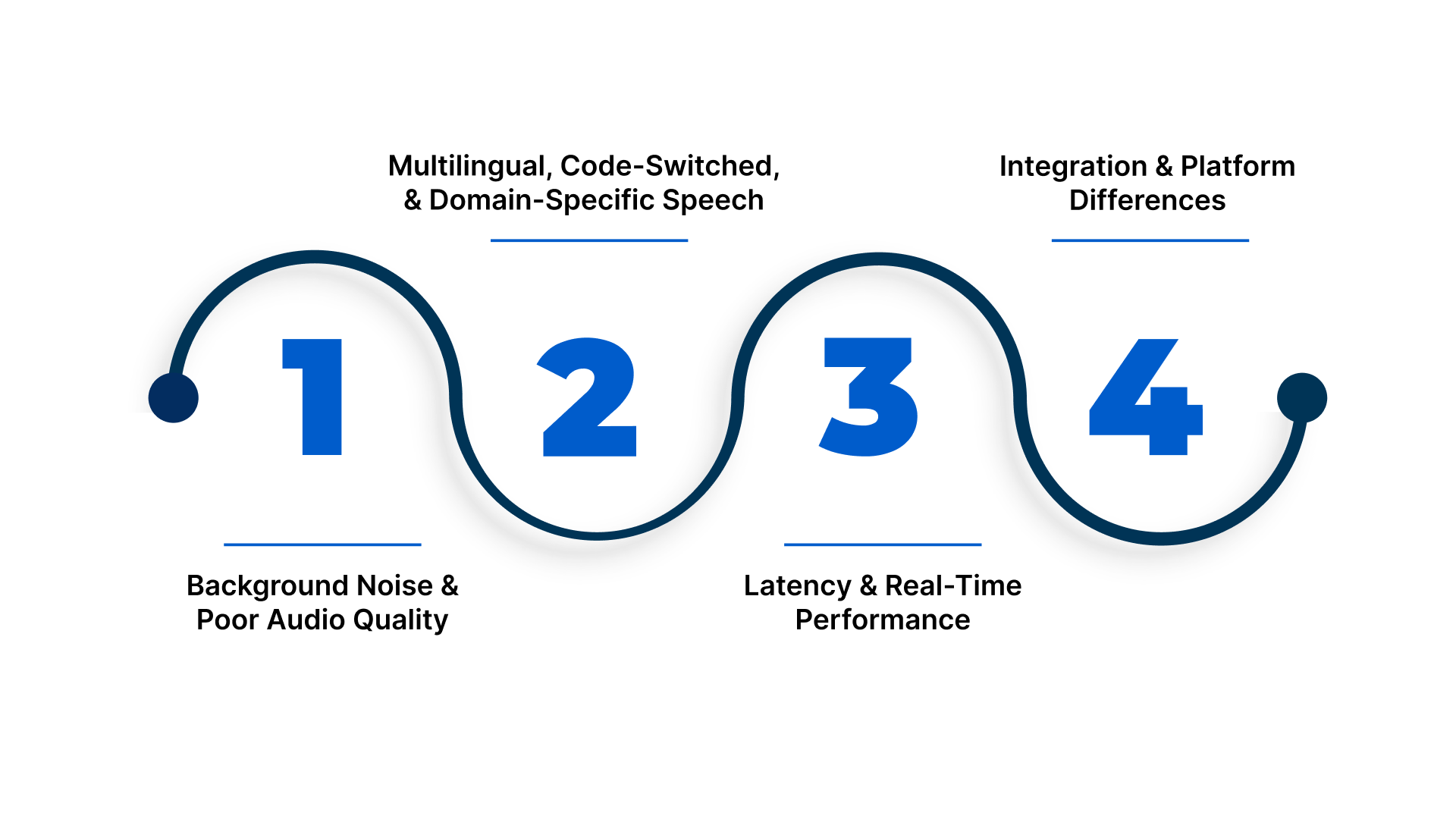
Integration alone doesn’t guarantee flawless performance. Identifying potential challenges early helps maintain transcription accuracy, efficient workflows, and a seamless user experience. Here are a few common issues and ways enterprises can address them:
1. Background Noise and Poor Audio Quality
Low-quality microphones or noisy environments can reduce recognition accuracy.
Solution: Implement noise suppression and echo cancellation on-device or use APIs with built-in noise-handling. Encourage clear speech and guide users on optimal recording conditions.
2. Multilingual, Code-Switched, and Domain-Specific Speech
Users often mix languages or use specialised vocabulary, which generic ASR engines misinterpret.
Solution: Use engines that support multilingual and code-switched speech, along with custom vocabularies or domain-specific models for sectors like BFSI, healthcare, legal, and automotive. Post-processing can correct common misinterpretations.
3. Latency and Real-Time Performance
Real-time streaming may experience delays due to network issues or poorly optimised APIs.
Solution: Choose low-latency engines, consider on-device recognition where speed and privacy matter, and implement caching, partial transcripts, or adaptive bitrate strategies.
4. Integration and Platform Differences
Variations in Android and iOS audio handling, permissions, and SDK versions can cause inconsistent behaviour.
Solution: Test integrations across devices and OS versions, use abstraction libraries, and implement unified error handling and logging for faster debugging.
By anticipating these challenges and implementing the recommended solutions, enterprises can ensure their React Native speech-to-text apps deliver reliable, accurate, and scalable voice interactions across industries.
Final Thoughts
Voice is becoming the primary way users interact with mobile apps across India’s multilingual environment. Speech-to-text in react native enables enterprises to convert spoken conversations into accurate, usable data for search, automation, support, and analytics, making apps faster, simpler, and more intuitive.
Reverie’s Speech-to-Text API is purpose-built for Indian languages and code-switched speech, delivering high accuracy for real-time, IVR, and recorded audio workflows. With enterprise security and developer-ready APIs, Reverie helps businesses deploy reliable voice intelligence at scale.
If your applications rely on voice interactions, now is the right time to move to a speech-first approach. Visit Reverie’s Speech-to-Text API and contact us to see how easily you can integrate multilingual speech recognition into your React Native apps.
FAQs
1. Can React Native speech-to-text work in low-connectivity regions in India?
Yes. With hybrid architectures, apps can use on-device recognition for basic commands and cache audio for cloud processing when connectivity improves. This ensures continuity in rural and semi-urban deployments.
2. How does speech-to-text improve customer support inside React Native apps?
It enables live call transcription, automated ticket creation, sentiment tagging, and keyword extraction. This allows support teams to analyse conversations, resolve issues faster, and maintain auditable records.
3. Is speech-to-text suitable for regulated industries like BFSI and healthcare?
Yes. Enterprise-grade APIs support encrypted audio streams, secure authentication, private deployments, and audit logging, making them suitable for compliance-driven sectors handling sensitive conversations.
4. Can React Native apps transcribe regional accents accurately?
Accuracy depends on the ASR engine. Indian-focused speech engines trained on regional accents and dialects deliver significantly better results than global generic models.
5. How can speech-to-text reduce manual data entry in enterprise apps?
Voice input replaces typing for forms, reports, and notes. This speeds up field operations, improves data accuracy, and increases productivity for mobile-first teams.

