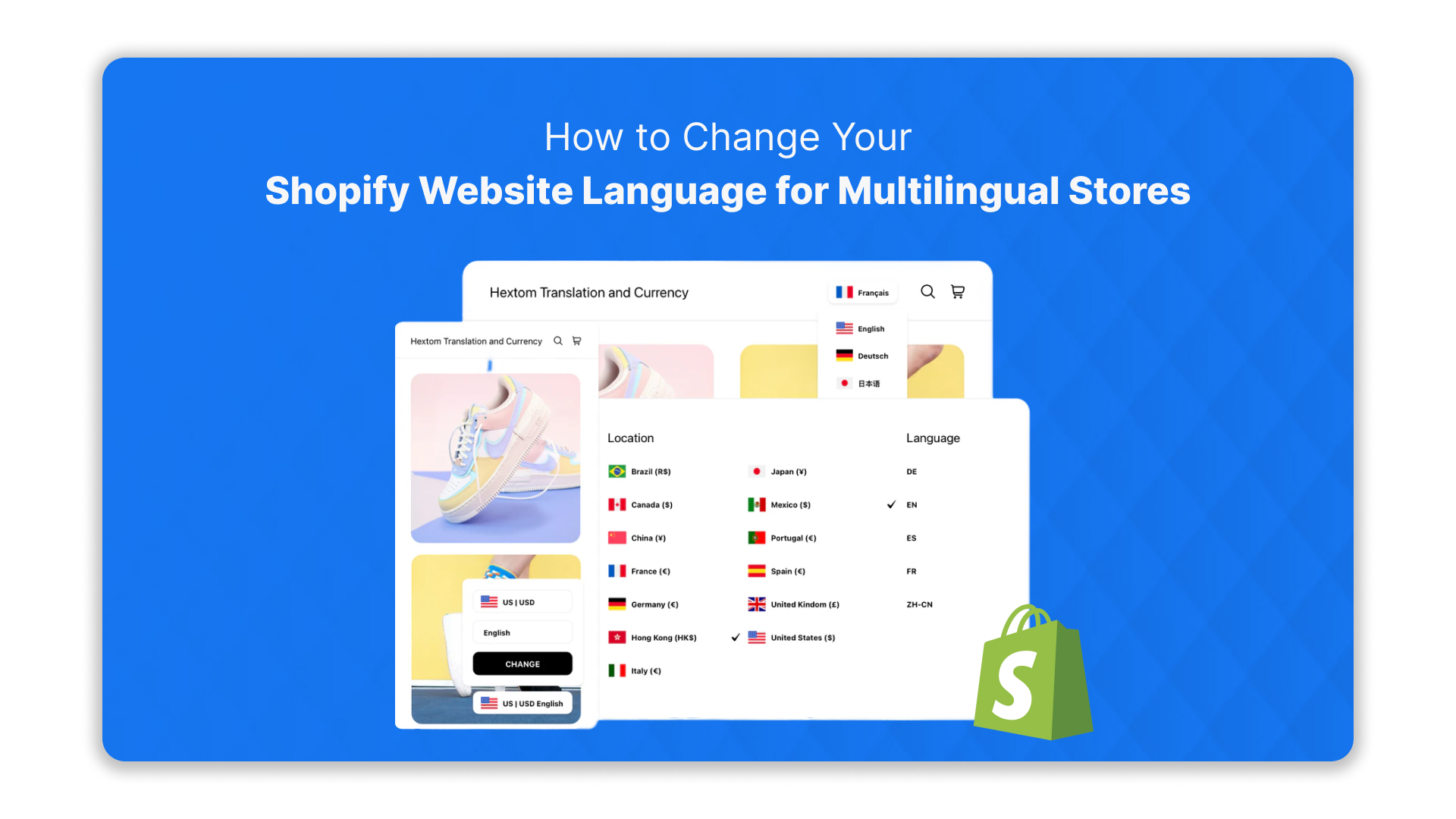
Browsing a Shopify store only to see everything in a language you don’t understand can be frustrating, and for many shoppers in India, that’s a daily reality. Over 68% of Indian internet users prefer content in their native language, according to a 2024 IAMAI report on digital consumer habits.
If your store doesn’t speak their language, you risk losing engagement and sales before a customer even clicks “add to cart.” Thankfully, Shopify lets you adjust your store’s language and reach a multilingual audience without overhauling your entire website.
From translating product pages to updating checkout flows, small changes can make a big difference. This blog explains the Shopify website language change step by step, so your store connects naturally with customers across India.
Key Takeaways:
- Shopify Language Options: Understand the difference between default store language, additional languages, and theme vs content translations to set up a seamless multilingual experience.
- Theme Compatibility: Choose themes with built-in multilingual support or plan manual translations to avoid missing text or broken layouts.
- Multi-Market Setup: Assign languages, currencies, and domains per market, and use geolocation to show the right version to customers automatically.
- Translation & Localisation: Combine automated translation tools with human review, adapt visuals and UX for regional audiences, and implement SEO best practices with language-specific URLs and hreflang tags.
- Language Switcher & Customer Experience: Ensure an easy-to-find language selector and test across devices to maintain consistent usability.
- Anuvadak Integration: Use Anuvadak for centralised translations, script transliteration, voice accessibility, and scalable multilingual management for India-focused stores.
- Testing & Maintenance: Regularly verify translations, update content, and monitor analytics to prevent errors and maintain smooth multilingual operations.
- Common Pitfalls: Avoid lost translations, inconsistent checkout messages, SEO gaps, and cultural misalignments by following best practices and backup workflows.
Understanding the Language Options in Shopify
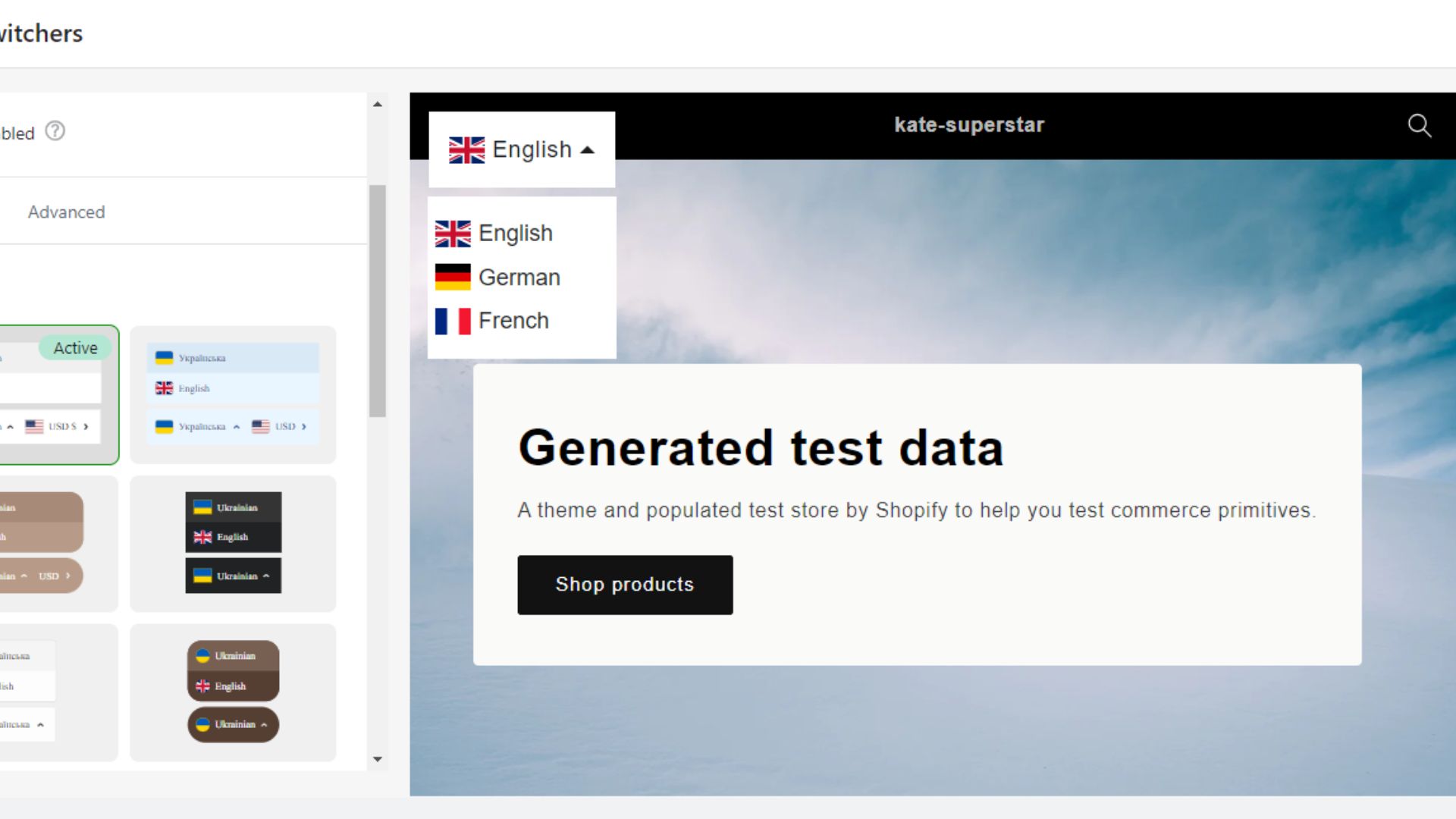
Shopify handles multiple languages in different ways: default store language, theme text, and content translations. Understanding how these features work enables you to set up a multilingual online store that’s smooth and easy for customers to navigate.
Here’s a concise guide to comprehend these options:
1. Default Store Language vs. Additional Languages
Shopify lets you manage your store’s language in two main ways: a default language and additional languages for a multilingual audience. Understanding the difference helps you set up your store correctly and reach more customers.
| Language Option | Description |
|---|---|
| Default Store Language | The primary language is set in the Shopify admin (Settings > Languages).
Used for your store’s backend and as the default for customers unless changed. |
| Additional Languages | Shopify lets you add up to 20 languages (excluding Shopify Lite).
This allows translation of your storefront content for a multilingual audience. |
2. Theme Language vs. Store Content Language vs. Translations
Shopify separates the text your customers see into theme labels, your store content, and translations. Knowing the difference helps you manage a multilingual store more efficiently.
| Type | What It Covers |
|---|---|
| Theme Language | Buttons, labels, default theme text |
| Store Content | Products, collections, descriptions |
| Translations | Fallback language when a translation is missing |
3. Themes: Built-in Multilingual Support vs. Manual Translation
Not every Shopify theme handles languages the same way. Some come ready with multiple languages, while others need you to add translations manually. Knowing which type you have saves time and keeps your store looking consistent for all customers.
| Theme Type | Description |
|---|---|
| Built-in Multilingual Support | Pre-translated text and labels included; switch languages without extra setup. |
| Manual Translation | Requires using the Translate & Adapt app or importing translations via CSV files. |
4. Multi-Market & Multi-Language Setup
Selling to multiple regions can get messy if every customer sees the wrong language or currency. Shopify’s multi-market setup ensures visitors see the right language and settings for their location.
Use these features to make your store feel local and intuitive:
- Markets: Create separate markets for different regions, each with its own language, currency, and domain.
- Language Assignment: Assign specific languages to each market (e.g., Hindi or Kannada for India).
- Geolocation: Automatically detect a customer’s location and show the store in the appropriate language if translations exist.
Also Read: How Shopify Language Translation Apps Improve SEO and Increase Traffic
With a clear understanding of Shopify’s language and market options, you’re ready to take the next step: preparing your store to implement a language change effectively.
Preparing Your Store for a Language Change
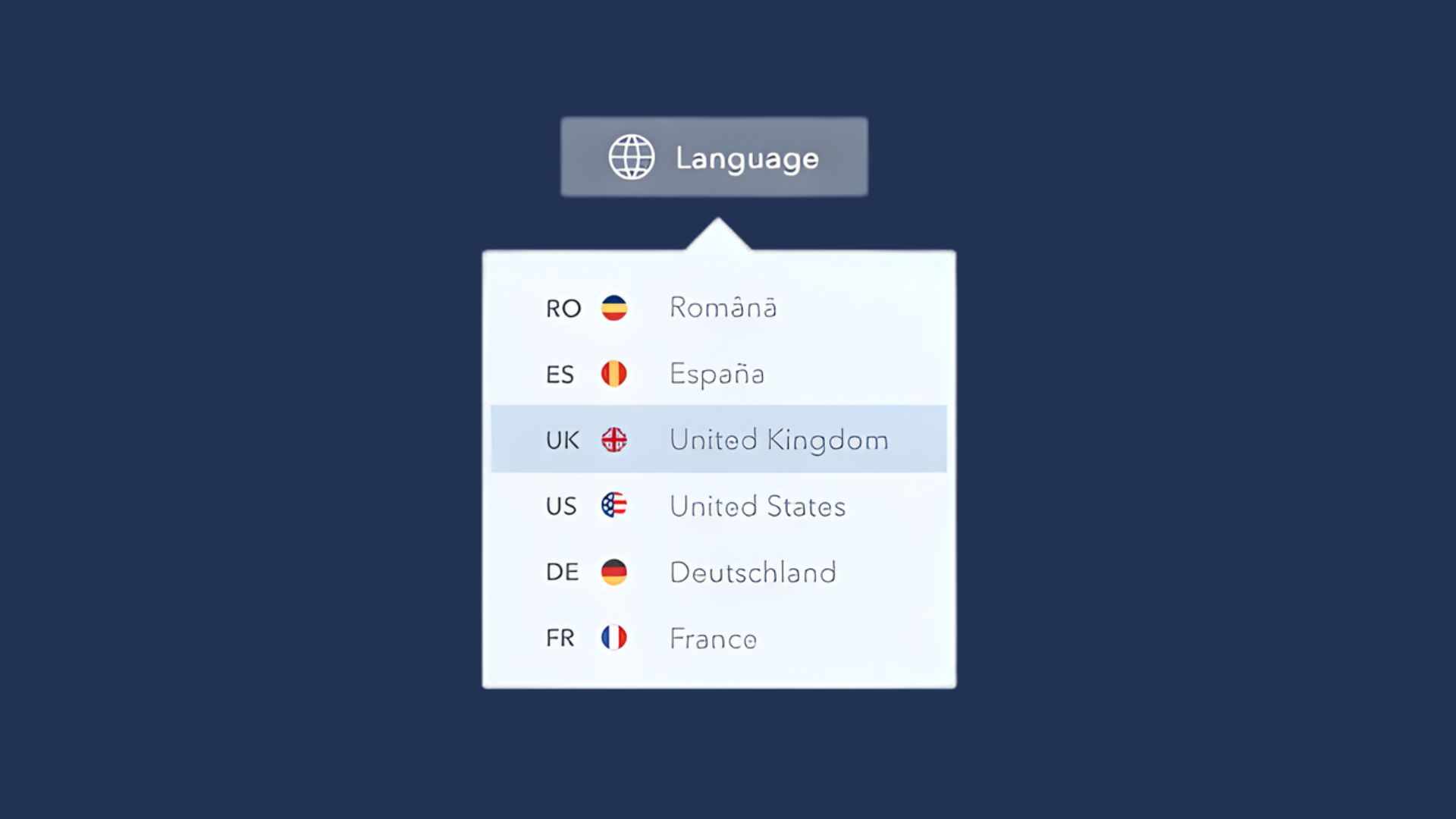
Before changing your Shopify store’s language, it’s crucial to take stock of your current setup. Knowing what content exists, which languages your theme supports, and the target audiences helps prevent errors, lost translations, or broken layouts.
A careful audit and clear plan ensure the language change is smooth and that every part of your store, from product pages to checkout, remains accurate and accessible.
Start by checking these key steps:
- Check theme compatibility: Some Shopify themes, like “Dawn,” have built-in multilingual support, while others require apps like Translate & Adapt. Knowing this prevents missing text or broken layouts.
- Audit current content: Review all elements, including product descriptions, category pages, checkout messages, and email notifications. For example, a “Free Shipping” banner in English may need translation in Hindi or Tamil.
- Decide on scope: Are you changing the default language for the entire store, or just adding secondary languages? For instance, keeping English as the default while adding Kannada and Bengali for regional markets.
- Backup existing content: Export your current translations and store data. This ensures that if anything goes wrong during the language change, you can restore it quickly.
- Define target languages and audiences: Map languages to customer segments. For example, assign Hindi for North Indian customers, Tamil for Tamil Nadu, and consider script direction and cultural nuances when presenting content.
Also Read: India-Ready Shopify Store: How Localization & Translation Can Drive Success
With your content audited and target audiences defined, it’s time to update your Shopify store so customers see the correct language at every touchpoint.
How to Add or Change Languages in Shopify
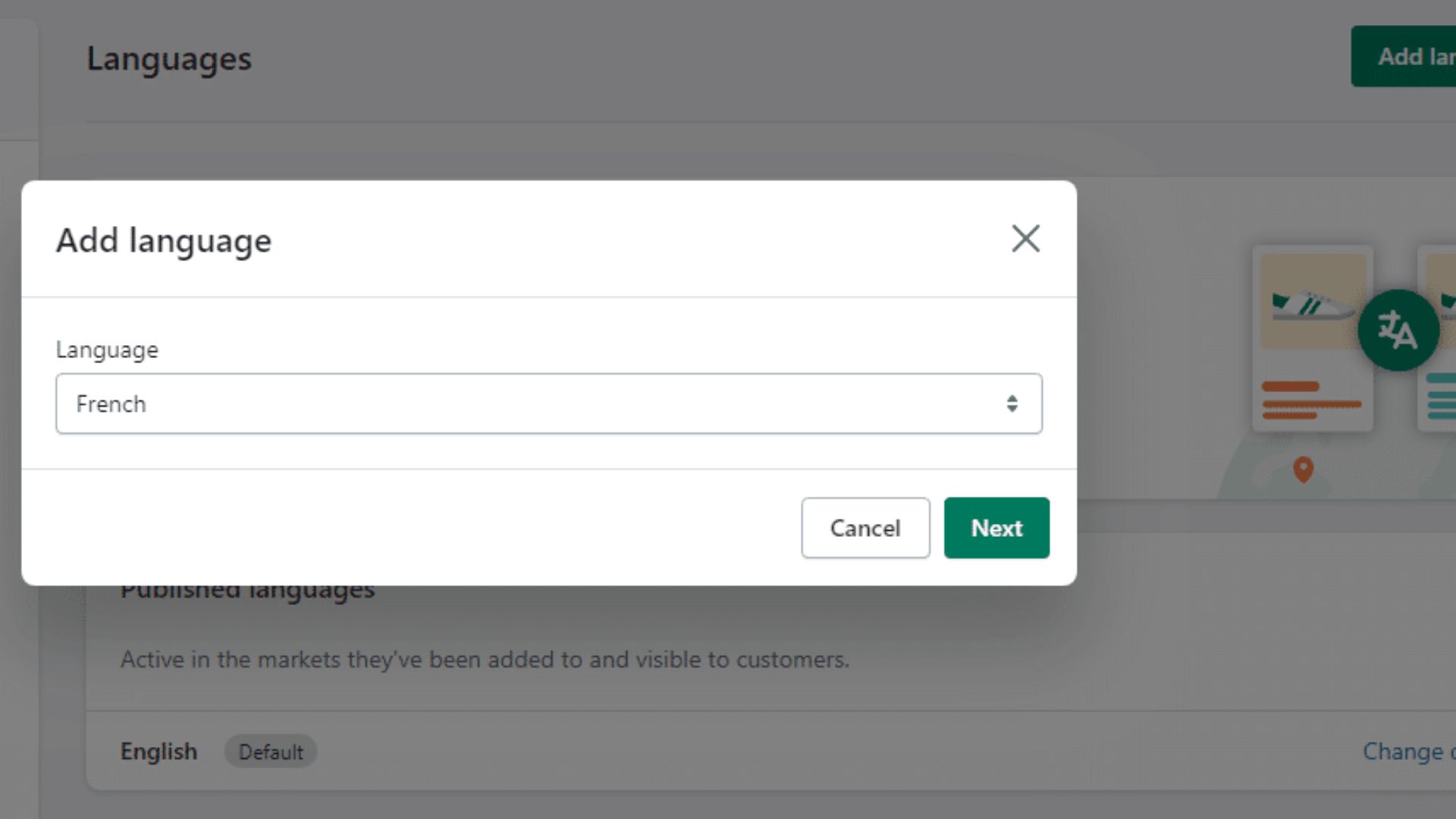
Adding or changing languages in Shopify affects how customers interact with your entire store, from browsing products to completing checkout. Understanding each step ensures translations appear correctly, your theme labels align, and essential notifications reach users in their preferred language.
Careful execution also prevents accidental loss of existing translations or inconsistencies across pages. Follow these steps to implement language changes safely and effectively:
- Add a new language: Go to Admin → Settings → Languages → Add language, then publish it for customers.
- Change the default store language: Exercise caution—existing translations may be overwritten.
- Translate theme vs. store content: Use Shopify’s native tools or apps to handle theme text separately from full store content.
- Edit checkout language: Admin → Settings → Checkout → Edit checkout content to ensure customers see accurate messages during purchase.
Changing Shopify languages can lead to missing translations or inconsistent checkout content. Anuvadak helps keep all pages, notifications, and theme text aligned across languages.
Setting up languages is only the first step before organising translations and localisation across your store.
Translation & Localisation Workflow

Translating your Shopify store involves more than swapping words. A straightforward workflow ensures your content is consistent, culturally relevant, and optimised for user experience and search engines. Combining automation with careful human review strikes the right balance between efficiency and accuracy.
1. Translation Methods
You can translate content manually by exporting CSV files and re-importing them after translation, which provides complete control but is time-intensive. Automated apps like Weglot or Shopify’s Translate & Adapt speed up the process, but human review is essential to ensure context, tone, and cultural nuances are correct.
Many stores adopt a hybrid approach: automation for bulk content, followed by selective human editing.
2. Localisation Beyond Language
Effective localisation also adapts visuals, date and currency formats, and UX flows. For example, product images, banners, and checkout layouts may need adjustment for regional preferences. Positioning the language selector prominently ensures users can easily switch languages.
3. SEO Considerations
Language-specific URLs, subfolders, or subdomains help search engines understand and index regional content correctly. Hreflang tags indicate the target language and region to avoid duplicate content issues, and aligning domains with markets can improve local visibility and search performance.
After setting up translations and localisation, the next step is making it easy for customers to choose their preferred language and tailoring your store for different markets.
Also Read: How to Optimise Your Website for Multilingual SEO?
Enabling a Language Switcher & Multi-Market Support
Giving customers control over the language they see is key to a seamless shopping experience. A visible language selector allows users to switch easily, while multi-market support ensures that each audience sees content in their preferred language, currency, and format.
Proper setup prevents confusion and reduces abandoned sessions. Key actions include:
- Language Selector: Enable a visible language switcher via your theme. If your theme doesn’t include one, apps like Translate & Adapt or Weglot can add this functionality.
- Multi-Market Configuration: Set up international domains, subdomains, or subfolders for different markets to manage languages, currencies, and region-specific content.
- Automatic Language Loading: Ensure that visitors landing on translated URLs see the correct language by default, leveraging Shopify’s geolocation features where possible.
- Testing: Verify the experience across devices, mobile and desktop, check fallback languages, and confirm that all translations appear correctly.
Once your store is fully configured for multiple languages, using tools like Anuvadak can simplify localisation. It can also ensure your Shopify store effectively reaches India’s diverse audience.
Anuvadak’s Solutions for Shopify Language Changes in India
Handling multiple languages on Shopify often results in gaps, such as missing translations on product pages, incorrect checkout content, or inconsistent labels across themes. Anuvadak addresses these issues directly with:
- Website & App Localisation: Ensures product pages, collections, checkout flows, and notifications remain consistent across languages, allowing customers to browse and purchase without confusion.
- Translation API: Automatically generates regional-language content for Shopify pages, product descriptions, and blogs, reducing delays and manual workload.
- Transliteration API: Converts content between scripts (e.g., Hindi, Tamil, Kannada), making it readable for audiences unfamiliar with the Latin alphabet.
- Speech-to-Text & Text-to-Speech APIs: Add voice search, audio instructions, or accessible content for users with low literacy or accessibility needs.
- Scalability & Security: Supports multiple Shopify markets and languages while protecting sensitive customer and transaction data.
- Cultural Accuracy & UX Alignment: Ensures translations respect local customs, date/currency formats, and layout conventions, preventing miscommunication or cart abandonment.
Once your Shopify store is fully localised, it’s essential to ensure every language version works flawlessly before going live.
Testing, Launch & Maintenance
After configuring your Shopify store for multiple languages, thorough testing and ongoing maintenance are crucial to prevent issues that can impact sales or user experience. Focus on these key areas:
- Launch Checklist: Verify all theme text, product descriptions, checkout flows, menus, metadata, URLs, and SEO tags appear correctly in every language.
- Analytics Monitoring: Track language-specific behaviour—bounce rates, conversions, and session duration—to identify pages that may need optimisation.
- Content Update Workflow: Ensure that whenever original content changes, translations are updated promptly using translation memory and glossary tools.
- Version Control & Backup: Export CSVs of all translations regularly to maintain a safe backup and enable rollback if needed.
- Managing Languages: When adding or removing languages, set proper redirects to prevent broken links and maintain SEO value.
- Accessibility & UX Checks: Test on different devices, screen sizes, and browsers to confirm that layouts, scripts, and checkout flows remain seamless across languages.
Even with careful setup, multilingual Shopify stores can run into avoidable issues that affect user experience and conversions.
Common Pitfalls & How to Avoid Them
Even after setting up multiple languages, hidden issues can disrupt your store, like untranslated banners, checkout flows, or SEO gaps. These pitfalls can confuse shoppers and reduce conversions.
The table below highlights common traps and quick ways to fix them.
| Pitfall | Workaround / Solution |
|---|---|
| Switching the default language without a backup | Export current translations first; keep a versioned backup. |
| Using a theme incompatible with multilingual setups | Confirm the theme supports multiple languages or use a compatible app. |
| Checkout pages and notifications remain untranslated | Translate checkout flows and email notifications via Shopify tools or apps. |
| Ignoring SEO for multilingual content | Add hreflang tags, translate meta titles/descriptions, and use language-specific URLs. |
| Literal translation without cultural context | Adapt images, layout, symbols, and tone to match regional culture. |
| Content drift over time | Update translations whenever original content changes. |
| Hidden dynamic content is not translating | Include banners, pop-ups, and dynamic text in the translation workflow. |
| App or third-party integration texts left untranslated | Translate all integrated apps, like chatbots or review systems. |
| Confusing language switcher placement | Test placement on all devices; ensure it’s easy to find. |
| Duplicate or conflicting translations | Use translation memory and glossa |
Conclusion
Managing multiple languages on Shopify is more than flipping a switch. From theme labels to checkout flows, each element must be aligned, consistent, and culturally relevant. Proper planning, thorough testing, and ongoing updates ensure a smooth experience for every customer.
Anuvadak simplifies this process, automating translations, maintaining accuracy across scripts, and supporting regional nuances. For stores aiming to connect with India’s diverse audiences, it bridges the gap between setup and seamless customer experience.
Get in touch with us today and make your Shopify store fully multilingual and ready for every customer.
FAQs
1. Can I change the default language of my Shopify store without losing translations?
Yes, but it requires careful preparation. Always back up your existing translations by exporting them first. You can then re-import them after changing the default language, keeping in mind that some theme-specific labels may need manual adjustment.
2. Is a translation app mandatory to support multiple languages in Shopify?
Not necessarily. Shopify allows adding multiple languages natively, but translation apps simplify managing full-store translations, SEO, and language switchers, especially for larger stores.
3. Will changing my store’s language affect SEO?
It can. To preserve search visibility, ensure translated URLs, hreflang tags, and metadata are properly set up for each language version.
4. Can I offer right-to-left (RTL) languages like Arabic or Urdu?
It depends on your theme. Make sure your theme supports RTL languages, and adjust layouts and UI elements accordingly for proper display.
5. What’s the best way to maintain translations as content changes?
Use translation memory, glossaries, and version control (like CSV exports). Establish a workflow to update translations whenever the original content changes to avoid inconsistencies.

