Many Indian enterprises face a breaking point where increasing ticket volumes outpace hiring budgets, leading to “support fatigue.” You likely see your best agents quitting because they are buried under repetitive queries like “Where is my order?” or “How do I reset my password?”
Relying solely on human capital to scale makes your operations rigid and expensive. Modern automation in customer service allows you to offload up to 80% of these routine tasks to intelligent systems that never sleep and never tire.
This shift is now a universal standard: 99% of service professionals say automated customer service helps them do their jobs, and nearly all organizations have now invested in workflow automation.
In this guide, we will explore the transition from basic automation to conversational AI, providing you with a step-by-step framework to implement and measure a voice-first support strategy.
At a Glance
- True automation now includes voice AI that understands regional Indian accents and intent, not just keywords.
- Research shows 55% of customers use chatbots for simple service.
- Automate the 80% of repetitive queries to let your human agents focus on the 20% that drive high-value revenue.
- Automation only works if it is connected to your live CRM and OMS data via real-time APIs.
- Move from measuring “Average Handle Time” to “Self-Service Resolution Rate” to track real ROI.
- Effective automation requires a “failsafe” where complex or emotional queries are instantly routed to a live specialist.
What is Automation in Customer Service Today?
Automation in 2026 has evolved from rigid, rule-based “if-then” logic into agentic AI capable of reasoning. Unlike legacy systems that simply deflected users to a help article, modern automation uses Natural Language Understanding (NLU) to solve problems end-to-end.
Whether it is verifying a refund or diagnosing a technical issue, these intelligent systems process human intent and sentiment in real-time, delivering a resolution without ever involving a human agent.
Understanding the technology is only half the battle; the real value lies in choosing the right medium for your specific customer journey.
Are you ready to scale your support without increasing your headcount? CubeRoot’s voice AI platform automates routine customer interactions to save you time and money. Book a demo with our experts today.
Also read: How to Handle Customer Complaints Effectively?
Ways to Automate Customer Service
While the goal of automation is consistent, the medium you choose significantly impacts the customer experience. You must decide where your customers are most likely to seek help and which channel offers the least friction for their specific needs:
- Conversational AI Voice Agents for Telephone Support: These agents handle complex, multi-turn verbal conversations, replacing legacy IVR systems. They are ideal for users who prefer the speed of a phone call or need hands-free support while on the move.
- Intelligent Chatbots for Web and In-App Support: Research shows 55% of customers use chatbots for simple service. Modern versions understand typed queries beyond basic buttons. They excel at sharing links, images, and other rich media that voice cannot convey.
- Automated Outbound Calls for Proactive Service: This involves using AI to reach out to customers for Cash on Delivery (COD) confirmations, appointment reminders, or feedback surveys.
- Self-Service Portals and AI-Powered Knowledge Bases: Automation can read your existing help documents to suggest the perfect answer to a user searching your FAQ page.
Choosing the right medium is the first step toward building a broader, more resilient business strategy for automation.
Also read: Outbound Calls Explained: What They Are and How They Work?
Why Your Business Needs a Customer Service Automation Plan
Deploying automation without a plan leads to “bot frustration” for your customers. A strategic approach ensures that technology serves the customer journey rather than obstructing it.
You need a roadmap that balances speed with empathy to maintain brand loyalty:
- Solving the Scalability Crisis in Indian Call Centers: Hiring, training, and retaining agents for seasonal spikes is difficult compared to the instant, infinite capacity of an AI deployment.
- Reducing Cost-per-Ticket While Improving CSAT: Shifting from human-led support to AI-led automation drops the cost of a single interaction while providing instant answers.
- Eliminating Human Error in Data-Heavy Tasks: AI agents accurately pull and update information from your ERP or CRM without the typos common in manual entries.
- Delivering 24/7 Multilingual Support Across India: You gain a competitive advantage by offering support in regional languages at midnight without needing a night shift team.
Transitioning from the “why” to the “how” requires a deep dive into the actual architecture of a successful automation campaign.
How to Implement Automation in Customer Service
Successful implementation is not about replacing your team; it is about building a digital workforce that acts as your first line of defense. This requires a technical and operational workflow that ensures the AI is as capable as your best agent.
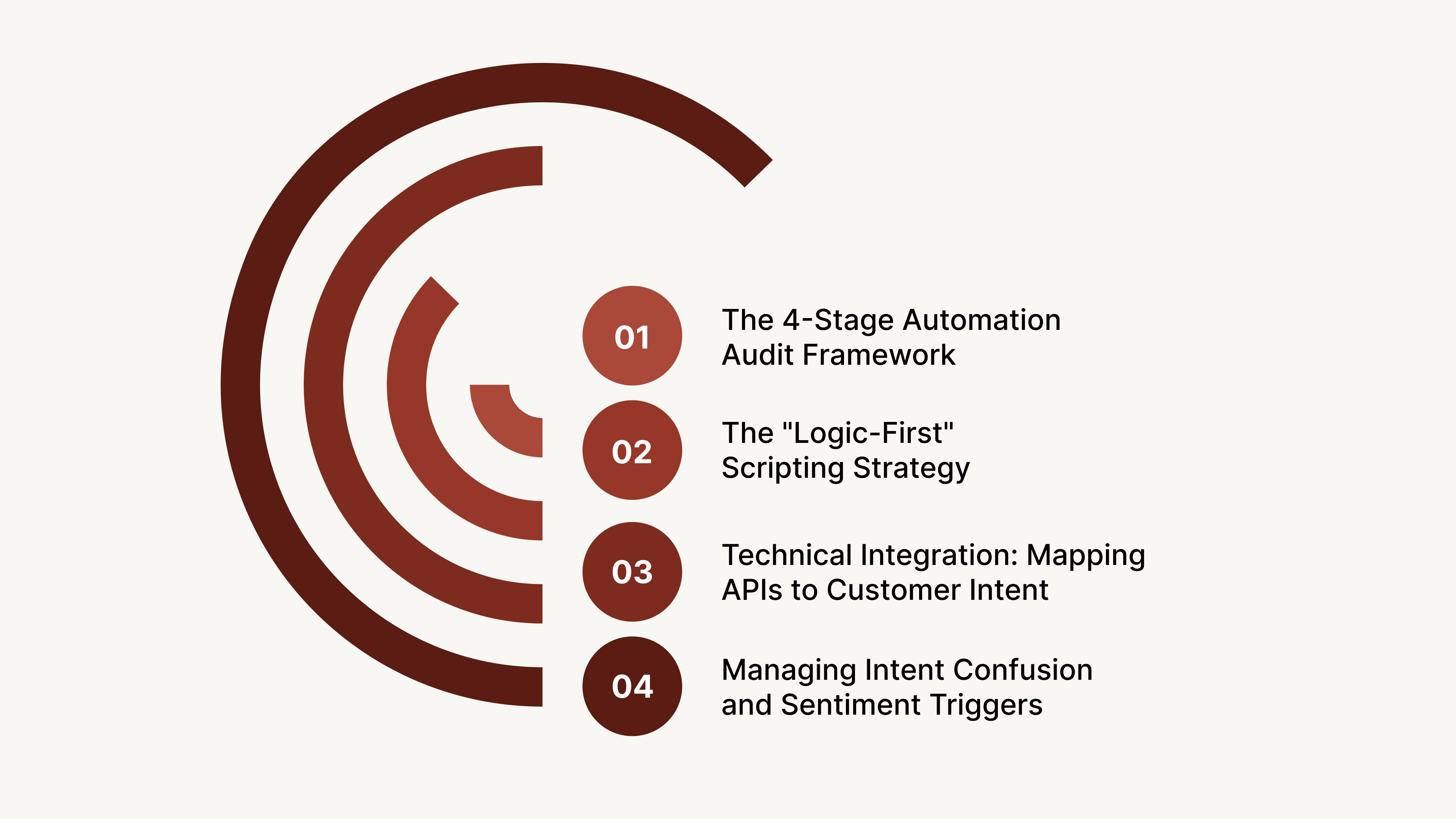
The following stages represent the core pillars of building a high-performance automation engine:
1. The 4-Stage Automation Audit Framework
Before writing a single line of code, you must audit your current support ecosystem to identify which repetitive tasks offer the highest potential for automation. This stage focuses on analyzing historical ticket data to find high-volume, low-complexity queries that currently drain your human resources.
By mapping these data requirements early, you can design conversational flows that are grounded in actual customer behavior rather than assumptions.
What happens in this stage:
- Analyze the last six months of call and chat transcripts to categorize frequent intents.
- Calculate the potential ROI by estimating the hours saved through automating specific query types.
- Define clear success criteria and KPIs for each selected automation use case.
- Select a pilot channel where the automation will have the most immediate impact.
- Identify the necessary stakeholders from the IT, customer success, and legal departments.
- Create a timeline for the phased rollout of the automated solution.
2. The “Logic-First” Scripting Strategy
Effective automation relies on conversation design that accounts for the non-linear way humans actually speak and ask for help. This strategy involves building comprehensive decision trees that allow the AI to handle sudden deviations or side questions without losing the primary context.
By scripting for flexibility rather than rigid paths, you ensure the system feels intuitive and can recover gracefully when a customer changes their mind.
What happens in this stage:
- Map every possible user path for a specific intent, including “What if” scenarios.
- Write natural language responses that reflect your brand’s unique voice and tone.
- Build in clarification prompts to resolve ambiguity when the user provides vague input.
- Design “Global Intents” that allow users to jump to different topics mid-flow.
- Program the AI to handle interruptions or “barge-ins” during voice interactions.
- Establish the specific triggers that necessitate an immediate handover to a human agent.
3. Technical Integration: Mapping APIs to Customer Intent
The true power of automation is realized when your AI agent is deeply connected to your live backend systems and customer databases. This technical layer ensures the agent can perform real-time actions, such as verifying a refund status or updating a shipping address, without manual intervention.
Secure API mapping allows the system to provide personalized, data-driven responses that move beyond generic FAQ templates.
What happens in this stage:
- Connect the AI platform to your CRM or Order Management System via secure APIs.
- Verify that data latency remains under 200ms to prevent unnatural pauses in conversation.
- Set up authentication protocols to verify customer identities before sharing sensitive data.
- Ensure the AI can “write back” information to the CRM to log interaction outcomes.
- Test data synchronization across all channels to maintain a unified customer view.
- Create fallback mechanisms to handle situations where a backend system is temporarily offline.
4. Managing Intent Confusion and Sentiment Triggers
Even the most advanced systems will encounter queries that fall outside their programmed logic or involve highly emotional customers. This stage involves setting up sophisticated “failsafes” that detect intent confusion or negative sentiment through real-time speech and text analysis.
By establishing automated routing rules for these edge cases, you protect the customer experience and ensure that sensitive issues always receive a human touch.
What happens in this stage:
- Configure the AI to detect keywords that signal high-priority or emotional emergencies.
- Set a threshold for “Intent Confidence” below which the call is automatically escalated.
- Implement sentiment analysis to identify angry or frustrated tones during a live interaction.
- Design a graceful exit strategy for the AI when it reaches its technical limits.
- Ensure the human agent receives a full transcript of the automated portion of the call.
- Use failed interactions as training data to improve the NLU model in the next cycle.
Once your system is live, you must use hard data to prove its effectiveness and find areas for further optimization.
Also read: What Is Customer Satisfaction and How to Improve It?
Key Metrics: How to Measure and Optimize Automation Success
You cannot manage what you do not measure. Traditional support metrics must be adapted to account for the efficiency of your automated agents. Use these specific benchmarks to track your ROI:
- The Calculation Guide: Deflection Rate vs. Resolution Rate: Use this formula:
Resolution Rate = Total Issues Resolved by AI / Total Automated Interactions * 100
- Resolution is a more valuable indicator of success than simple deflection.
- Benchmarking Success: AI vs. Human Agent Performance: Compare metrics like “Speed to Respond” and “Cost per Ticket” between manual and automated support to visualize the efficiency gains.
With high-speed automation comes the responsibility of handling customer data ethically and legally.
Ensuring Compliance and Security in Automated Support
Automation involves processing vast amounts of personally identifiable information (PII). In sectors like BFSI and Healthcare, security is a legal requirement. You must ensure your automated tools are as secure as your physical servers:
- Adhering to India’s Digital Personal Data Protection (DPDP) Act: Retailers and banks must ensure their AI agents are legally compliant with these new data storage and processing laws.
- Secure Voice Logging and Redaction for BFSI: Record calls for quality assurance while automatically redacting sensitive info like CVVs or OTPs from the voice logs and transcripts.
Are you concerned about data compliance while automating your customer calls? CubeRoot provides enterprise-grade security and full audit trails for every AI interaction. Contact us to learn about our secure deployment options.
Effective automation is a journey of refinement, but many companies fail because they fall into the same predictable traps.
Common Mistakes That Kill Your Automation ROI
Most automation failures are not due to bad technology, but bad configuration. If your customers feel “trapped” in a loop, your automation is doing more harm than good. Recognize these pitfalls before they impact your CSAT scores:
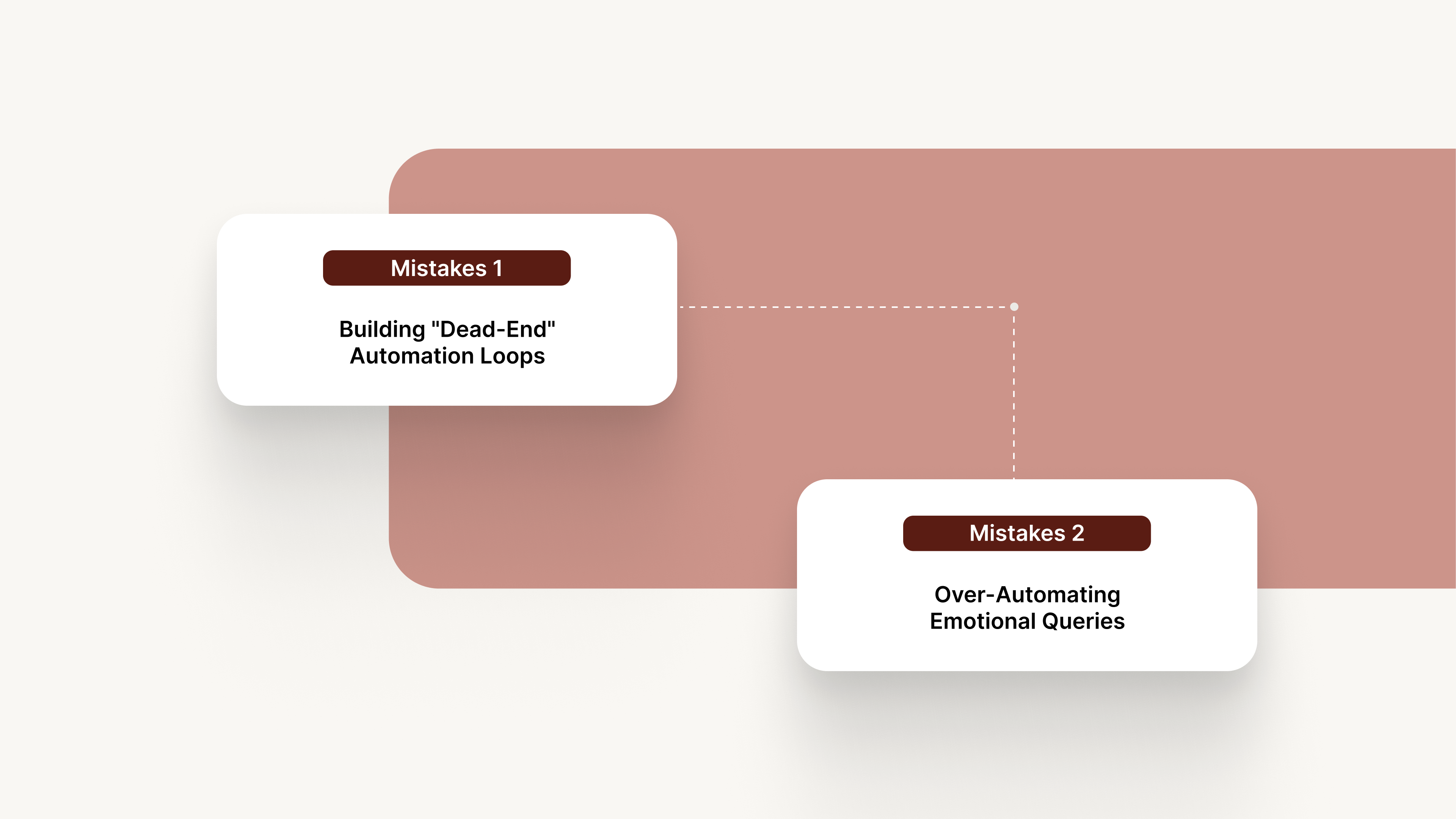
1. Building “Dead-End” Automation Loops
A bot that cannot say “I don’t know” causes immense frustration. Always provide a “Talk to Human” escape button within the first two minutes of any complex interaction.
- The Solution: Always implement a “forced escape” path that triggers after two failed attempts to understand an intent. This ensures that the customer is never stuck and is instead routed to a human specialist who has access to the full transcript of the automated interaction.
- Pro Tip: Always offer a human fallback within the first 2 minutes of any complex interaction to maintain a safety net for the customer experience.
2. Over-Automating Emotional Queries
Avoid using a bot for sensitive issues like fraud reports or bereavement. Tag specific keywords like “stolen” or “emergency” to bypass automation and route directly to a human specialist.
- The Solution: Use keyword and sentiment triggers to identify emotional distress at the very beginning of the interaction. Program your system to bypass automation entirely and route these specific keywords directly to your most experienced “High-Touch” agents.
- Pro Tip: Tag specific keywords like “stolen,” “emergency,” or “unauthorized” to bypass automation entirely and prioritize the call in the human queue.
While the mistakes are universal, the right tool should make avoiding them an automatic part of your workflow.
Also read: Inbound vs Outbound Call Difference Explained
Choosing the Right Customer Service Automation Tool: A Checklist
The market is flooded with tools, but enterprise-grade automation requires more than just a chat interface. You need a platform that can handle the scale of millions of calls while maintaining low latency and high accuracy:
- Enterprise-Grade Scalability and Accuracy: Ensure the platform offers latency under 2 seconds and 95% NLU accuracy. It must also provide native support for regional Indian dialects.
- Seamless Omnichannel Handovers: Your AI should move a voice conversation to a WhatsApp link or email without losing context. Ensure the tool supports session persistence so the customer does not have to repeat themselves.
- No-Code Logic Builders: Your operations team should be able to update scripts and schedules without waiting for IT developers. This allows you to optimize campaigns based on live performance data.
- Real-Time Analytics and Feedback Loops: You need a dashboard that shows exactly where customers drop off in the conversation. Look for tools that offer Reinforcement Learning from Human Feedback (RLHF).
Top 3 Use Cases for Automation in Customer Service
Automation is not a one-size-fits-all solution. Its application varies depending on your industry and the specific pain points of your customer base. Focus on these high-impact areas to see the fastest ROI:
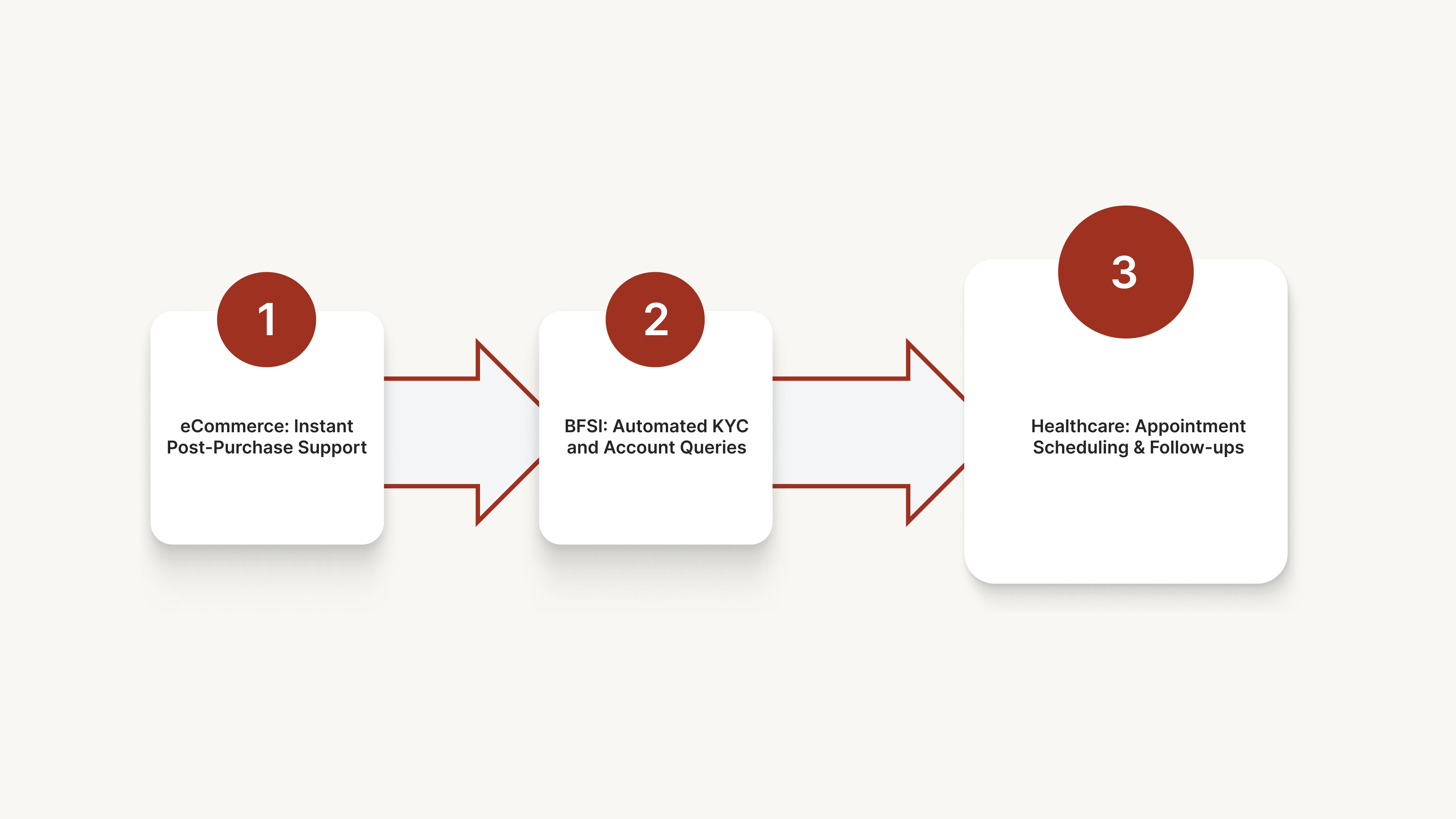
- eCommerce: Instant Post-Purchase Support: Automate order tracking, address changes, and the generation of return shipping labels to keep your lines open for sales.
- BFSI: Automated KYC and Account Queries: Help customers check balances, block lost cards, or update their KYC status through secure voice AI agents.
- Healthcare: Appointment Scheduling and Follow-ups: Hospitals can automate the booking process and send post-care instructions or medication reminders via automated voice calls.
These industry-specific use cases demonstrate where automation delivers clear value, but achieving that value at scale requires a platform engineered for India’s unique operational landscape. This is where a specialized partner like CubeRoot makes the critical difference.
How CubeRoot Automates Your Customer Service
Indian enterprises often grapple with ineffective legacy IVR and expensive, inflexible BPO contracts. Inefficient self-service can actually raise call volumes, compounding your costs in both technology and human labor.
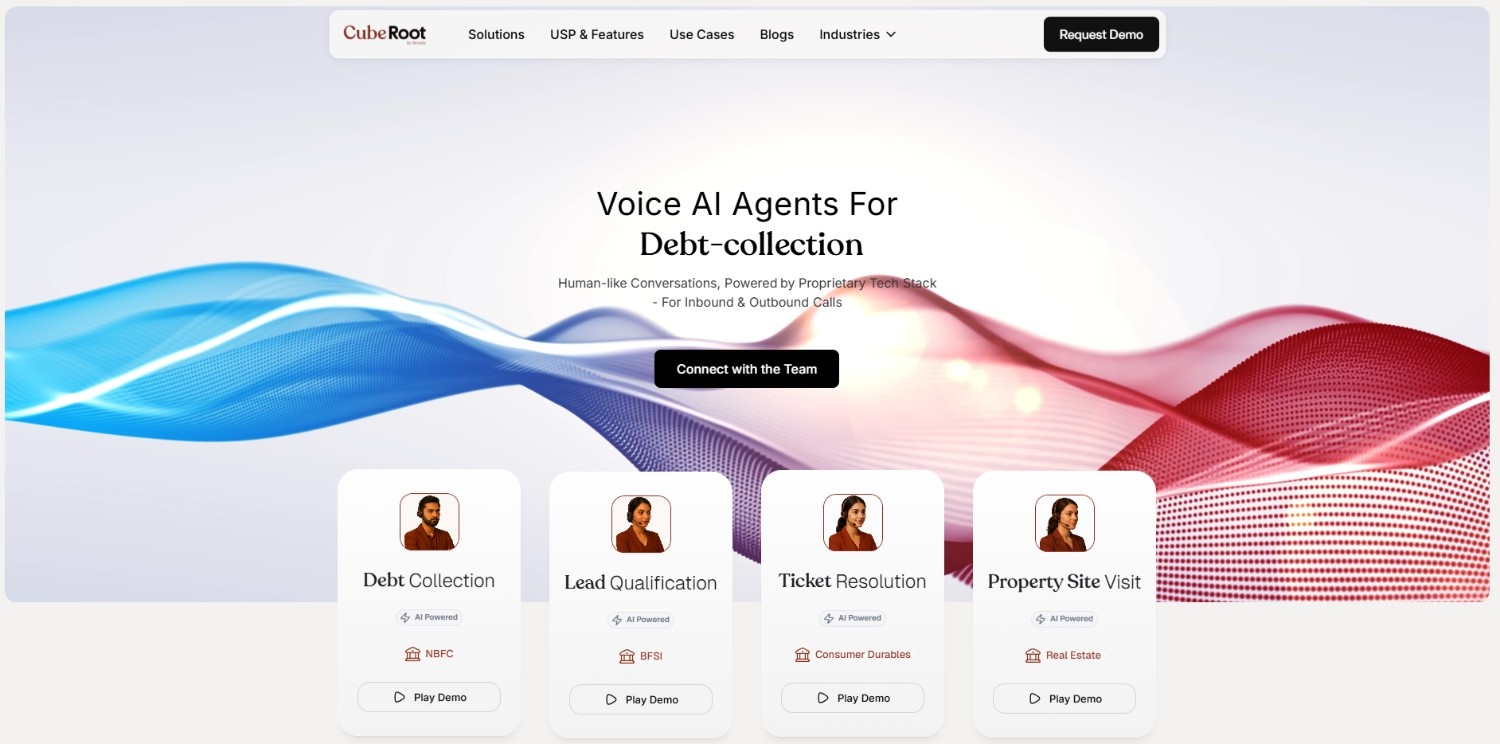
CubeRoot directly addresses these pain points. Engineered for India, it seamlessly handles regional languages and network variability, converting customer service bottlenecks into streamlined, high-efficiency engagements.
- Domain-Trained Voice Agents: Use AI models that already understand BFSI, Retail, and Healthcare terminology for faster deployment and higher accuracy.
- Hyper-Scalable Infrastructure: Handle a 10x surge in call volume during festive sales without any degradation in response speed or quality.
- No-Code Workflow Builder: Design and deploy complex conversational flows in days without needing a dedicated team of developers.
- Seamless CRM Sync: Ensure your AI agent has a 360-degree view of the customer by integrating directly with tools like Zendesk, Freshdesk, or custom ERPs.
Our platform is designed to make your customer service smarter, faster, and more affordable.
Also read: What Is A Voice Chatbot: A Complete Guide
Conclusion
The transition from basic automation to AI-driven resolution is the new standard for enterprises looking to scale without ballooning their operational costs. By implementing a data-backed strategy that prioritizes intent and security, you can build a support engine that actually improves the customer experience.
Automation is no longer just about saving money; it is about providing instant, accurate, and multilingual support at any time of day. CubeRoot is the partner of choice for Indian enterprises looking to lead this automation movement.
Our voice AI technology is designed to solve the unique challenges of the Indian market while maintaining the highest standards of security and compliance. We help you turn your customer service department into a streamlined, high-performance asset.
Ready to see how AI can transform your support center? Book a demo with CubeRoot today to explore our custom voice automation solutions.
FAQs
Q. Does automation in customer service replace human agents?
No, it augments them. Automation handles the high-volume, repetitive queries so your human agents can focus on complex issues that require empathy and advanced problem-solving skills.
Q. How does voice AI handle Indian regional accents?
Modern platforms like CubeRoot are trained on diverse datasets containing various Indian regional accents and dialects, ensuring high accuracy across different states and languages.
Q. What is the average ROI of implementing customer service automation?
Most enterprises see a reduction in support costs of 30% to 50% within the first year. The ROI is driven by lower headcount requirements and significantly faster resolution times.
Q. Is automation in customer service secure for banking?
Yes, provided you choose an enterprise-grade platform. Look for features like PII redaction, end-to-end encryption, and compliance with the DPDP Act to ensure your customer data remains protected.
Q. Can I integrate AI agents with my existing CRM?
Yes, leading automation tools offer API-first deployments that allow them to sync in real-time with CRMs like Salesforce, Zendesk, and Freshdesk.

