React Native i18n enables mobile apps to adapt content dynamically to users’ preferred languages and regional formats. It separates language content from application logic, allowing text, labels, and formats to change without altering core functionality.
As mobile usage increases across India, apps that rely only on English can create confusion, reduce trust, and limit adoption. Clear communication in local languages improves usability, accessibility, and user confidence from the first interaction.
For CTOs, Product Managers, and IT leaders, these challenges increase as apps expand across regions. This article explains how React Native i18n works, the common pitfalls teams face, and best practises for building multilingual mobile apps that scale reliably.
At a Glance
- React Native i18n allows apps to adapt content to users’ languages by separating language from code.
- Basic i18n setups struggle with frequent updates, dynamic content, and multiple Indian languages.
- Scaling internationalisation requires centralised language management and controlled workflows.
- Best practises include designing for meaning, planning for language expansion, and testing on real devices.
- Platforms like Anuvadak help enterprise apps manage multilingual content independently of app releases.
What Is React Native i18n and Why Does It Matter?
React Native i18n refers to the process of designing mobile applications so they can support multiple languages and regional formats. Instead of hardcoding text into the interface, i18n separates language content from application logic. This allows the same app to display content dynamically based on a user’s language preference.
At a basic level, React Native i18n enables:
- Translation of UI text such as labels, buttons, and messages
- Language switching without changing app functionality
- Support for regional formats like dates, numbers, and currencies
However, the importance of React Native i18n goes beyond translation. For multilingual markets like India, language directly affects how users understand instructions, complete tasks, and trust digital platforms. An app that communicates clearly in local languages reduces friction across onboarding, payments, and support journeys.
For enterprises and government apps, React Native i18n is foundational for scale. As apps expand across regions, teams must manage frequent updates, multiple languages, and consistent terminology. Without a structured i18n approach, localisation becomes slow, error-prone, and difficult to maintain over time.
Once teams understand how React Native i18n separates language from code, the next step is addressing the practical challenges that appear as apps scale.
5 Common Challenges in Implementing React Native i18n
As React Native apps grow across regions, internationalisation introduces challenges that are both technical and operational. Understanding these challenges clearly helps teams avoid complexity later.
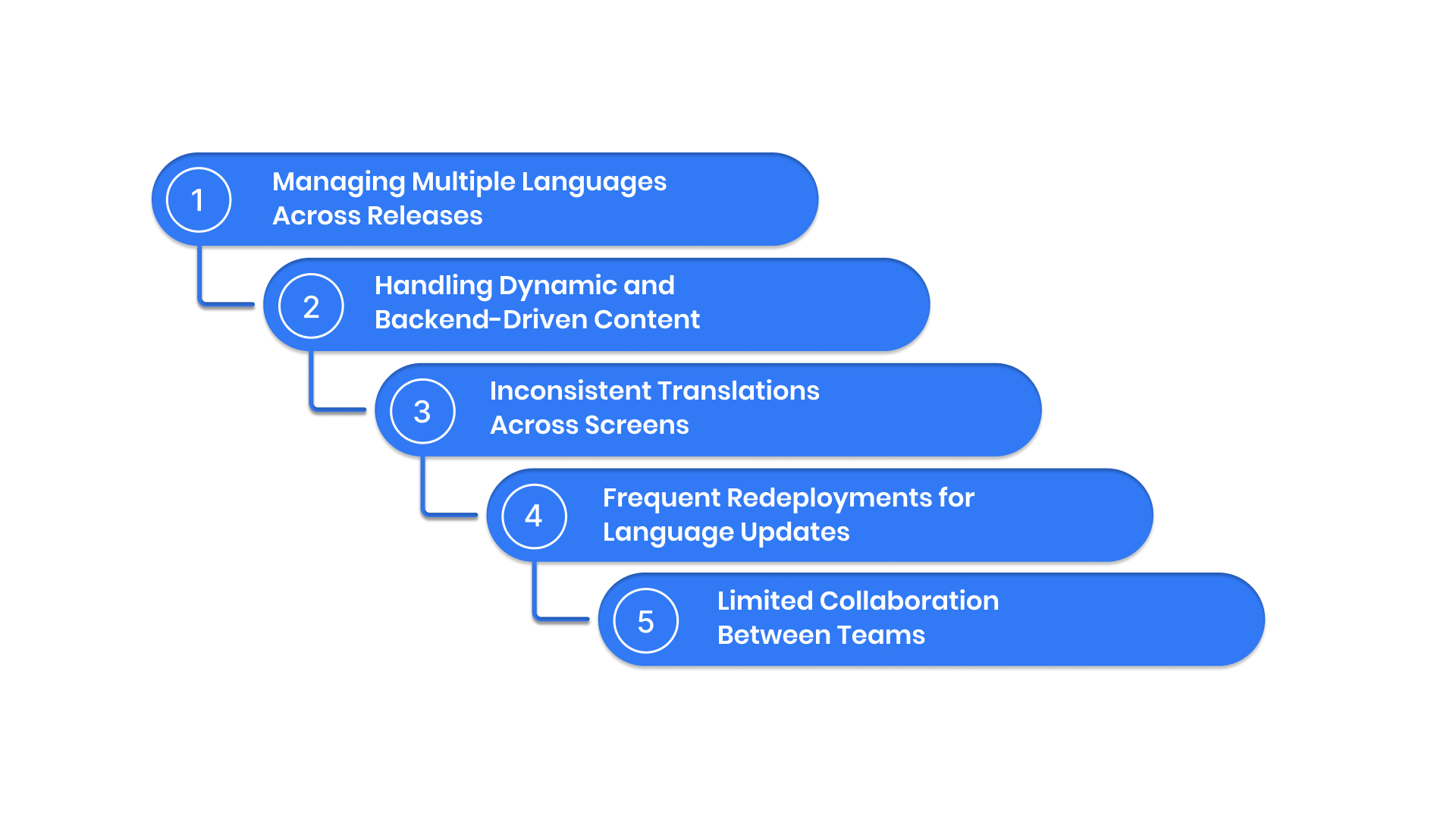
1. Managing Multiple Languages Across Releases
Each new feature requires updates in every supported language, increasing coordination effort.
Solution:
Adopt workflows that allow language updates without depending on app releases.
2. Handling Dynamic and Backend-Driven Content
Some app text is generated dynamically, such as notifications or API responses, making static translation files difficult to manage.
Solution:
API-driven internationalisation allows apps to fetch updated translations dynamically from a server, instead of relying only on static files. This makes it easier to manage backend-driven and frequently changing content.
3. Inconsistent Translations Across Screens
The same terms may be translated differently across features, which reduces clarity and trust.
Solution:
Centralised glossaries ensure approved terms are reused consistently across the app.
4. Frequent Redeployments for Language Updates
Even minor copy changes require full app builds, slowing down release cycles.
Solution:
Use workflows that support real-time language updates without forcing app redeployment.
5. Limited Collaboration Between Teams
Developers, content teams, and reviewers often work in silos, leading to delays and errors.
Solution:
Introduce structured localisation workflows that allow cross-functional teams to collaborate within defined controls.
Addressing these challenges ensures that React Native i18n remains scalable, consistent, and manageable as apps grow.
These challenges become more pronounced as apps grow across regions and user bases. Addressing them requires an approach designed specifically for scale.
Scaling React Native i18n for Enterprise and Government Apps
At enterprise scale, React Native i18n requires more than basic configuration. Teams must support frequent updates, multiple Indian languages, and compliance requirements without slowing development.
Scaling successfully requires:
- Centralised control of language assets
- Clear governance and approval workflows
- Secure infrastructure for sensitive content
- Independence from development release cycles
4 Popular Approaches to React Native i18n
Teams implement React Native i18n in different ways, depending on app size, update frequency, and localisation maturity. Each approach offers distinct advantages and limitations.
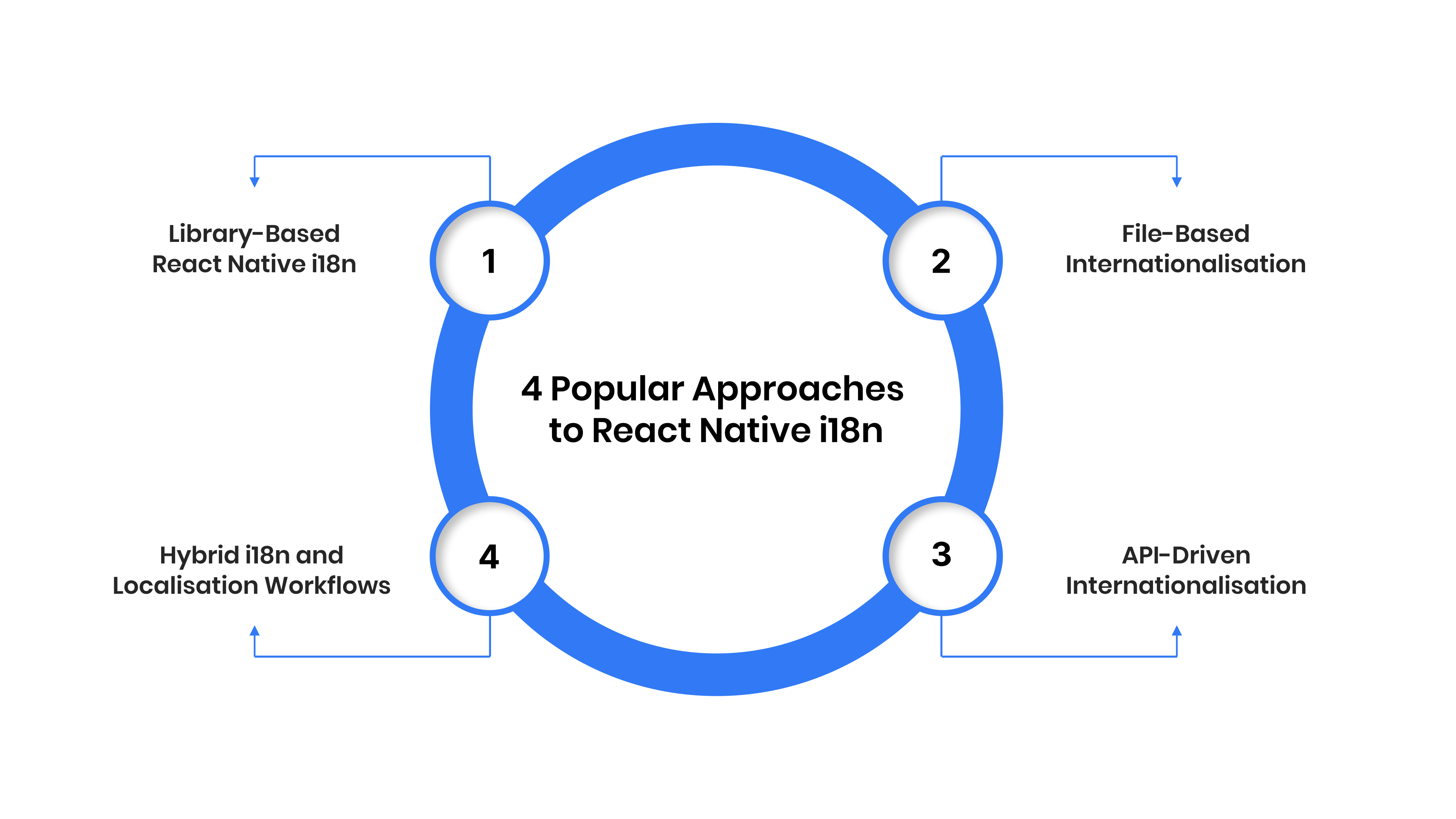
1. Library-Based React Native i18n
This is the most common starting point for React Native apps. Language strings are stored locally and rendered based on user preferences.
Best suited for:
- Small to mid-sized apps
- Limited number of languages
- Infrequent content updates
Limitation:
Language changes usually require app redeployment, making scaling difficult.
2. File-Based Internationalisation
In this approach, translations are managed through static language files bundled with the app.
Best suited for:
- Simple content structures
- Early-stage multilingual apps
Limitation:
As content grows, managing files across teams and releases becomes complex and error-prone.
3. API-Driven Internationalisation
Here, language content is managed outside the app and fetched dynamically through APIs.
Best suited for:
- Enterprise and government apps
- Frequent content updates
- Multiple Indian languages
Advantage:
Language updates can be deployed without rebuilding the app, improving speed and control.
4. Hybrid i18n and Localisation Workflows
Some teams combine basic i18n libraries with external localisation systems to manage scale.
Best suited for:
- Apps transitioning from basic i18n to full localisation
- Teams balancing development speed with language governance
Advantage:
This approach offers flexibility while preparing apps for long-term multilingual growth.
Each of these approaches addresses React Native i18n differently. However, as language coverage increases and updates become more frequent, many teams find that basic approaches struggle to meet enterprise-level requirements. This is where best practises and scalable workflows become critical.
5 Best Practises for Implementing React Native i18n
Implementing React Native i18n effectively requires a structured approach that balances technical flexibility with long-term scalability. These best practises help teams avoid rework, maintain consistency, and deliver clear multilingual experiences as apps evolve.
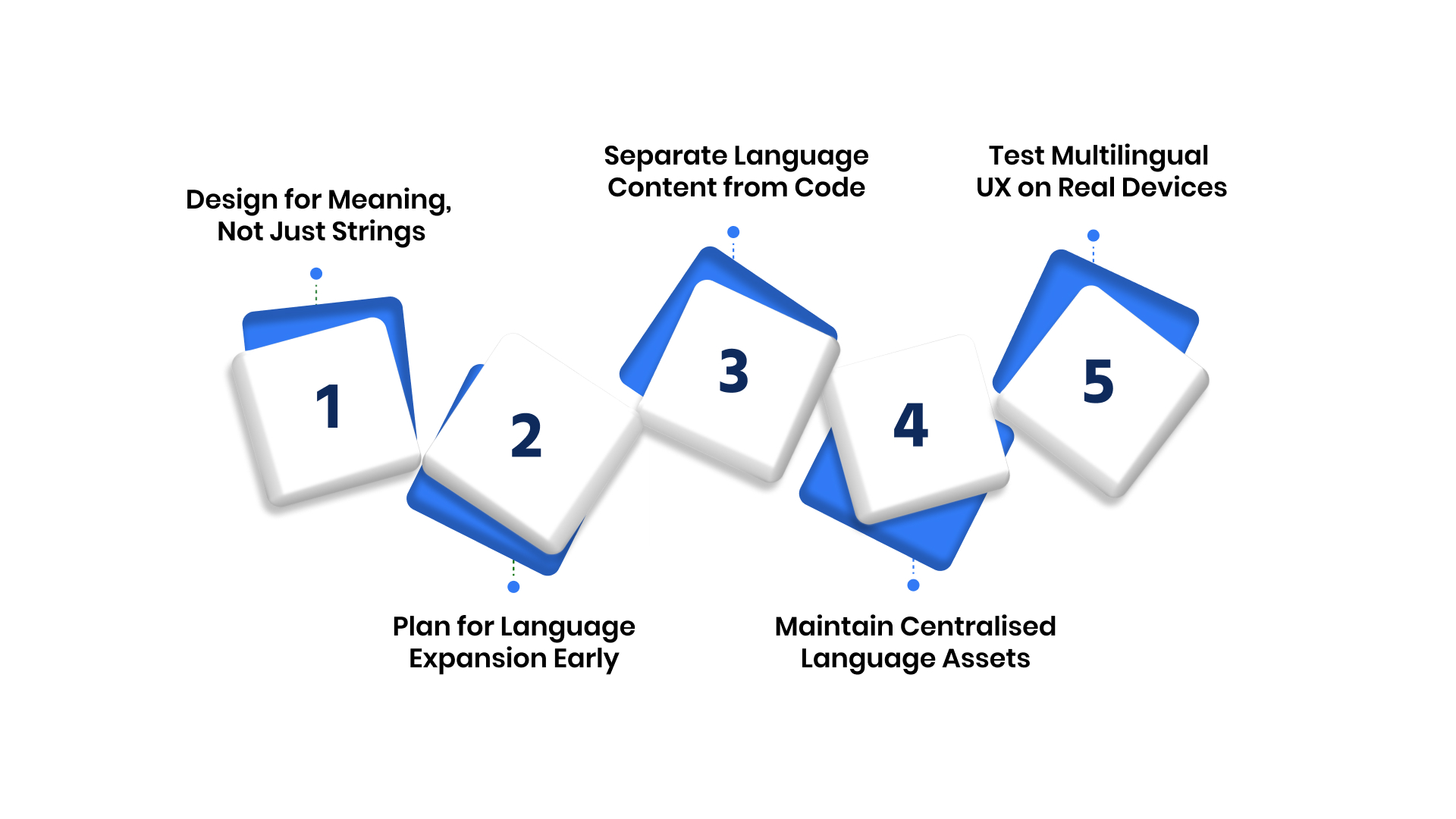
Practice 1: Design for Meaning, Not Just Strings
Direct, word-for-word translation often fails to convey intent, especially in critical user journeys. Instead of focusing only on strings, teams should prioritise the meaning behind each message.
UI elements such as error messages, consent text, and payment instructions must be easy to understand and culturally appropriate. The same phrase can carry different implications across languages if context is ignored.
By designing translations around user intent, teams improve clarity, reduce confusion, and increase task completion rates in multilingual flows.
Practice 2: Plan for Language Expansion Early
Many React Native apps start with one or two languages and expand quickly as adoption grows. If i18n is not planned with expansion in mind, teams often face structural limitations later.
Avoid hardcoded assumptions about text length, layout size, or language count. Indian languages frequently require more space and different visual treatment than English.
Planning early for language expansion reduces redesign effort and ensures the app remains usable as new languages are added.
Practice 3: Separate Language Content from Code
When language updates are tightly coupled with app releases, even small text changes require full redeployments. This slows down release cycles and increases dependency on development teams.
Separating language content from code allows updates to be managed independently. Content teams can fix errors, update messaging, or add languages without waiting for new app builds.
This approach improves agility and keeps multilingual apps responsive to changing business and regulatory needs.
Practice 4: Maintain Centralised Language Assets
As apps grow, inconsistent terminology becomes a common problem. Different teams may translate the same concept in different ways, reducing clarity and trust.
Maintaining centralised language assets such as approved translations and glossaries ensures consistency across screens, features, and updates. It also reduces duplicate work and review effort.
Centralisation is especially important for enterprise and government apps where accuracy and compliance are critical.
Practice 5: Test Multilingual UX on Real Devices
Language changes affect more than text. They impact layout, spacing, readability, and overall usability across devices.
Testing multilingual experiences on real devices helps identify issues such as text truncation, misaligned buttons, or unreadable scripts. It also reveals performance differences under real network conditions.
Regular testing across supported languages ensures that multilingual users receive the same quality of experience as primary-language users.
Together, these best practises ensure that React Native i18n remains manageable as apps scale. They help teams deliver multilingual mobile experiences that are clear, consistent, and reliable across regions.
Also Read: i18next in React: Enterprise Guide to React-i18next Localisation
8 High-Level Checklist for Implementing React Native i18n
This checklist helps teams approach React Native i18n with both technical awareness and operational readiness. It outlines what to plan for, without prescribing code-level implementation.
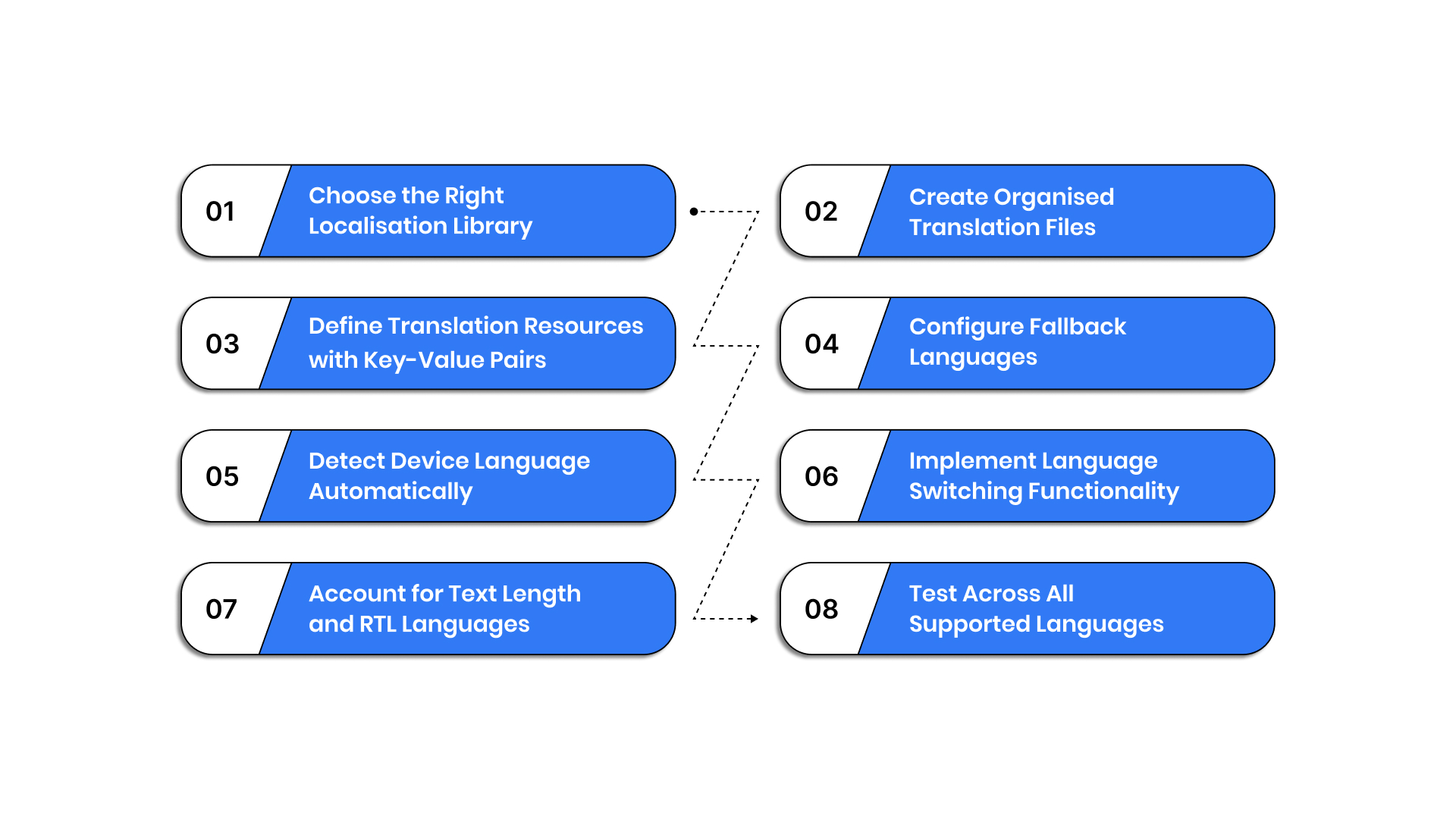
1. Choose the Right Localisation Library
The localisation library you select influences how easily your app can scale across languages and updates. While many libraries work well initially, not all are suited for long-term multilingual growth.
When evaluating options, consider:
- Compatibility with current and future React Native versions
- Ability to integrate with external localisation systems
- Flexibility to support API-driven or centralised workflows
Choosing with scale in mind prevents early lock-in and rework.
2. Create Organised Translation Files
Well-structured translation files make language content easier to manage and update. Disorganised files often lead to duplication, missing strings, and inconsistent usage across screens.
Best practises include:
- Grouping strings by feature or user flow
- Avoiding generic or ambiguous keys
- Planning file structures that can grow with new languages
Organisation at this stage reduces maintenance effort later.
3. Define Translation Resources with Key-Value Pairs
Key-value mapping enables consistent reuse of translations across the app. Stable, meaningful keys help teams avoid confusion when features evolve.
Focus on:
- Keys that reflect intent, not UI position
- Reusing keys across similar interactions
- Avoiding hardcoded values tied to layouts
Strong key design supports clarity and long-term consistency.
4. Configure Fallback Languages
Fallback languages ensure the app remains usable when translations are missing or incomplete. Without clear fallback rules, users may encounter mixed-language experiences.
When configuring fallbacks:
- Define a clear language hierarchy
- Ensure consistent behaviour across screens
- Avoid exposing untranslated system messages
Effective fallbacks protect usability during updates and expansions.
5. Detect Device Language Automatically
Automatic language detection improves the first-time user experience by aligning the app with system preferences. However, detection should never limit user choice.
Key considerations include:
- Respecting device and OS language settings
- Allowing users to change languages manually
- Handling unsupported languages gracefully
Detection should enhance convenience, not control.
6. Implement Language Switching Functionality
Language switching allows users to choose what feels most comfortable. If switching is difficult or hidden, users may abandon the experience.
A good switching experience should:
- Be easy to find within the app settings
- Persist user preferences across sessions
- Avoid forcing app restarts where possible
Smooth switching reinforces trust and usability.
7. Account for Text Length and RTL Languages
Different languages affect layout, spacing, and readability. Some scripts require more visual space, while others follow different reading directions.
Teams should plan for:
- Flexible layouts that support text expansion
- Script-specific spacing and alignment
- Readability across device sizes
Ignoring these factors often leads to broken UI in non-English languages.
8. Test Across All Supported Languages
Testing validates whether multilingual experiences work as intended in real conditions. It should go beyond checking translations in isolation.
Testing should include:
- Key user journeys in every language
- Real devices and common regional settings
- Layout, performance, and clarity checks
Regular testing helps catch issues before users do.
This checklist ensures React Native i18n is implemented with foresight rather than quick fixes. It helps teams build multilingual apps that remain clear, scalable, and reliable as language coverage grows.
Building multilingual mobile apps beyond basic React Native i18n?
Discover how Anuvadak supports scalable App Localisation with centralised workflows, API-driven updates, and Indian language support.
React Native i18n vs Full App Localisation
React Native i18n and full app localisation serve different purposes in a multilingual strategy. Understanding the difference helps teams choose the right approach at each stage of growth.
React Native i18n focuses on preparing the app to support multiple languages. It handles:
- Language switching
- UI text translation
- Regional formats such as dates and numbers
This approach works well when apps support a limited number of languages and have stable content.
Full app localisation includes context-aware translations that adapt meaning based on where and how text is used, as well as governance workflows that ensure accuracy, approvals, and consistency across teams.
For enterprise and government apps, i18n alone is often not enough. As language coverage expands and content updates become frequent, teams need localisation workflows that operate independently of development cycles.
In such cases, moving from basic React Native i18n to structured app localisation helps ensure scalability, accuracy, and consistent user experiences across regions.
As these challenges grow, many enterprise and government teams recognise that basic React Native i18n setups are no longer sufficient. Managing frequent updates, multiple Indian languages, and consistent terminology requires tooling that goes beyond in-app libraries.
This is where structured app localisation platforms play a key role in supporting scale, governance, and long-term reliability.
How Anuvadak Simplifies React Native App Internationalisation
Anuvadak supports this transition by extending React Native i18n into a structured app localisation workflow. It enables teams to manage language content centrally, update translations independently of code releases, and maintain consistency across Indian languages.
Explore how Anuvadak can help your React Native apps scale multilingual experiences with confidence.
- Centralised app localisation management
All language assets are managed from a single platform, improving visibility and control across teams. - API-driven translation workflows
Dynamic and backend-driven content can be localised consistently without relying on static files. - Consistency through translation memory and glossaries
Approved translations and terminology are reused across screens, reducing errors and duplication. - Support for Indian languages and scripts
Language handling is optimised for script length, readability, and regional context. - Enterprise-grade security and governance
Role-based access, controlled workflows, and secure infrastructure support compliance needs.
By integrating with existing React Native workflows, Anuvadak helps teams move beyond basic i18n and deliver reliable, inclusive multilingual mobile experiences at scale.
Measuring the Success of React Native i18n Implementation
Measuring React Native i18n helps teams understand whether multilingual support improves real user outcomes. Success should be assessed through usability, clarity, and consistency across languages.
Key indicators to track:
- Task completion rates by language
Higher completion rates in regional languages indicate clearer translations and better user understanding. - Drop-off points in multilingual journeys
Sudden exits after language switching often highlight unclear copy or layout issues. - User feedback from regional markets
Feedback from native speakers reveals tone, phrasing, and cultural gaps that analytics cannot detect. - Language-related support queries
Fewer language-related tickets signal improved clarity and reduced confusion. - Consistency across feature updates
Simultaneous, accurate language rollouts reflect a mature and reliable i18n process.
Regular measurement allows teams to refine localisation strategies and maintain quality as apps scale.
Conclusion
React Native i18n is a critical foundation for building multilingual mobile apps, but it is only the first step. As apps expand across regions, languages, and user segments, teams must address challenges related to scalability, consistency, and ongoing updates.
Basic i18n implementations often struggle when content changes frequently or when multiple Indian languages are involved. Without structured workflows, language updates become slow, fragmented, and tightly coupled with development cycles. This affects user experience, operational efficiency, and time to market.
To deliver reliable multilingual mobile experiences at scale, enterprises need localisation workflows that extend beyond in-app libraries.
By combining React Native i18n with a robust localisation platform like Anuvadak, teams can manage language content centrally, update translations independently of code releases, and maintain consistency across regions.
FAQs
1. What is React Native i18n?
React Native i18n is the process of preparing a mobile app to support multiple languages and regional formats. It separates language content from code so apps can adapt text and formats based on user preferences.
2. Is React Native i18n enough for enterprise or government apps?
Basic React Native i18n works for early-stage apps. However, enterprise and government platforms often need structured localisation workflows to manage frequent updates, multiple Indian languages, and consistency at scale.
3. What are the most common challenges teams face with React Native i18n?
Teams often struggle with inconsistent translations, frequent redeployments for language updates, handling dynamic content, and maintaining quality across multiple languages as apps grow.
4. When should teams move beyond basic React Native i18n?
Teams should consider advanced app localisation when:
- Language updates are frequent
- Multiple regional languages are supported
- Content changes should not depend on app releases
- Governance and consistency become critical
5. How does Anuvadak support React Native app localisation?
Anuvadak helps teams manage multilingual app content centrally, update translations independently of code releases, and maintain consistency across Indian languages through API-driven localisation workflows.

