If your teams handle customer calls, IVR audio, or voice notes, you know how much valuable information sits inside those recordings. The challenge is turning that audio into accurate, usable text at scale.
And with the global speech-to-text market expected to grow from roughly $3.8 million in 2024 to more than $8.5 million by 2030, it’s clear that enterprises everywhere are moving fast to turn voice data into something usable.
Accuracy, however, is not consistent across providers. This gap becomes even wider in India, where mixed-language speech, dialects, and noisy environments are the norm. Many APIs struggle with these real-world conditions.
If you have started comparing STT engines, you have likely noticed the differences in accuracy, noise resilience, and deployment options. Some tools work well for English. Others fall short when the audio is messy or multilingual.
This guide breaks down the top Speech-to-Text APIs, their key features, and how to choose the one that fits your workflows.
At a Glance
- Accuracy varies significantly across STT APIs, especially for Indian languages, dialects, and code-switched conversations, so language-specific benchmarking is critical.
- Usability features such as speaker labels, punctuation, timestamps, keyword spotting, and multi-channel audio determine whether transcripts can support real enterprise workloads.
- Deployment flexibility matters for regulated sectors. APIs with cloud, hybrid, and on-prem options align better with enterprise security and compliance requirements.
- Reverie is built for India-first needs, offering strong regional language accuracy, noise resilience, and flexible cloud or on-prem deployment for high-volume multilingual workflows.
- Global STT APIs like Google, Azure, AWS, Deepgram, and AssemblyAI perform well for English and clean audio but show inconsistent accuracy for Indian accents, dialects, and mixed-language speech.
What Is a Speech-to-Text API?
A Speech-to-Text API is a software interface that converts spoken audio into written text using Automatic Speech Recognition (ASR). In simple terms, it allows your applications to listen, understand, and transcribe what users say, whether the audio comes from a phone call, an app, an IVR, a meeting, or a voice note.
A strong Speech-to-Text API becomes the engine that powers:
- Multilingual customer support across Hindi, Tamil, Telugu, Bengali, Kannada, and more
- IVR systems that understand real callers instead of scripted inputs
- Voice search inside apps and e-commerce platforms
- Automated call analytics, quality checks, and compliance monitoring
- Healthcare, legal, and BFSI documentation workflows
- Voice bots and conversational AI in regional languages
Behind the scenes, the API processes audio signals, applies acoustic and language models, identifies words and speakers, adds punctuation, and returns clean, structured text that can flow into your CRM, chatbot, analytics engine, or automation setup.
Key Features to Look For in a Speech-to-Text API
For a reliable Speech-to-Text API, accuracy alone is not enough. It should also include the following core capabilities:
- Speaker labels: Identifies and separates multiple speakers in calls, meetings, or interviews to improve analytics, documentation, and auditing.
- Automatic punctuation and formatting: Adds commas, full stops, casing, and basic structure so transcripts are readable and ready for downstream systems.
- Timestamps and word-level alignment: Allows teams to review specific moments, extract segments, and sync transcripts with audio or video files.
- Keyword spotting: Detects important terms such as “refund”, “cancel”, “urgent”, or domain-specific keywords without manual review.
- Profanity filtering: Flags or filters sensitive or inappropriate language to maintain compliance and brand safety.
- Multi-channel audio support: Supports both single-channel and dual-channel audio for cleaner speaker separation and more accurate transcripts.
- Flexible audio and file formats: Accepts formats like WAV, MP3, FLAC, M4A, and telephony-grade codecs to reduce pre-processing for engineering teams.
- Analytics and monitoring dashboard: Provides visibility into usage, performance, and error logs, which is essential for high-volume deployments.
- SDKs and sample code: Offers developer-ready code for Android, iOS, Web, and server-side frameworks to speed up integration.
- Async job handling: Processes long recordings reliably without timeouts, which is crucial for multi-hour audio files in enterprise environments.
After identifying the features that matter for India’s multilingual workflows, it becomes easier to compare the leading Speech-to-Text APIs available today.
Also read: 5 Key Uses of Speech-to-Text Transcription in Business
Top 8 Speech-to-Text APIs to Compare in 2026
Speech-to-Text APIs vary widely in accuracy, language coverage, deployment flexibility, and real-time performance. Below are the leading options that enterprises evaluate today, along with their core strengths and best-fit use cases.
1. Reverie Speech-to-Text API
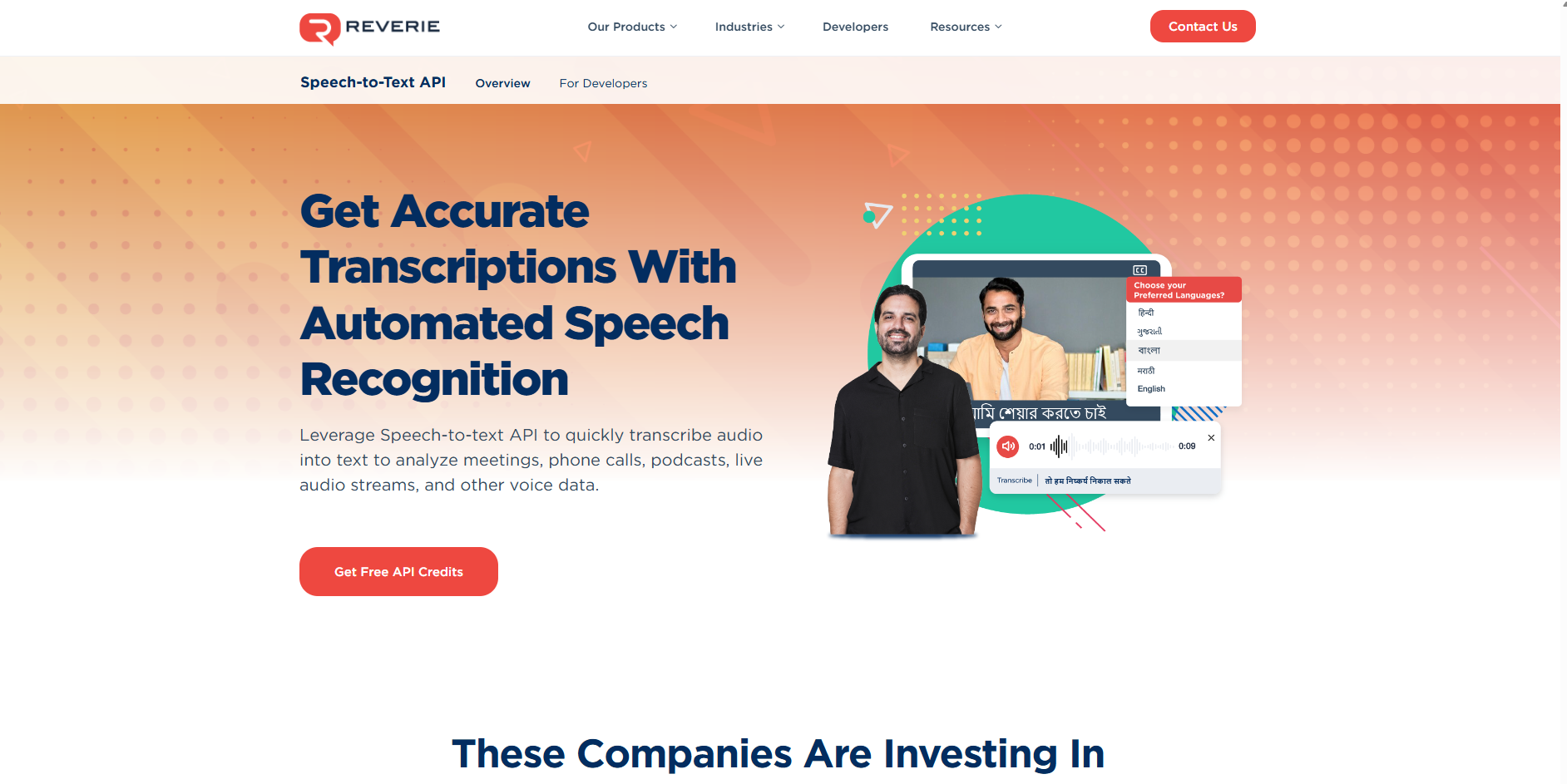
Reverie provides a unified voice API platform for Indian languages. The Speech-to-Text API converts spoken audio into accurate text across 11+ Indian languages, while the Text-to-Speech API converts written content into natural-sounding speech. Both are designed for India’s multilingual and mixed-language environments.
Key Features:
- Indian language support: Covers 11+ Indian languages, including Hindi, Tamil, Telugu, Kannada, Bengali, and Marathi for wide regional coverage.
- Real-time and batch transcription: Handles live calls, IVR audio, meetings, and prerecorded files.
- Flexible deployment: Offers cloud or on-premise setups to meet compliance, data residency, and security requirements.
- Custom vocabulary and formatting: Supports domain-specific terms and adds punctuation for clean, usable transcripts.
- Integrated text-to-speech engine: Generates natural-sounding voices for IVR, voice assistants, accessibility, and audio content creation.
Best Suited For: Enterprises, startups and public-sector organisations that need reliable, multilingual STT and TTS capabilities for customer support, BFSI, e-commerce, education, healthcare, IVR systems and voice-first apps.
2. Google Cloud Speech-to-Text API
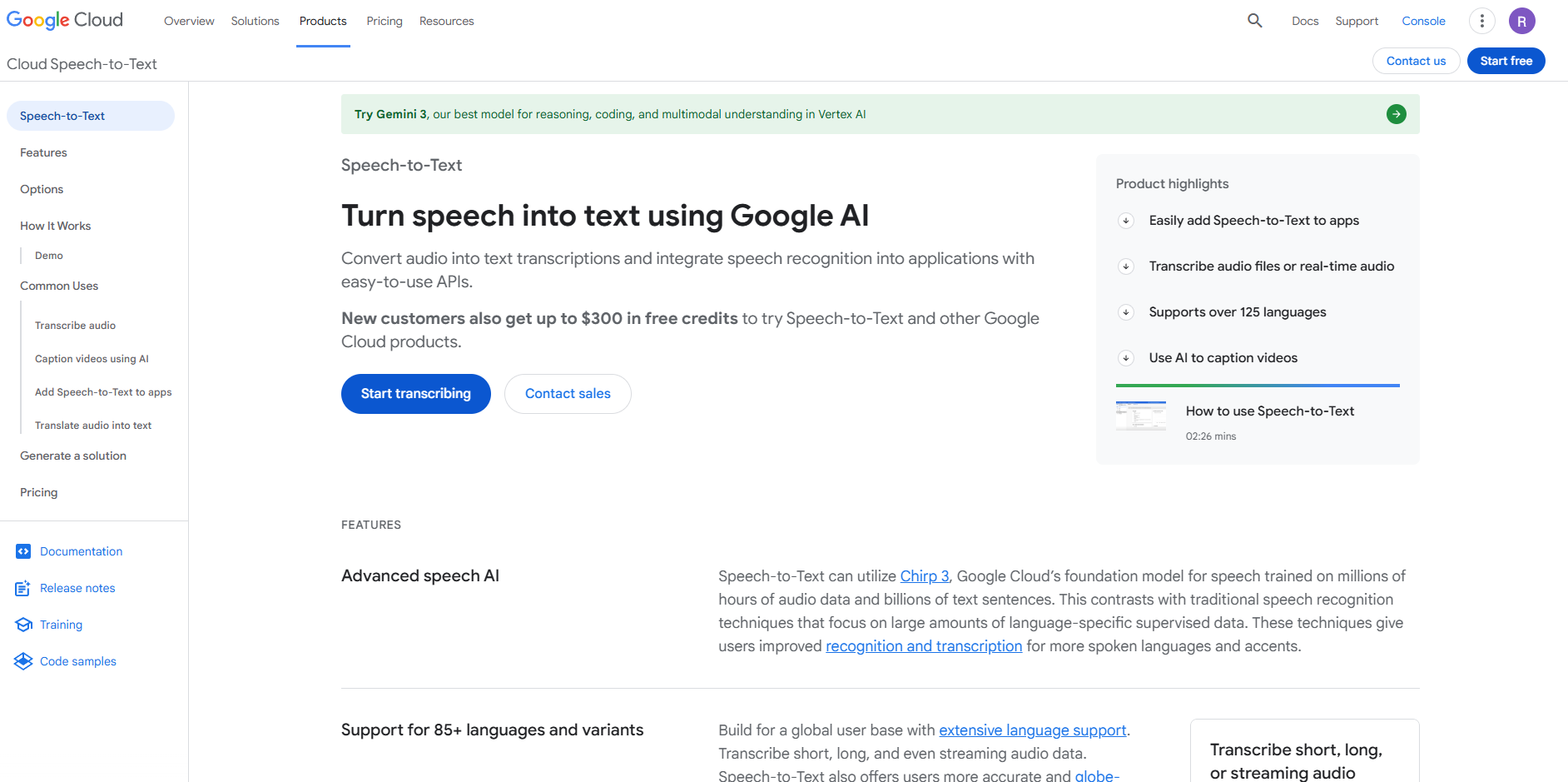
Google Cloud Speech-to-Text is a widely used API that converts audio into text using neural network models. It supports both real-time streaming and asynchronous transcription across a broad set of global languages.
Key Features:
- Global language coverage: Supports more than 125 languages and variants for broad multilingual use.
- Streaming and batch transcription: Handles both real-time audio and prerecorded files.
- Automatic punctuation: Adds commas, full stops, and basic formatting for readable transcripts.
- Word-level timestamps: Provides time-aligned word offsets for syncing transcripts with audio or video.
- Speaker diarization: Detects and separates different speakers during multi-person conversations.
Best Suited For: Global and multilingual applications, English-first workflows, media captioning, video subtitling, and SaaS platforms that already use Google Cloud.
3. Microsoft Azure Speech
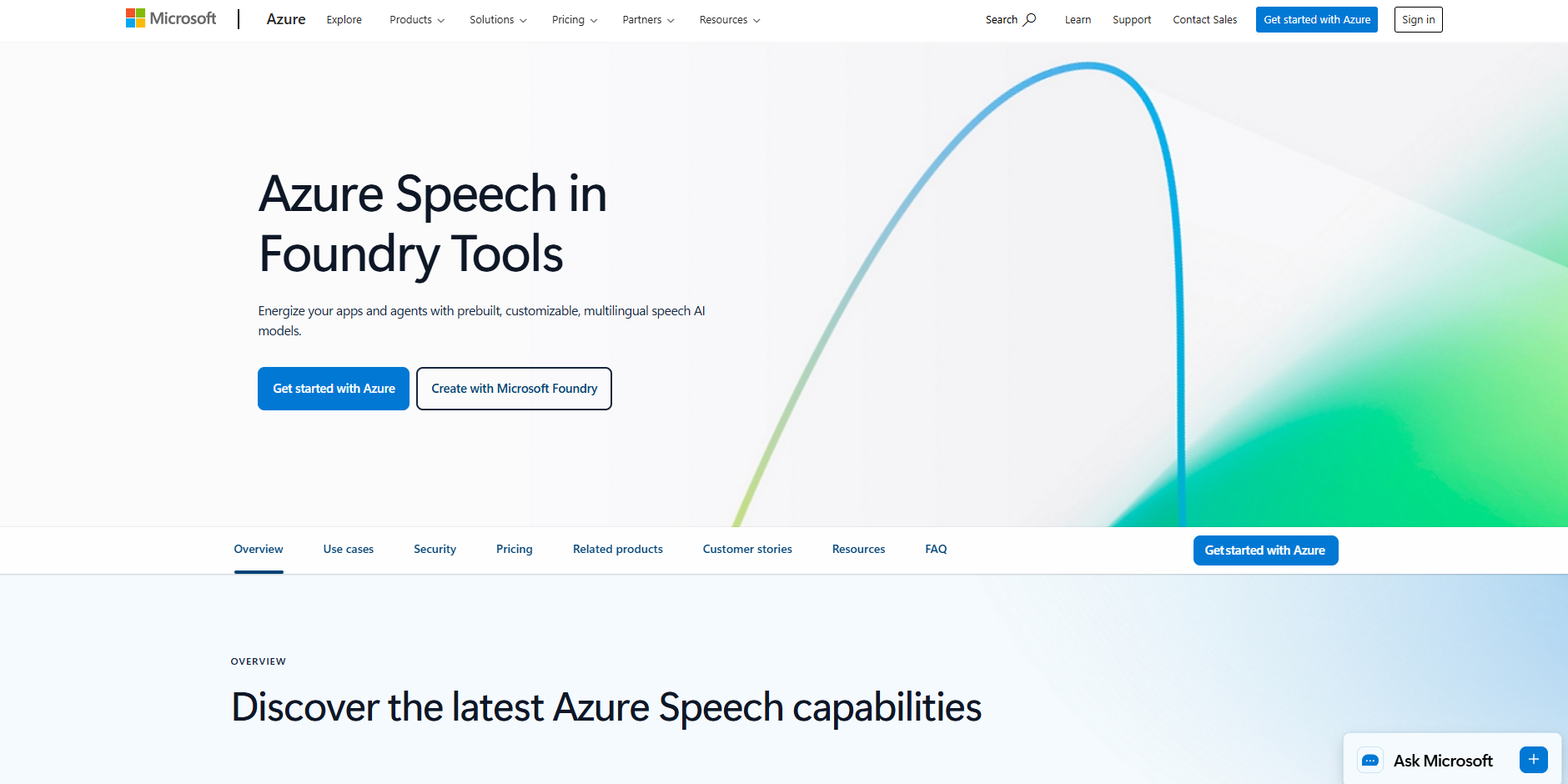
Azure Speech is part of Microsoft’s AI suite and offers both real-time and batch transcription. It also supports custom speech models that allow enterprises to improve accuracy for domain-specific terminology.
Key Features:
- Real-time and batch transcription: Supports live audio and large archived recordings.
- Custom speech models: Allows fine-tuning for domain-specific terminology and accuracy improvements.
- Broad language support: Offers many languages, depending on region availability.
- Comprehensive SDKs: Provides integrations for web, mobile, and backend systems.
- REST API for flexible workflows: Enables simple embedding into enterprise platforms and internal tools.
Best Suited For: Enterprises working within the Microsoft/Azure ecosystem, organisations needing domain-adapted models and teams that require both real-time and batch processing.
4. Amazon Transcribe
AWS Transcribe is Amazon’s cloud-native speech-to-text service, designed for deep integration within AWS ecosystems. It offers transcription services suitable for both real-time streaming and batch workloads.
Key Features:
- Real-time streaming transcription: Captures live audio input for instant text output.
- Asynchronous batch transcription: Handles long audio recordings and large workloads efficiently.
- Broad codec and file support: Ingests a wide range of audio formats used in enterprise environments.
- Tight integration with AWS services: Works smoothly with S3, Lambda, Kinesis, and more.
- Scalable for high-volume usage: Uses AWS cloud performance to manage enterprise-scale workloads.
Best Suited For: Organisations heavily invested in AWS, SaaS platforms, and teams needing scalable transcription inside an existing cloud pipeline.
5. Deepgram
Deepgram provides a Voice-AI platform that includes speech-to-text, text-to-speech, and voice agent capabilities. Its STT API is designed for high-speed processing and enterprise-scale voice workloads.
Key Features:
- Real-time and async transcription: Suitable for live streaming and large prerecorded datasets.
- Cloud and self-host deployments: Offers flexibility for organisations with specific infra or compliance needs.
- High-volume scalability: Built to support large enterprise workloads.
- Unified voice AI capabilities: Includes STT, TTS, voice agents, and audio intelligence tools in one platform.
- Custom model options: Provides different model types tailored to use cases and accuracy needs.
Best Suited For: Companies building voice-enabled products, teams that need scalable real-time transcription, and enterprises requiring flexible deployment models or end-to-end voice pipelines.
Also read: Top 5 Deepgram Alternatives for Speech-to-Text API
6. OpenAI Whisper API
Whisper is OpenAI’s multilingual speech-to-text model that can transcribe and translate audio files. It is available through the OpenAI API and through Azure-backed implementations.
Key Features:
- Multilingual transcription and translation: Converts speech to text across many languages and can translate non-English audio to English.
- High-quality file-based transcription: Works well for batch processing of long audio recordings.
- Robust handling of varied accents: Performs strongly across diverse linguistic inputs in controlled audio conditions.
- Simple REST API access: Easy to integrate into custom pipelines or backend systems.
- Enterprise delivery through Azure: Gains structured deployment, reliability, and compliance when used via Azure-hosted versions.
Best Suited For: Teams that need multilingual transcription or translation, media and research organisations, and workflows that rely on batch processing rather than real-time streaming.
7. AssemblyAI
AssemblyAI offers modern deep-learning-based speech recognition through a simple API. Their models focus on fast transcription (batch and real-time), good accuracy, and a rich set of transcription-enhancing features.
Key Features:
- Real-time and batch transcription: Supports both live audio streams and prerecorded files for different workflow needs.
- Speaker diarization: Separates multiple speakers in meetings, calls, or interviews.
- Automatic punctuation and formatting: Produces clean, readable transcripts without manual editing.
- Word-level timestamps: Helps align transcripts with audio or video for reviews and editing.
- Wide input format support: Accepts many audio and video formats with minimal pre-processing.
Best Suited For: Media teams, podcast workflows, product teams processing large volumes of audio or video, and applications needing fast turnaround for recorded content.
8. IBM Watson Speech to Text
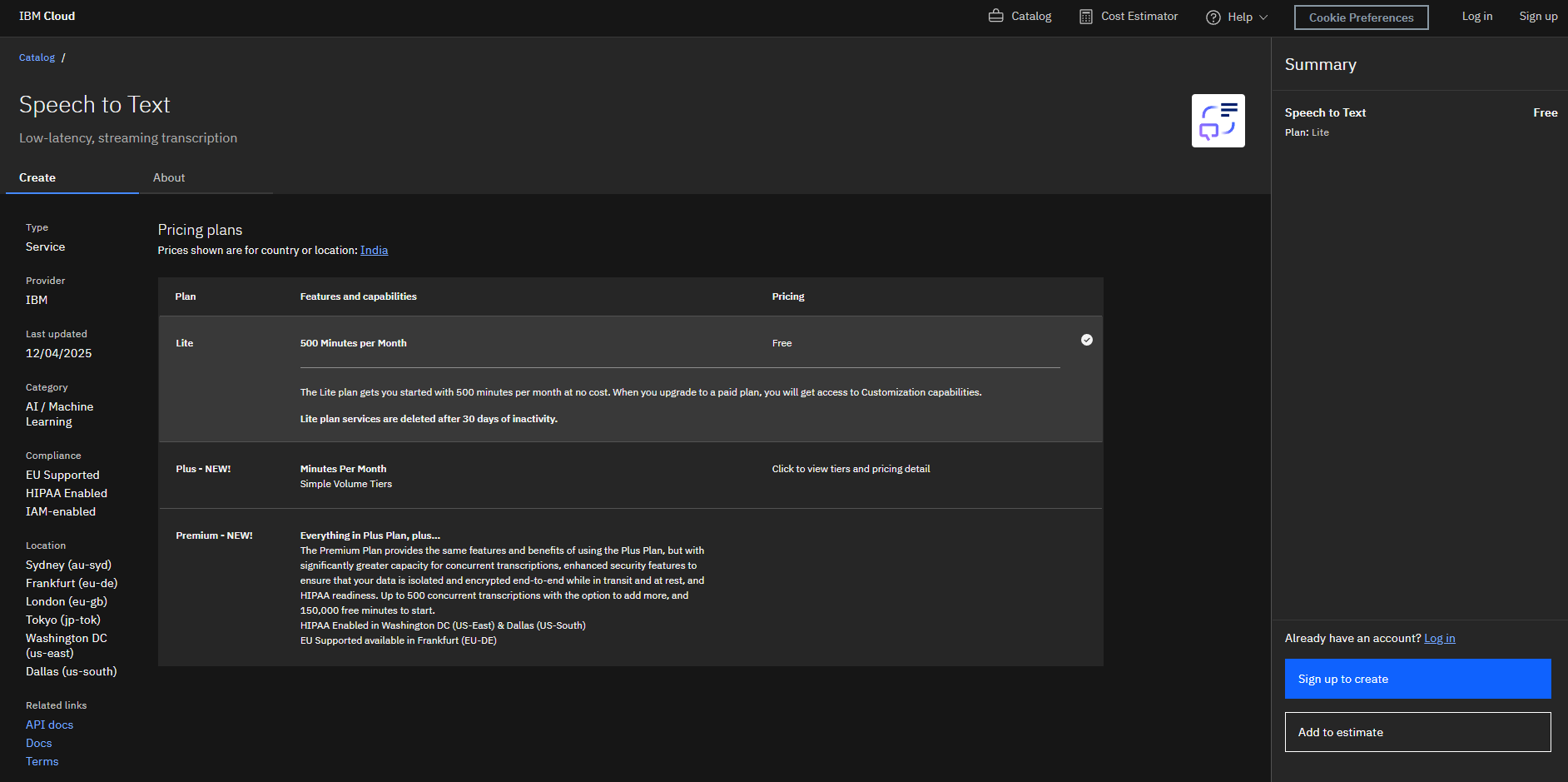
IBM Watson Speech to Text offers enterprise-grade ASR with support for real-time streaming and batch uploads, customizable speech and domain models, and strong data governance and compliance options.
Key Features:
- Real-time and batch transcription: Supports WebSocket streaming and HTTP-based file uploads.
- Custom speech models and vocabulary tuning: Improves accuracy for industry-specific terminology.
- Speaker diarization: Detects and separates speakers in multi-voice audio.
- Smart formatting: Adds punctuation, confidence scores, and metadata to make transcripts production-ready.
- Flexible deployment options: Available as public cloud, private cloud, hybrid, or fully on-prem.
Best Suited For: BFSI, healthcare, government and other regulated sectors that require secure transcription, custom domain adaptation and on-prem infrastructure.
With the major STT APIs mapped out, the real question is which one fits your workflows, language needs, and operational environment. Let’s take a look.
How to Pick the Best Speech-to-Text API for Your Business
Choosing the right Speech-to-Text API depends on your industry, language requirements, audio quality, and the scale at which your teams operate. Instead of focusing only on accuracy scores, evaluate the API based on how well it fits your real workflows and operational environment.
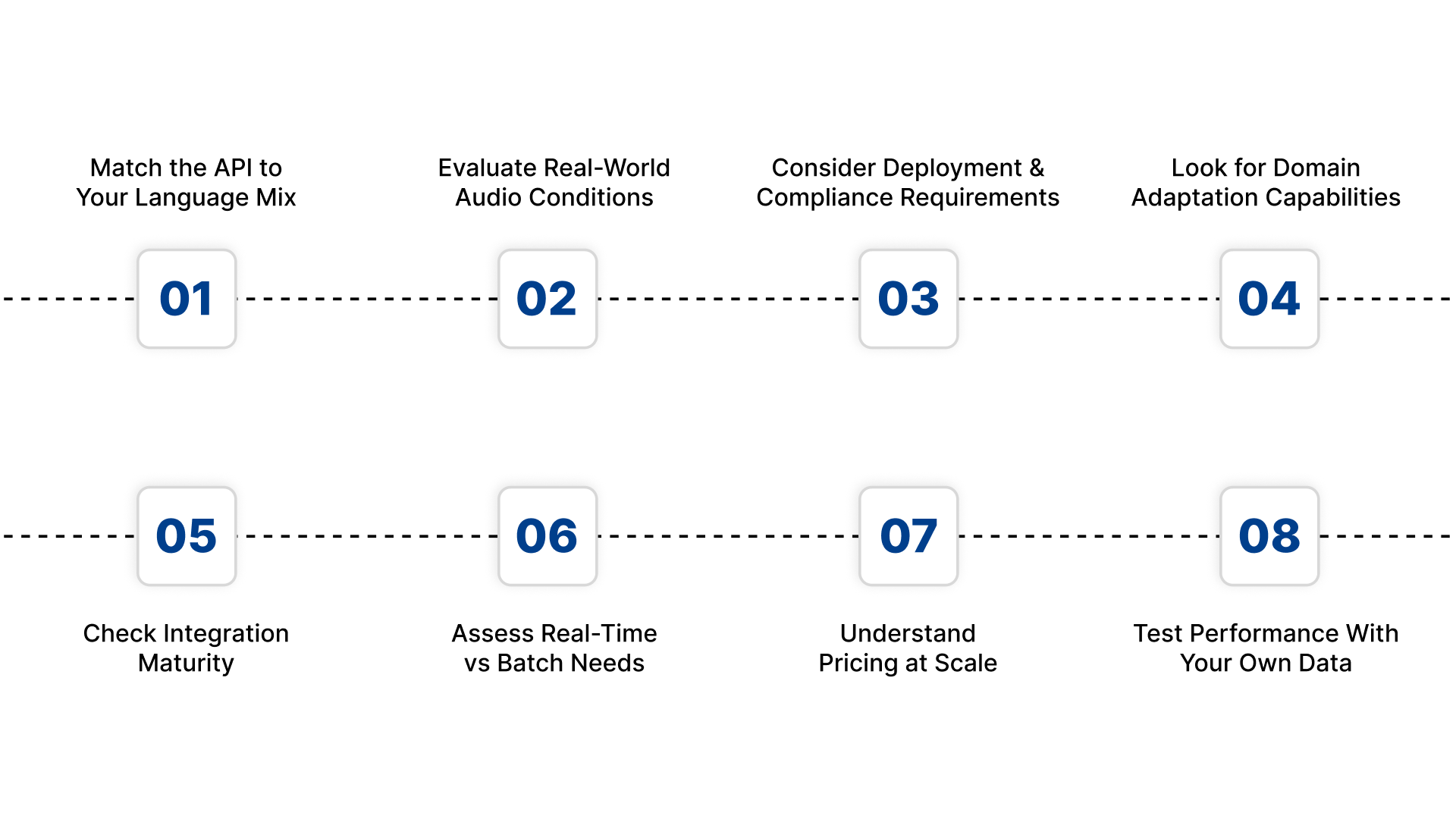
Here are the factors that matter most when selecting the right platform.
1. Match the API to Your Language Mix
If you serve multilingual users in India, ensure the API supports the languages, dialects, and code-switching patterns your customers use. Many global engines perform well in English but drop sharply for Indian accents and regional languages.
2. Evaluate Real-World Audio Conditions
Check how the API performs with noisy call centre audio, mobile recordings, outdoor environments, or low bitrate telephony inputs. Choose a provider that has been trained on speech that resembles your actual customer interactions.
3. Consider Deployment and Compliance Requirements
Industries such as BFSI, healthcare, and government often need on-prem or private deployment for data protection. Select an API that offers cloud, hybrid, or on-prem options based on your internal policies.
4. Look for Domain Adaptation Capabilities
If your workflows involve specialised terms in finance, healthcare, automotive, or legal contexts, the API must support custom vocabulary or domain-tuned models. This reduces errors and improves transcript reliability.
5. Check Integration Maturity
Strong documentation, SDKs, sample code, and stable REST endpoints can significantly reduce engineering effort. If you want fast integration and predictable performance, developer readiness is a major advantage.
6. Assess Real-Time vs Batch Needs
Pick an API that supports your primary workflow. Real-time streaming is essential for calls and IVR systems. Batch processing matters for archives, long recordings, or compliance reviews.
7. Understand Pricing at Scale
Transcription volumes can expand quickly. Review the provider’s pricing model for both small and high-volume usage, including any additional costs for language packs, custom models, or advanced features.
8. Test Performance With Your Own Data
Always evaluate the API using your actual audio samples. This gives you a clear picture of accuracy, latency, and stability in your real conditions rather than idealised benchmarks.
Conclusion
Selecting the right Speech-to-Text API is not about choosing the most popular engine. It is about choosing the platform that fits your market, your audio conditions, and your enterprise workflows.
For India’s multilingual and high-volume environments, Reverie’s Speech-to-Text API offers a clear advantage with:
- Native support for major Indian languages
- Real-time streaming and batch transcription
- Strong accuracy across dialects, accents, and noisy audio
- Domain vocabulary adaptation for specialised use cases
- Flexible cloud and on-prem deployment
- Secure, enterprise-grade architecture
If you want to convert speech into actionable text at scale across India, Reverie is the most practical and reliable choice. Sign up today.
FAQs
1. How do I compare different Speech-to-Text APIs?
Compare APIs based on accuracy, language support, real-time performance, noise handling, deployment options, integration ease, and pricing.
2. Why does accuracy vary between STT APIs?
Accuracy depends on training data, language coverage, dialect support, and how well the model handles real-world audio conditions.
3. Which STT API works best for Indian languages?
APIs trained specifically on Indian accents, dialects, and code-switching patterns deliver the highest accuracy for Hindi, Tamil, Telugu, Bengali, and more.
4. Do all STT APIs support real-time transcription?
No. Some offer only batch transcription. Select real-time capability if you handle live calls, IVR, or on-call workflows.
5. Is multilingual support essential?
Yes, especially for Indian markets where users frequently switch languages in a single conversation.

