Did you know India’s video market is projected to reach $13 billion (≈ ₹1.08 trillion) by 2028, driven by rapid streaming growth and demand for localised content? Video has become a primary engagement channel for enterprises in e-commerce, healthcare, education, and legal services. Yet, much of its value remains locked in unstructured audio without accurate captions and subtitles.
At the same time, multilingual speech, regional accents, and constant Hindi English code-switching make scalable captioning and subtitling difficult. These challenges disrupt search, analytics, accessibility, and content localisation workflows, highlighting why handling closed captions vs subtitles correctly is essential for enterprise video platforms.
In this blog, you’ll learn the real difference between closed captions and subtitles, and why choosing the right approach is critical for building accessible, multilingual enterprise video platforms.
At a Glance
- Closed Captions: Capture all audio, including dialogue, speaker labels, and sounds for full accessibility and compliance.
- Subtitles: Focus on spoken dialogue only, ideal for multilingual comprehension and localisation.
- Indian Market Optimised: Effectively handles Hindi-English code-switching, regional accents, and multiple Indian languages for accurate captions and subtitles.
- Flexible Workflows: Supports real-time streaming and file-based captions/subtitles with analytics integration.
- Enterprise-Grade: APIs like Reverie enable cloud- and on-Premise deployments, high accuracy, and scalable video captioning.
Closed Captions: Making Video Accessible and Searchable
Closed captions are text overlays that capture all audio elements in a video, including spoken dialogue, speaker labels, and contextual sounds such as music or alerts. Unlike standard subtitles, which primarily convey dialogue, closed captions make content fully accessible and searchable, supporting compliance and enterprise workflows across e-learning, customer support, and corporate communications platforms.
Key Components of Closed Captions
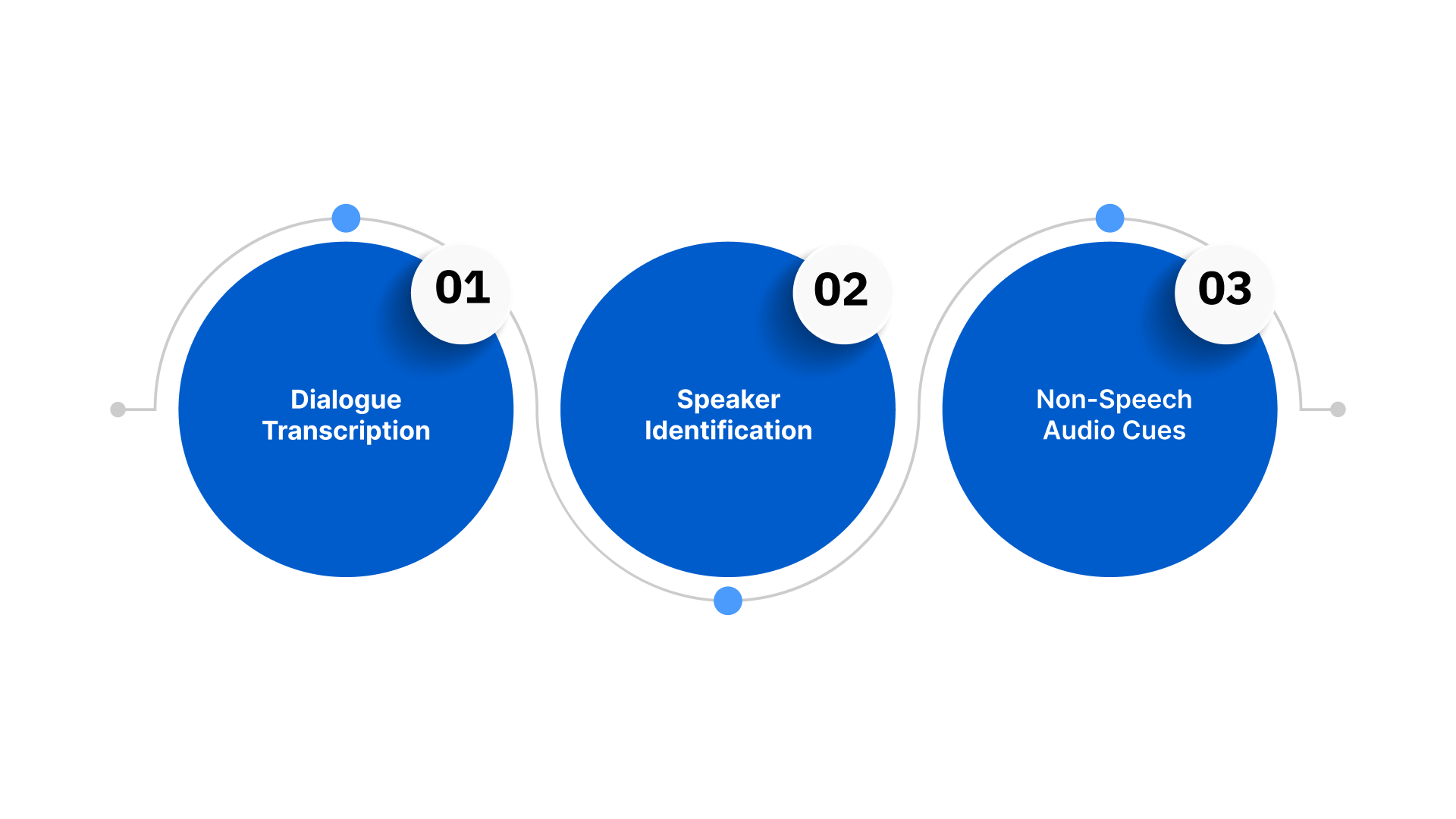
- Dialogue transcription: Captures spoken words verbatim, including regional accents and domain-specific terminology.
- Speaker identification: Clearly labels each speaker in multi-participant discussions, webinars, or panel events.
- Non-speech audio cues: Highlights music, alerts, or background sounds to preserve full context and comprehension.
Closed captions can be delivered via file-based or real-time streaming formats. File-based formats such as SRT (SubRip Text) and WebVTT are suited for pre-recorded content, while streaming captions are essential for live events, customer support calls, and enterprise webinars. Both approaches integrate with video platforms, enabling automation and developer-driven workflows.
Subtitles: Broadening Reach Across Languages
Subtitles are textual representations of spoken dialogue designed primarily to help audiences understand content when audio is unclear. Unlike closed captions, subtitles generally exclude non-verbal sounds, speaker labels, or contextual audio cues. For enterprises, subtitles are essential for reaching multilingual audiences, enabling localisation, and supporting engagement across India’s diverse linguistic landscape.
Key Components of Subtitles
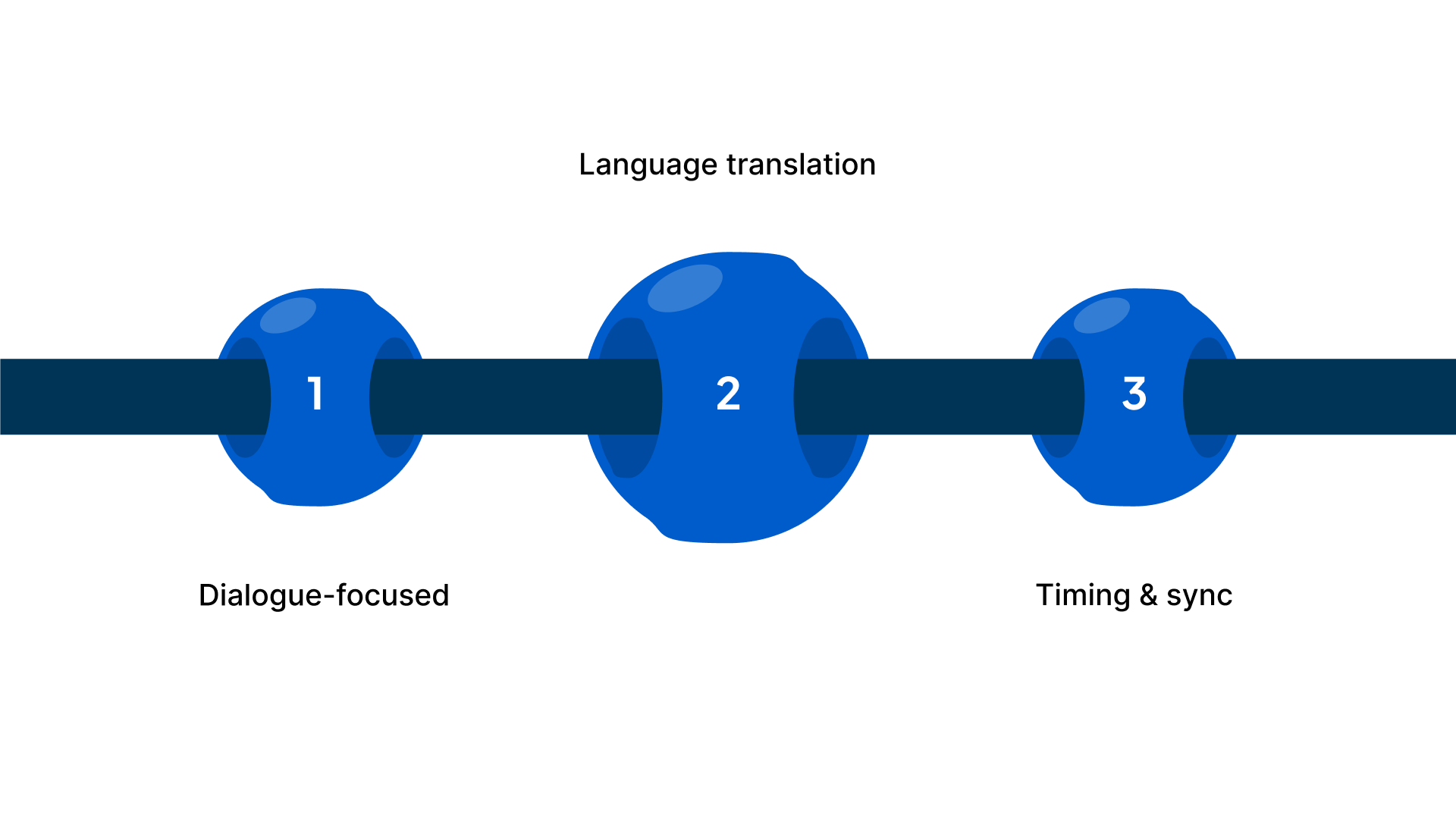
- Dialogue-focused: Transcribes or translates only the spoken words without additional audio context.
- Language translation: Converts content from one language to another, making videos accessible to non-native speakers.
- Timing and sync: Displayed on-screen in precise alignment with speech, ensuring readability without interrupting the visual experience.
Subtitles can be implemented through file-based formats such as SRT (SubRip Text) or WebVTT, which include timestamps and simple formatting. Real-time subtitles are less common but critical for live streams, webinars, or virtual events where translation or transcription must appear instantly. Both approaches integrate with enterprise video platforms and developer-driven workflows to support automated publishing and multilingual distribution.
Looking for a faster way to create accurate subtitles in multiple Indian languages? Platforms like Reverie’s Speech-to-Text API can automatically transcribe and generate subtitles across multiple Indian languages, helping teams save time, improve accuracy, and scale multilingual content efficiently.
Convert Speech to Accurate Captions and Subtitles
Improve accessibility and CSAT by up to 52% with Reverie’s Speech-to-Text in 11 languages.
While closed captions ensure full accessibility and subtitles enhance comprehension across languages, their specific roles and benefits become clearer when examined side by side.
Closed Captions vs Subtitles: What Makes Them Different?
While both closed captions (CC) and subtitles display text on-screen to represent the audio content, they serve distinct purposes and offer different levels of detail and accessibility. Understanding these distinctions is essential for effective enterprise video strategies.
The following table summarises key differences between closed captions and subtitles for enterprise video platforms.
| Feature | Closed Captions (CC) | Subtitles |
| Content Scope | Includes spoken dialogue, speaker identification, and non-speech sounds (music, alerts, background noise) | Includes only spoken dialogue, usually translated or transcribed |
| Primary Purpose | Accessibility and compliance; ensures full comprehension for all viewers | Language comprehension supports multilingual audiences |
| Use Cases | E-learning, customer support, corporate communications, regulatory compliance | Internationalisation, localisation, streaming for non-native speakers |
| Formats | File-based (SRT, WebVTT), real-time streaming for live events | File-based (SRT, WebVTT); live subtitles for events or webinars |
| Enterprise Benefits | Supports search, analytics, AI-driven insights, and detailed indexing | Enhances understanding across languages, but has limited metadata for analytics |
| Indian Context Challenges | Handles regional accents, Hindi-English code-switching, and domain-specific terminology | Effective for multilingual reach, but does not convey speaker or non-verbal cues |
Enable Real-Time Multilingual Captions and Subtitles
Improve CSAT by up to 52% with Reverie for e-learning, support, and corporate content.
Also Read: What is Language Translation and How Does It Work
With these distinctions in mind, let’s explore how to make informed decisions on when to use closed captions vs subtitles for your videos.
How to Choose the Right Approach for Your Enterprise Videos?
Selecting the right text overlay for your enterprise videos is critical for accessibility, multilingual engagement, and analytics. Choosing incorrectly can disrupt workflows, limit reach, or compromise compliance. Understanding the specific use cases for closed captions and subtitles ensures your video content delivers maximum impact. Below are a few practical guidelines:
When to Use Closed Captions
Closed captions are ideal for videos where full accessibility, comprehension of all audio cues, and detailed context are essential. They ensure that every spoken word, sound effect, and speaker label is captured for accurate understanding, compliance, and analytics.
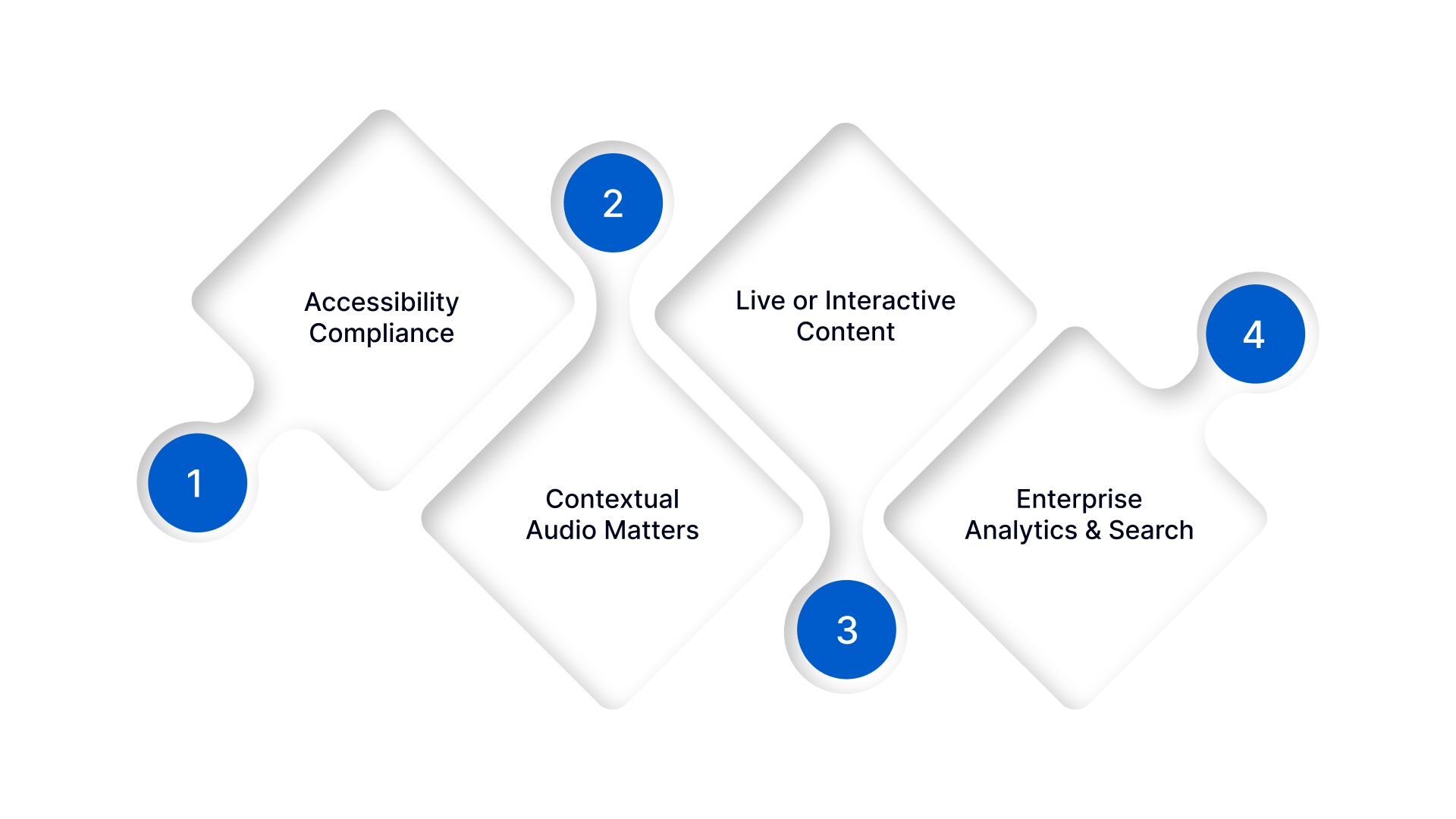
- Accessibility Compliance: Required for all viewers, including those with hearing impairments.
- Contextual Audio Matters: Includes alerts, background sounds, or music important for comprehension.
- Live or Interactive Content: Ideal for webinars, e-learning, or corporate communications where speaker identification is critical.
- Enterprise Analytics & Search: Enables video indexing, searchability, and AI-driven insights.
When to Use Subtitles
Subtitles are ideal when the main goal is language comprehension or localisation rather than capturing every audio detail. They help enterprises reach multilingual audiences while ensuring dialogue is clearly understood.
- Multilingual Reach: Translate dialogue for non-native speakers to broaden audience access.
- Dialogue-Focused Comprehension: Emphasises understanding spoken words without full audio context.
- Pre-Recorded or Streaming Content: Works well when timing and sync are sufficient for comprehension.
- Minimal Analytics Requirements: Suitable when non-verbal cues and detailed metadata aren’t necessary.
Looking to implement accurate closed captions or subtitles across multiple languages? Reverie’s Speech-to-Text can automate transcription, maintain perfect sync, and simplify multilingual video workflows. Schedule a call today to see how it can streamline your video operations!
Also Read: Power of Speech to Text API: A Game Changer for Content Creation
Now, let’s explore how Reverie’s Speech-to-Text API streamlines the creation of accurate closed captions and subtitles for video platforms.
Reverie’s Speech-to-Text API: Powering Captioning & Subtitling
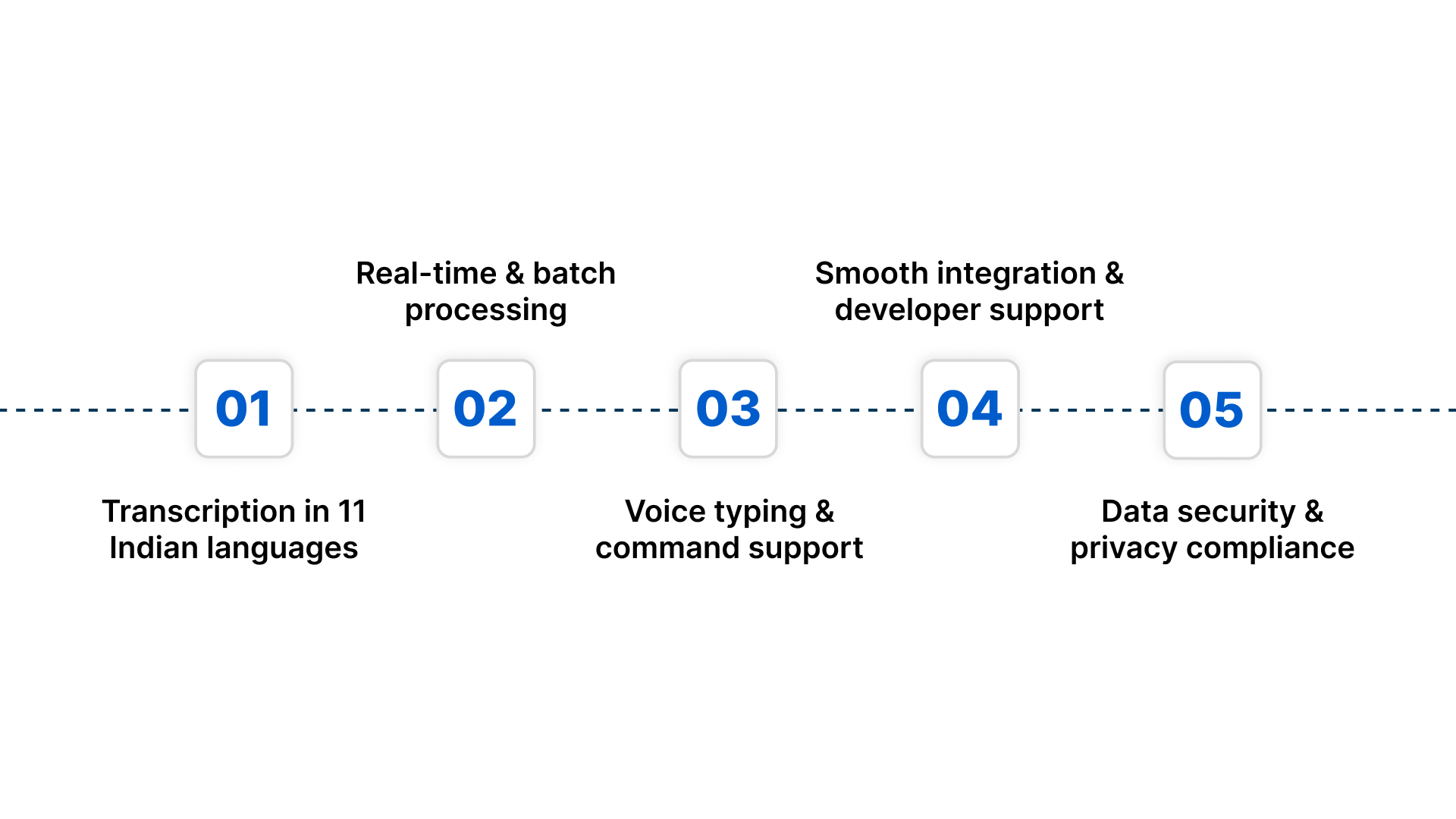
Reverie’s Speech-to-Text API enables your business to convert spoken voice into text reliably. It is designed for Indian languages, multilingual content, and real-world enterprise scenarios, ensuring accuracy even with regional accents and code-switching. Here’s how it can support your operations:
- Transcription in 11 Indian languages: Seamlessly convert conversations, including regional or mixed-language content, into correctly punctuated text.
- Real-time and batch processing: Monitor calls live or process large volumes of audio later, giving you flexibility in how you analyse voice data.
- Voice typing and command support: Enable users to create text by speaking or to invoke actions via voice commands.
- Smooth integration and developer support: Use APIs or SDKs with clear documentation and a testing playground to integrate speech transcription into your CRM, contact center, or internal systems.
- Data security & privacy compliance: Reverie encrypts data and adheres to strong privacy standards, essential for sectors such as legal, healthcare, and finance.
With accurate multilingual transcription, Reverie’s Speech-to-Text API enhances engagement and efficiency. Clients have achieved a 37% overall improvement in sales. Contact us to explore similar results.
Final Thoughts
Choosing between closed captions and subtitles depends on your audience and content goals. Closed captions include all audio details, making videos accessible to everyone. Subtitles focus on spoken words, helping viewers understand dialogue and reach audiences in multiple languages.
Using Reverie’s Speech-to-Text API simplifies the creation of precise, time-coded captions and subtitles across multiple Indian languages. The platform supports real-time and batch processing, reduces manual effort, and ensures high accuracy even with regional accents and code-switching, making enterprise video workflows more efficient.
Want to Create Accurate Captions and Subtitles Effortlessly? Sign up for Reverie’s Speech-to-Text API today to streamline video workflows, ensure precise transcription, and improve accessibility and engagement for all viewers.
FAQs
1. Can closed captions and subtitles be used together in the same video?
Yes, videos can include both. Closed captions provide full accessibility with audio context, while subtitles enable language translation. Combining them supports multilingual audiences and compliance without compromising user experience.
2. How does code-switching in Indian languages affect transcription accuracy?
Frequent code-switching between Hindi and English, or between regional languages, can reduce standard ASR accuracy. Enterprise-grade STT APIs trained on Indian-language patterns maintain accurate transcription and context recognition, ensuring reliable captions and subtitles.
3. Are real-time captions suitable for live webinars in India?
Absolutely. Real-time closed captions enable live comprehension and compliance, while live subtitles assist multilingual viewers. Integration with enterprise platforms ensures seamless display without delay.
4. Can subtitles support regional dialects and minority languages in India?
Yes, modern STT solutions can transcribe and translate across multiple Indian languages and dialects. This expands reach to underserved linguistic audiences while maintaining timing and readability.
5. How do captions and subtitles enhance enterprise analytics?
Closed captions with metadata enable searchable transcripts, sentiment analysis, and AI-driven insights. Subtitles primarily enhance comprehension but contribute indirectly to engagement metrics across multilingual audiences.

