Businesses today handle more voice data, customer calls, field interactions, support conversations, product demos, internal meetings, and more. And across India’s multilingual landscape, organisations are increasingly relying on transcription software to turn these everyday conversations into usable, searchable, and actionable data.
Companies like CARS24 are already showcasing the impact at scale. They process over 20,000 hours of customer–agent conversations every month across 14 Indian languages and dialects, transforming raw voice interactions into insights that strengthen decision-making.
Similarly, Meesho manages nearly 60,000 customer calls daily, using multilingual voice tech to support Hindi- and English-speaking users, achieving ~95% resolution and reducing average handle time by almost 50%.
If your teams are still manually transcribing voice notes, meetings, or multilingual customer conversations, it’s becoming a competitive disadvantage. Accurate and scalable transcription software helps convert massive volumes of voice data into high-value text, supporting faster workflows, better customer understanding, and smoother documentation.
This blog explores the eight best transcription software tools in 2025, comparing features, pricing, and suitability for multilingual, large-scale operations.
At a Glance
- Transcription software automates the speech-to-text process, helping teams save time, improve accuracy, and scale their operations.
- Key features include speaker labels, custom vocabulary, real-time transcription, integrations, and regulatory compliance.
- Reverie’s Speech-to-Text API is best suited for Indian B2B use, supporting 11 Indian languages, real-time and batch modes, domain adaptation, and enterprise-grade security.
- Other tools like Rev AI, Otter.ai, and Reduct.Video offers strong features, but may lack regional language depth or local deployment flexibility.
- Select transcription software that aligns with your business objectives, language requirements, integration needs, and data management standards.
What Transcription Software Is and How It Improves Productivity?
Transcription software converts spoken language from audio or video files into written text. It uses Automatic Speech Recognition (ASR) and AI algorithms to identify words, detect speakers, and understand context with high accuracy.
While earlier solutions were built mainly for basic speech-to-text conversion, today’s transcription tools go far beyond that. Modern options now allow you to:
- Recognise and differentiate multiple speakers during a conversation.
- Support voice and screen recordings from both offline and online meetings.
- Provide speaker labels and precise timestamps for every segment.
- Translate speech across different languages for multilingual workflows.
- Highlight key terms, generate summaries, and export transcripts into various file formats for easy sharing and analysis.
For Indian businesses, particularly in sectors such as healthcare, education, banking, or customer support, these capabilities help automate documentation, improve data accuracy, and boost team productivity.
To maximise the benefits of transcription software, it’s essential to understand which features have the most direct impact on performance, accuracy, and scalability.
Also Read: What is ASR: Full Form and Its Significance in Voice Technology
Key Features to Consider in a Transcription Software

Selecting the right transcription software requires a keen focus on capabilities that match your business’s scale, workflow complexity, and regulatory needs. Here are the essential features you should evaluate:
1. Automatic Transcription & Speaker Identification
Good transcription software should accurately and efficiently convert speech to text. It should also detect when different people are speaking and label each speaker clearly. This makes the transcript easier to read, review, and share with your team.
2. Multi-Language Support
If your business deals with multiple languages, you’ll need software that can handle more than just English. Many modern tools support regional and global languages and can switch between them during the same conversation.
3. AI Meeting Summaries & Notes
Some tools now offer automatic summaries and highlights after the transcription is done. These summaries help you quickly understand the key points of a meeting or recording without having to read the full text.
4. Integrations & Collaboration Options
Transcription software should seamlessly integrate with your existing tools, such as video conferencing apps, CRMs, or file-sharing platforms. Features such as speaker timestamps, team access, and editable transcripts make it easier for different teams to collaborate.
5. Security & Compliance
Transcription often involves sensitive information. Ensure the tool you choose utilises proper encryption, adheres to data protection guidelines, and provides secure storage. Some tools also offer on-premises setup for greater control over your data.
With these features in mind, it’s time to explore the top transcription software options available in 2025.
Also Read: 5 Key Uses of Speech-to-Text Transcription in Business
Top 8 Transcription Platforms for 2025
Transcription needs vary across industries, from real-time meeting notes to multilingual customer call analysis. Whether you prioritise speed, accuracy, language support, or integration capabilities, choosing the right tool is critical to your workflow.
Here are the 8 best transcription software options to consider in 2025:
1. Reverie’s Speech‑to‑Text API
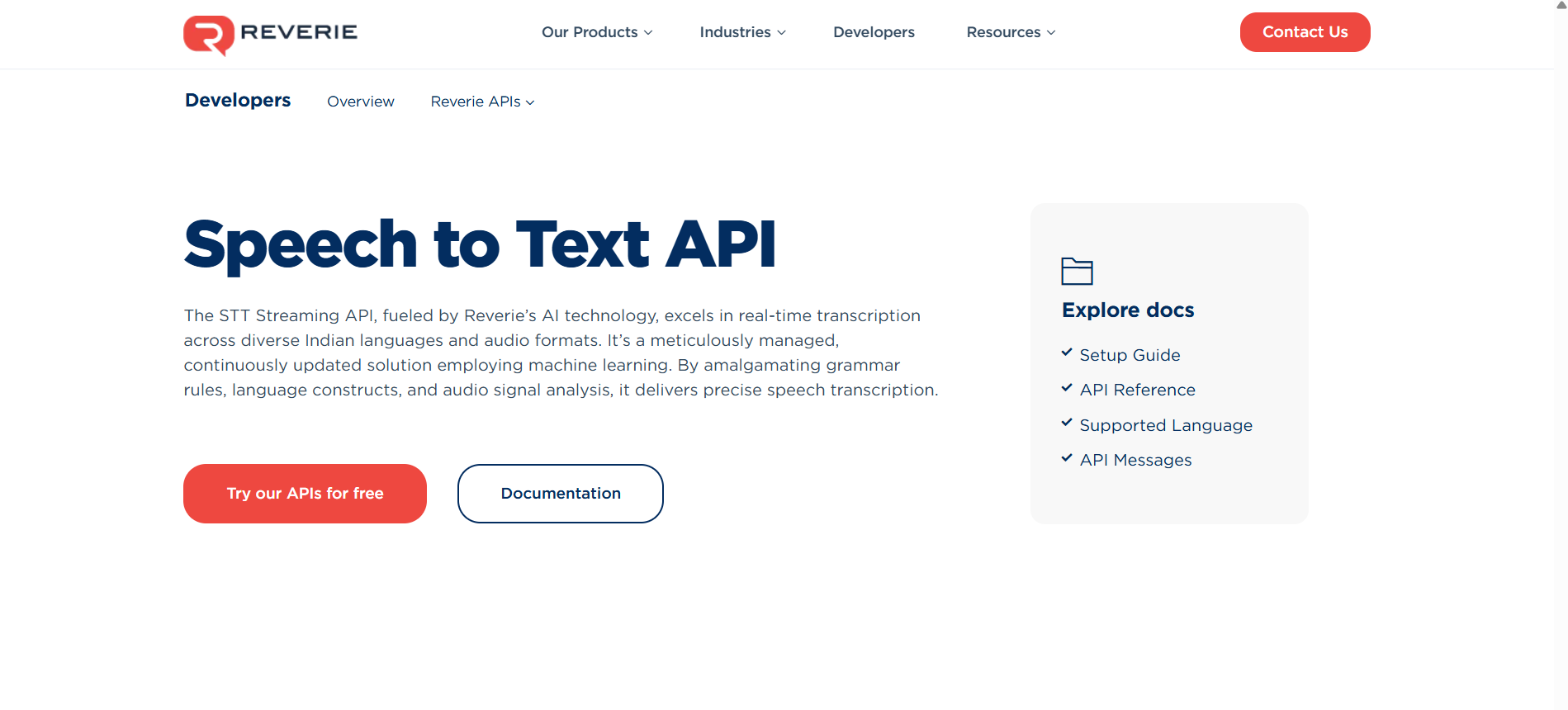
Reverie’s Speech‑to‑Text API is a high‑accuracy, AI‑powered transcription service designed to convert spoken audio into written text. Using an advanced ASR (Automatic Speech Recognition) model and tailored language constructs, it supports live streaming and batch audio across multiple Indian languages and formats. This enables businesses to analyse and utilise voice data effectively.
Key Features
- Multilingual & Indian Language Support: The API supports 11 Indian languages (including Hindi, Tamil, Telugu, Kannada, Bengali, etc.), enabling you to handle regional-language audio at scale.
- Real-time & Batch Transcription: Whether you have live audio streams (e.g., voice assistants, IVR calls) or pre-recorded files, it offers both streaming and file-based modes to suit different workflows.
- Custom Vocabulary and Domain Adaptation: You can tailor the transcription engine with domain-specific vocabulary (industry-specific terms) and context-aware constructs, thereby improving accuracy in specialised sectors.
- Secure Deployment & Flexible Integration: Options for cloud-based or on-premise deployment, enterprise-grade encryption, SDKs, and developer-friendly documentation make it enterprise-ready and easy to integrate with your systems.
- Value-Added Features: Speaker Labels, Punctuation, and Keyword Spotting. The API adds punctuation, identifies speakers (where required), handles profanity filtering, and supports analytics (including keyword spotting and sentiment cues). This helps convert transcripts into actionable text.
Pricing
Reverie offers a range of pricing plans to fit every budget. Whether you are a small business or a large enterprise, you get a plan that suits your needs.
Best for which industries
The API is especially relevant for Indian B2B operations that require scalable, multilingual voice‑to‑text conversions. Ideal industries include:
- Healthcare: for multilingual consultations, audio‑to‑text documentation.
- Education: for lecture transcription, regional‑language learning materials.
- Banking & BFSI: for customer‑call analytics, voice‑bots, IVR transcription.
- E‑commerce & Customer Support: for voice search, multilingual customer voice data analytics.
- Automotive: for in‑car voice assistants with regional language support.
- Legal & Compliance: for transcription of audio evidence, multilingual proceedings.
In short, with support for 11 Indian languages, real‑time and batch transcription, enterprise‑grade security, and seamless integration into your tech stack, Reverie’s Speech‑to‑Text API is the clear winner for businesses looking to scale multilingual voice‑to‑text capabilities across India.
2. Rev AI
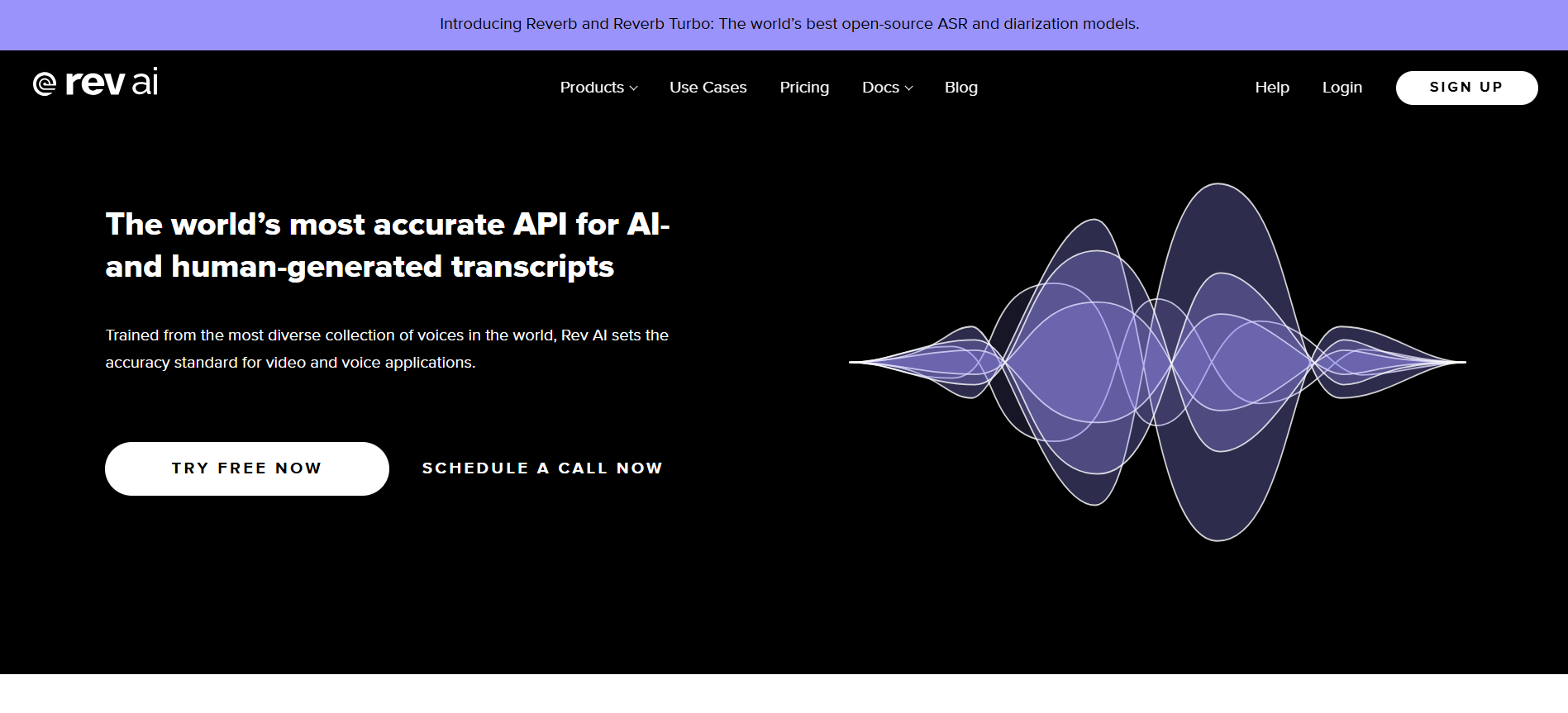
Rev AI is a transcription platform that offers both AI‐powered and human‑transcribed services to convert audio and video into text with high accuracy. It supports uploads of recordings, live meetings, and integrates with multiple formats, enabling businesses to generate searchable and editable transcripts.
Key Features
- Asynchronous Transcription: You can upload audio or video files and receive machine‑generated transcripts in minutes.
- Streaming (Real-Time) Transcription: The platform supports live transcription of streaming audio or video, allowing you to capture spoken content as it occurs.
- Comprehensive Insights & LanguageTools: Beyond transcription, RevAI offers language identification, topic extraction, and sentiment analysis as part of its feature set.
Pricing
- Pay-as-you-go pricing: Starts at $0.10 to $0.30 per hour, depending on the transcription type and language. For example, Reverb Turbo (English) is $0.10/hour, and Foreign Language support is $0.30/hour.
- Enterprise plans: Offer volume-based pricing with custom terms, free evaluation credits, and dedicated account management. Pricing is flexible and tailored based on usage.
Best for which industries
Legal, Research & Consulting, Journalism, Video Distribution, Education, Technology.
While Rev AI offers solid transcription capabilities, the platform often lacks domain-specific vocabulary tuning and IVR integrations tailored for local business contexts.
3. Otter.ai
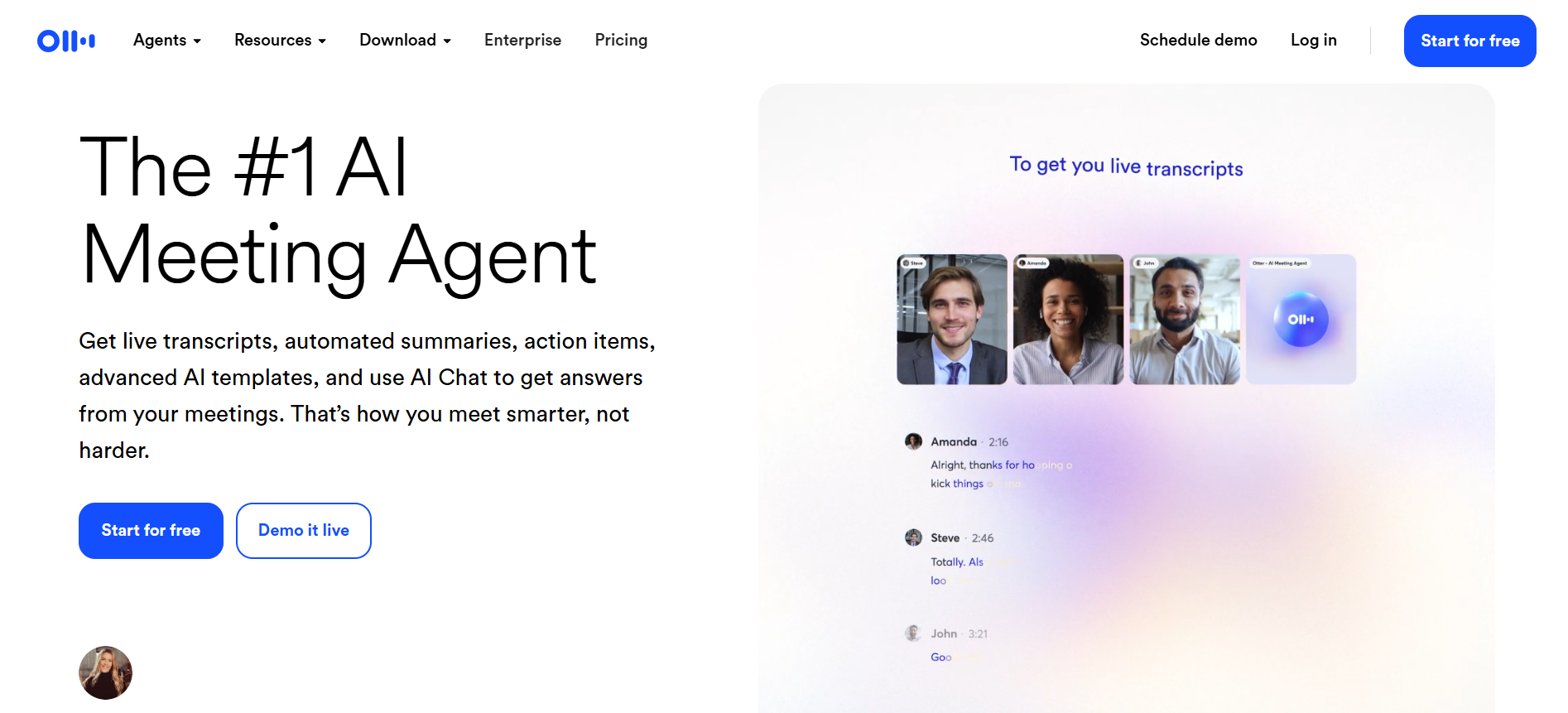
Otter.ai is an AI-powered transcription and meeting productivity tool that converts spoken language into searchable text in real-time and from uploaded recordings. It integrates with major video conferencing platforms and supports collaborative workflows for teams.
Key Features
- Live Transcription & Meeting Assistant: Otter.ai can join live meetings on platforms like Zoom, Google Meet, or MS Teams, transcribe in real time, and provide editable transcripts.
- Custom Vocabulary & Searchable Notes: This feature enables you to define team-specific vocabulary, tag speakers, and highlight keywords. Transcripts can be searched by speaker, keyword, or date.
- Automated Meeting Summaries & Action Items: Beyond transcription, Otter.ai generates summaries, captures action items, and provides collaborative features for team follow‑up.
Pricing
- Free (Basic) plan available: 300 monthly transcription minutes, live transcription, speaker identification.
- Pro plan: US $16.99/user/month (or US $8.33/user/month billed annually) with 1,200 monthly minutes and advanced features.
- Business plan: US $30/user/month (or US $19.99/user/month billed annually) with 6,000 minutes, up to 4‑hour conversations, and admin controls.
- Enterprise plan: Custom pricing for large teams with full integrations, SSO, and advanced security.
Best for which industries
Education, Sales, Recruitment, Media, SDR (Sales Development & Lead Generation)
Otter.ai offers strong meeting-focused transcription capabilities, but its features are primarily designed for team collaboration. It lacks advanced support for Indian languages, domain-specific speech accuracy, and seamless offline processing, making it less effective for organisations that require deep linguistic flexibility and high transcription accuracy across regional contexts.
4. Reduct
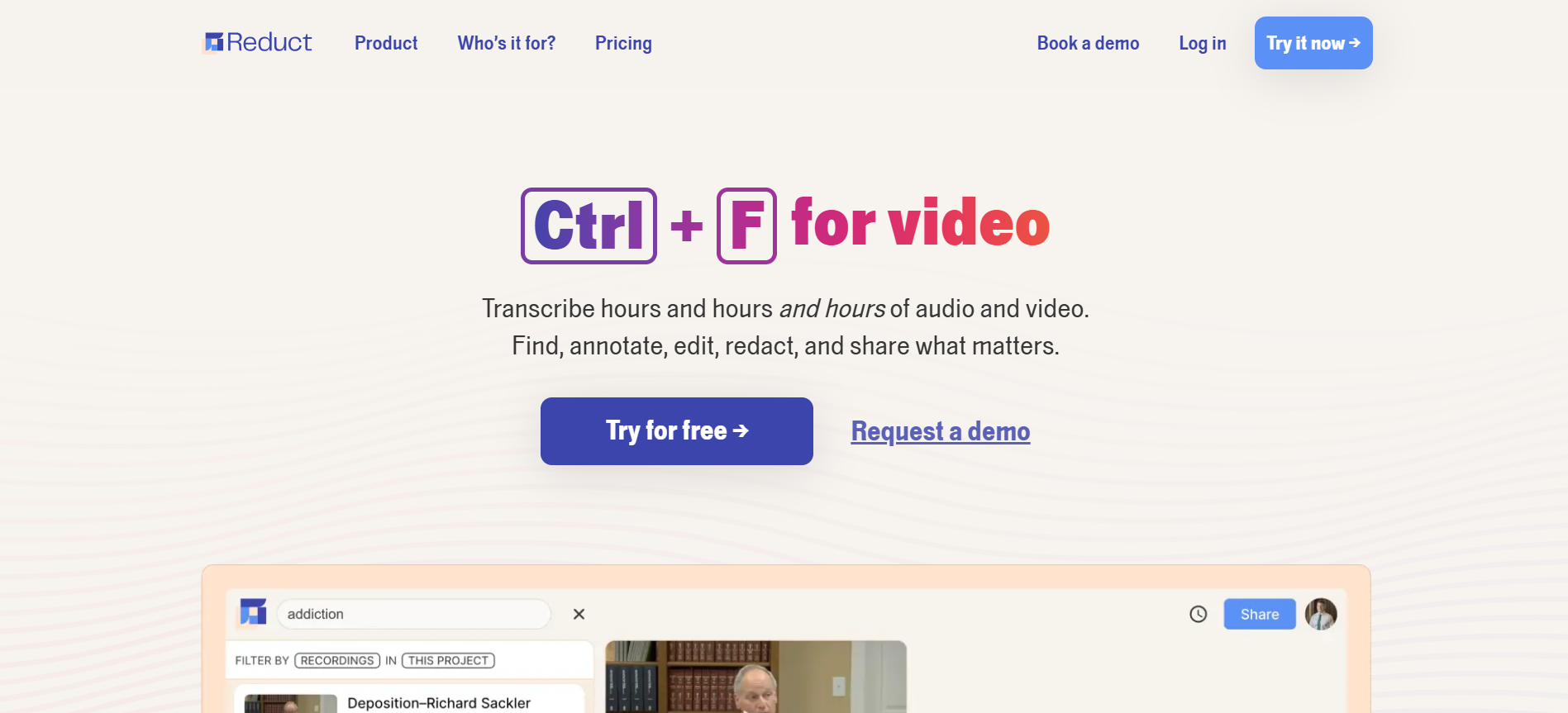
Reduct is a transcription platform designed to simplify the way professionals work with recorded content. It converts audio and video files into searchable, editable transcripts, empowering users to edit videos by simply editing the text.
Key Features
- Time-stamped AI Transcripts: Accurately transcribes videos and aligns the text with corresponding audio for easy review and editing.
- Online Transcript Editor: Allows users to edit transcripts directly in the browser and reflects those changes in the associated video.
- AI-Generated Summaries & Fuzzy Search: Supports advanced search within transcripts and auto-generates concise summaries for quick understanding.
Pricing
- Personal Plan ($12/editor/month): includes 120 hours of transcription per year.
- Professional Plan ($40/editor/month): includes 300 hours of transcription and advanced collaboration features.
- Enterprise Plan (Starts at $75/editor/month): includes 4K exports, SSO integration, and customised usage models.
Best for which industries
Public Defence & Legal, Qualitative Research, Filmmaking & Production, Marketing & Content, Education & Training.
While Reduct offers robust transcription and video-editing features, its pricing is relatively high for teams requiring continuous, multilingual, or real-time transcription support, which limits accessibility for broader applications.
5. Transcript LOL
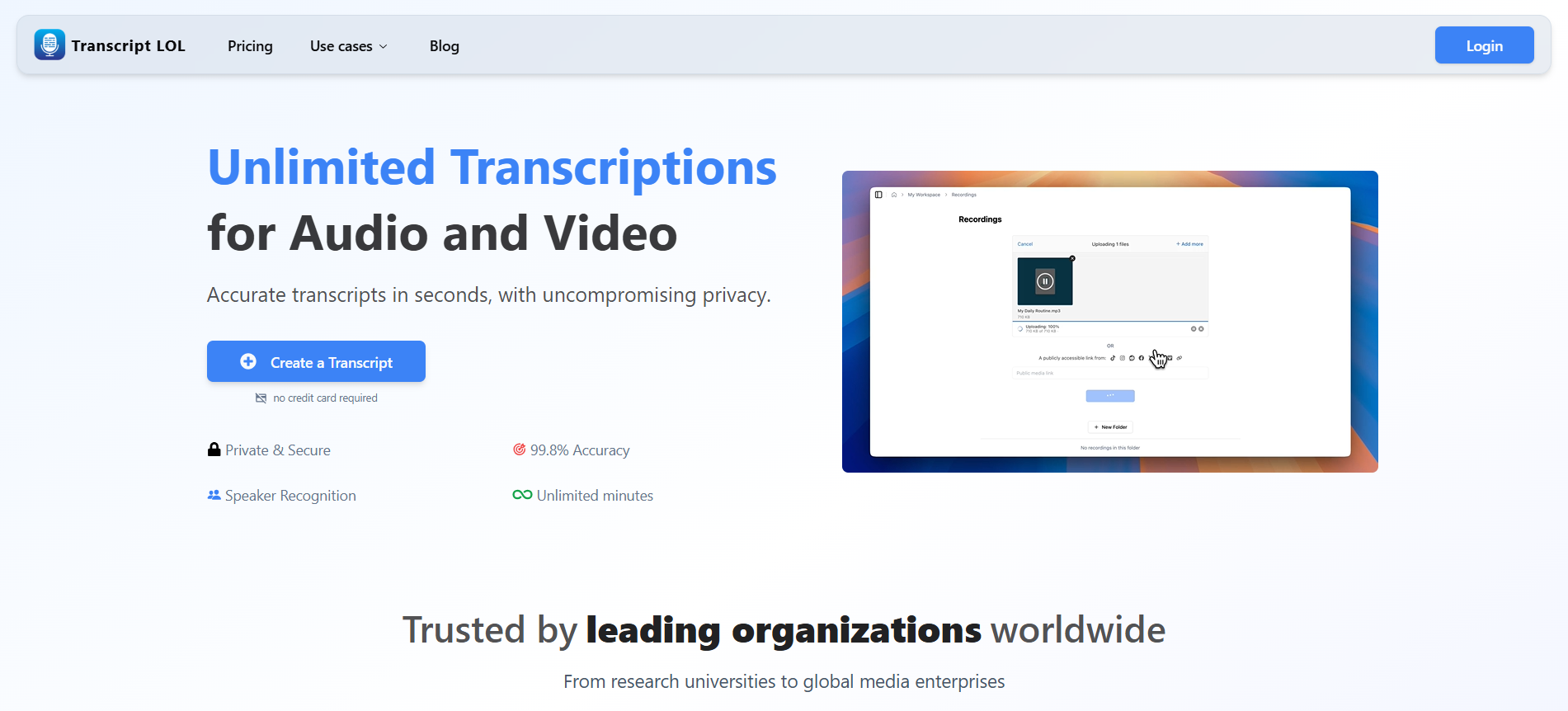
Transcript LOL is an AI-powered transcription platform built for speed, privacy, and high-accuracy audio-to-text conversion. With an intuitive interface and a powerful backend powered by OpenAI’s Whisper, it ensures ultra-fast turnaround times and support for long audio files. It is designed for individual users and teams alike who seek unlimited, secure transcriptions across varied formats and sources.
Key Features
- State-of-the-Art AI Engine: Delivers high accuracy, ultra-fast results, and supports long uploads (up to 10 hours).
- Speaker Detection & Custom Vocabulary: Automatically identifies speakers and supports user-defined terms for precise outputs.
- Multi-Format Export & Integrations: Export to TXT, DOCX, PDF, SRT, VTT, and more with seamless integration from platforms like Google Drive, Dropbox, and Zoom.
Pricing
- Free Plan: 2 files daily, 20-minute uploads, lower processing priority.
- Unlimited Plan ($10/month (billed annually): Unlimited files, 10-hour uploads, priority processing, summaries.
- Team Plan ($20/month/user): Includes shared workspaces and access management.
Best for which industries
Churches, Content Creators, Customer Support, Engineering Teams, Executive Meetings, Healthcare, Journalists, Legal, NGOs, Online Meetings, Podcasters.
Although Transcript LOL boasts support for 50+ languages, one thing Transcript LOL could improve is its transcript editing features. While you can edit transcripts, options like bold, underline, or highlight are missing, which limits formatting flexibility.
6. Castmagic
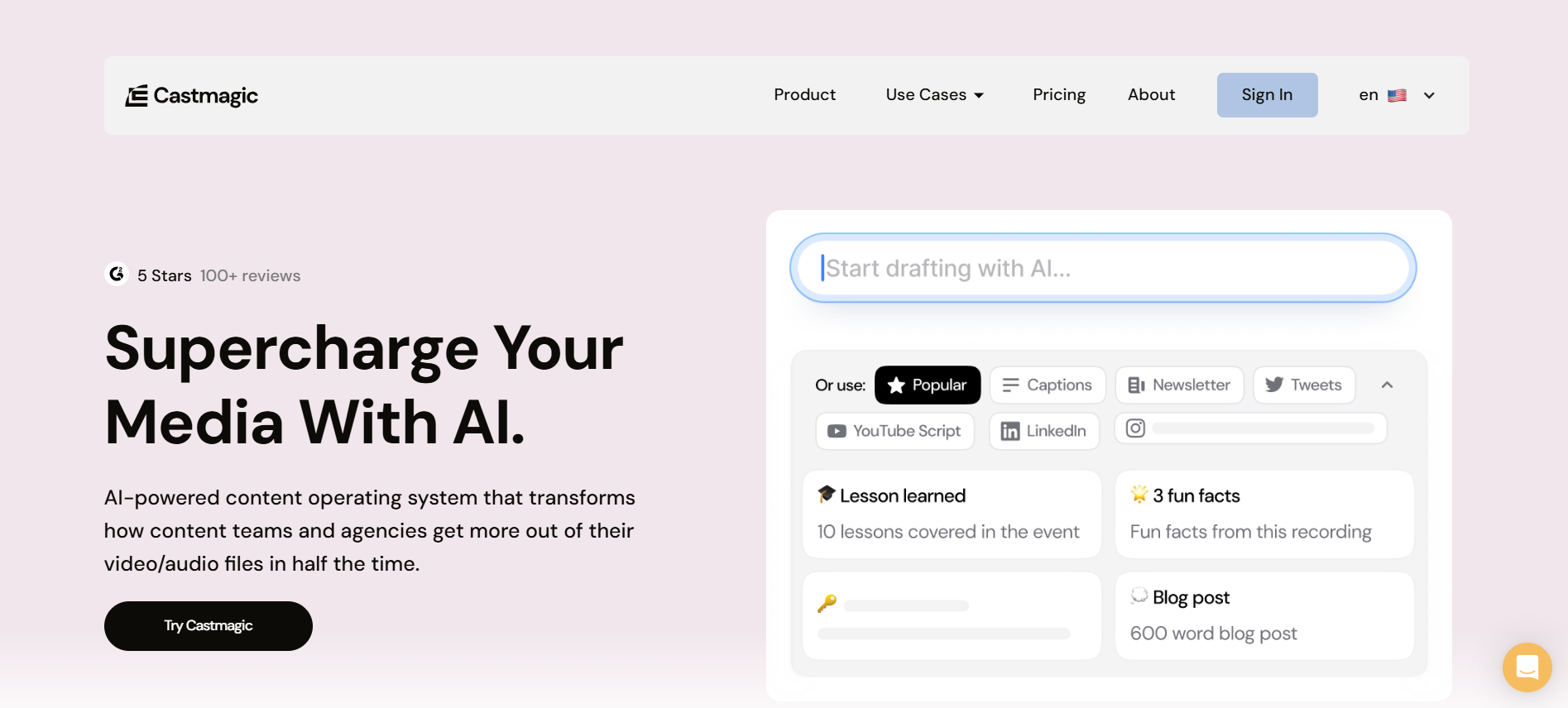
Castmagic is an AI-powered content operating system that converts audio and video recordings into rich content assets. It transcribes, summarises, and repurposes media into multiple formats, such as blog posts, newsletters, social media captions, and more, making it ideal for teams focused on content creation and distribution.
Key Features
- AI-Powered Instant Transcription & Content Repurposing: Transforms one recording into dozens of assets such as blog posts, LinkedIn updates, and newsletters.
- Editable Templates & Brand Voice Matching: Ensures output aligns with brand tone and includes pre-formatted content types.
- Campaign Builder & Workflow Management: Supports content reuse across clients or brands with folder structure, permissions, and workflows.
Pricing
- Hobby ($21/month (billed annually)): includes 5 hours of transcription and 5 seats.
- Starter ($79/month (billed annually): includes 20 hours/month and 10 team seats.
- Business ($790/month (billed annually): includes 80 hours/month and 20 team seats.
Best for which industries
Marketing & Creative Agencies, Internal Media Teams, Podcast Networks, Executive Branding Teams.
While Castmagic offers strong content repurposing features, it lacks alignment with use cases that demand high transcription fidelity, linguistic adaptability, or specialised speech contexts. Additionally, its higher price point limits scalability for more technical or high-volume transcription needs.
7. VOMO AI
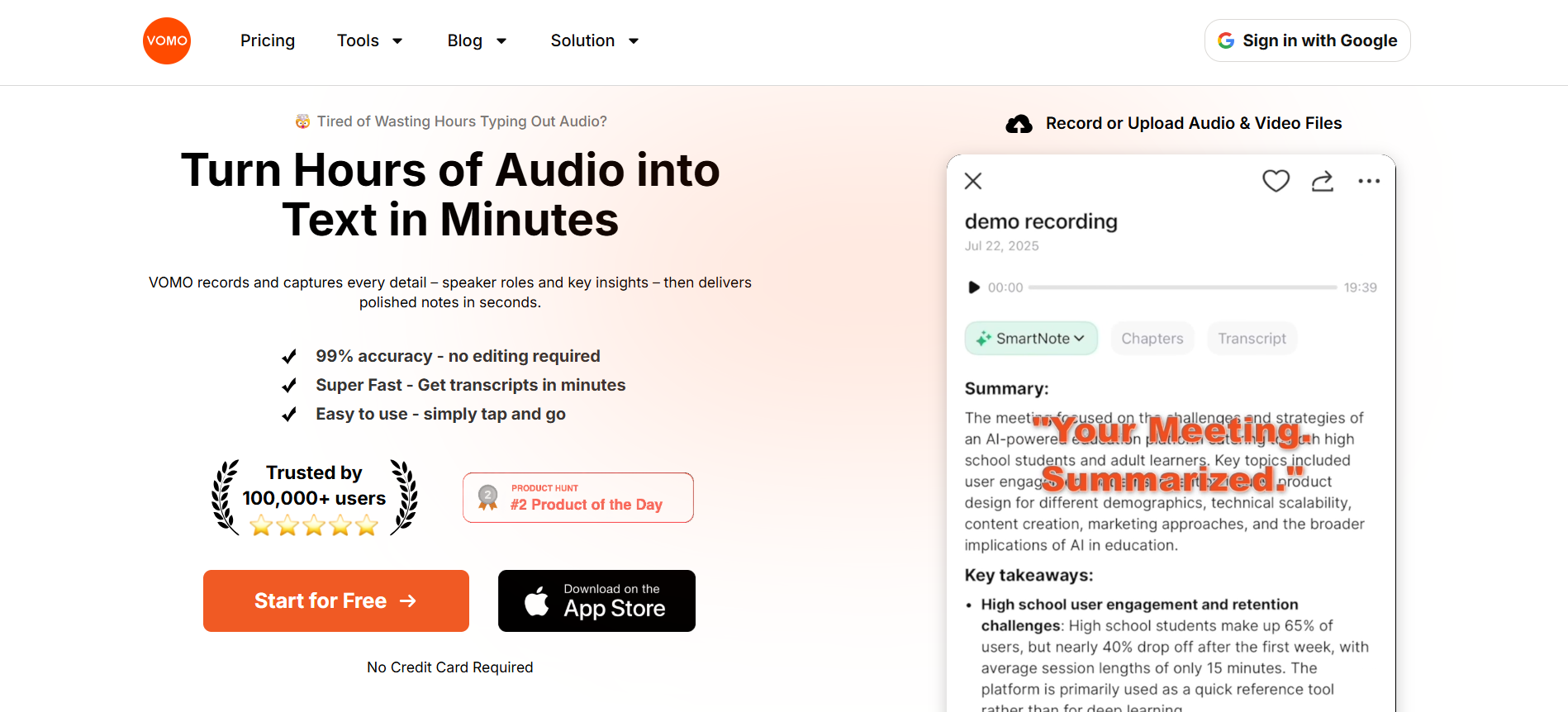
VOMO AI is a transcription software that transforms audio and video files into accurate, structured text within minutes. Built to streamline note-taking, meeting summaries, and content extraction, it emphasises automation and simplicity.
Key Features
- AI Meeting Summaries: Automatically generates structured notes that highlight key points from meetings, making it easier to stay productive and focused.
- Scene Template Matching: Intelligently identifies and applies the best formatting templates for recordings, reducing manual work and ensuring consistent documentation.
- Chat with Your Transcript: Users can interact with transcripts through a chat interface, helping extract deeper insights or clarify details.
Pricing
- Free: Includes 30 minutes of transcription weekly, speaker identification, and structured note generation.
- Pro ($1.92/week or $99.99/year): Offers unlimited transcription time weekly, premium access, and ChatGPT-style interactions with transcripts.
Best for which industries
Podcast, Media, Legal, Healthcare, Finance, HR & Recruitment.
While VOMO AI offers quick transcription and note generation, it’s narrowly focused on meeting summaries and content repurposing, rather than full-fledged end-to-end speech-to-text capabilities.
8. Alice
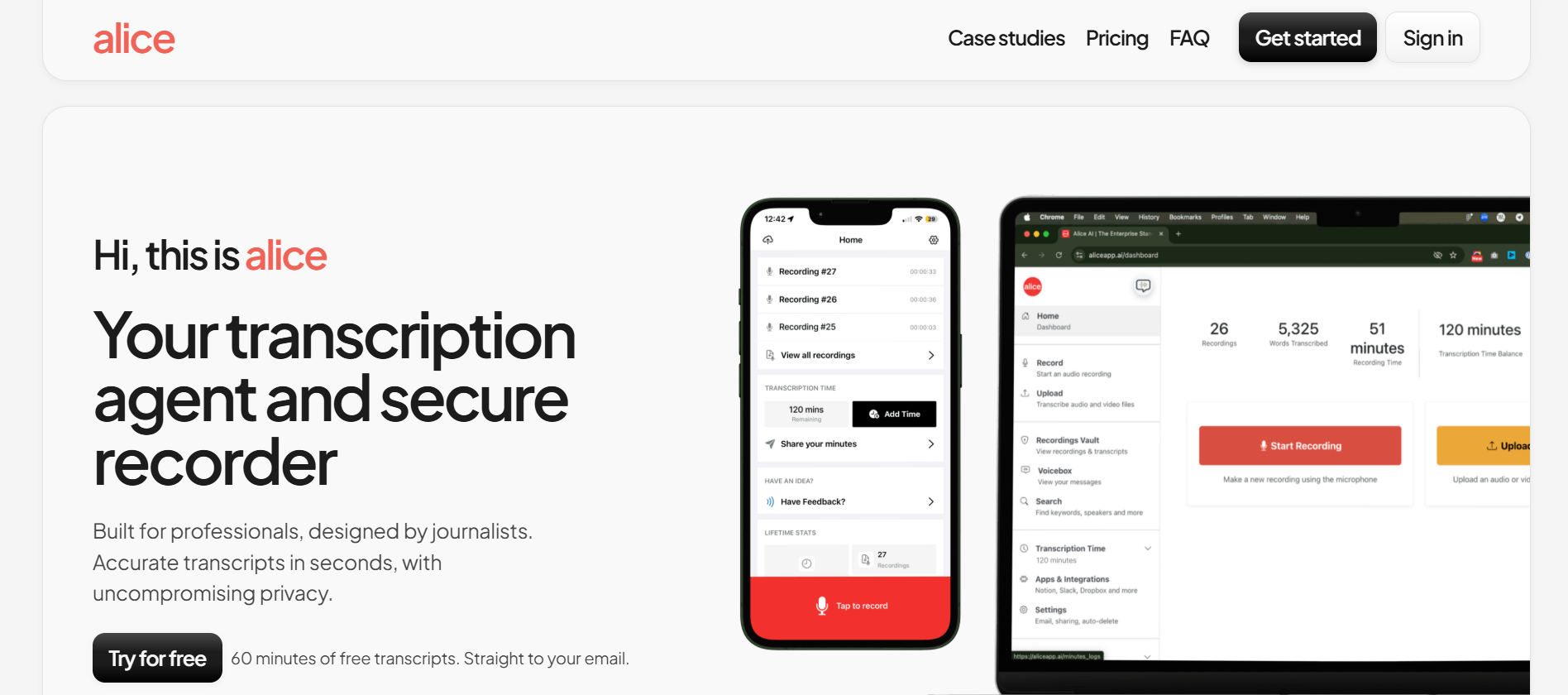
Alice is a secure, AI-powered transcription and voice recording tool designed with journalists and professionals in mind. It captures high-quality audio in real-time and delivers accurate transcripts within seconds. With a strong emphasis on privacy and usability, Alice enables users to record, upload, transcribe, and review all within a single, seamless interface.
Key Features
- Enterprise-Grade Security & Compliance: Alice ensures privacy through full control over recordings and compliance with key regulations, including GDPR, CCPA, HIPAA, and more.
- Integrations with Workflow Tools: Easily connects with Notion, Slack, Google Drive, and other apps to build a streamlined voice-data workflow.
- Global Language Support: Supports transcription in many languages and dialects, making it suitable for international use cases.
Pricing
- Lite ($9.99/hour): Buy in 1-hour increments. Best for single speech, interviews, or meetings.
- Standard ($4.99/hour): Buy in increments of 20 hours. Includes priority email support. Ideal for interviews, research projects, and articles.
- Large ($2.99/hour): Buy in increments of 100 hours. Includes priority email + phone support. Best for archives, oral histories, client notes, and conferences.
Best for which industries
Journalism, Academia, Research, and Finance.
While Alice excels in privacy and multilingual support, its usage‑based pricing model can quickly become expensive for high‑volume transcription needs.
Also Read: How Reverie’s Speech-to-Text API is Reshaping Businesses in India
Conclusion
Choosing the right transcription software in 2025 isn’t just about speed or accuracy; it’s about finding a tool that suits the scale, complexity, and multilingual needs of businesses across various sectors, from healthcare to banking. From speaker detection and timestamping to real-time processing and integration with your tech stack, these tools have the ability to serve various businesses at scale.
Among these, Reverie’s Speech-to-Text API stands out as the best option for Indian enterprises looking to integrate multilingual transcription into their digital workflows. Built specifically for various business use cases, it supports over 11 Indian languages, real-time and batch transcription, domain-specific vocabulary tuning, and enterprise-grade security.
So why wait? Sign up with Reverie today and future-proof your transcription workflows.
FAQs
1. What’s the difference between machine transcription and human‑edited transcription?
Machine transcription utilises AI to automatically convert speech to text, offering a lower cost and faster turnaround. Human-edited transcription, on the other hand, adds a proofreader for higher accuracy in complex or noisy recordings.
2. Can transcription software handle very poor‑quality audio or strong regional accents reliably?
The accuracy drops in such conditions; noise, multiple speakers, heavy accents, or dialects increase word‑error rates significantly. So you must check the vendor’s performance in similar conditions.
3. Are there data security or compliance concerns when deploying transcription software in regulated sectors like healthcare or banking?
Yes. You must validate that the provider supports encryption, on‑premise or private‑cloud options, audit logs, data residency, and complies with regulations (HIPAA‑style, GDPR‑style) to avoid legal and reputational risk.
4. Is it better to use AI transcription or human-powered transcription?
Use AI for speed and volume; use human-powered for very high accuracy or complex audio. AI is now very good, but humans still excel in difficult or technical content.
5. Will the transcription be accurate with background noise or multiple speakers?
Accuracy depends on the tool; good ones handle noise and speaker separation better, but very noisy audio or overlapping speakers can still be challenging.

